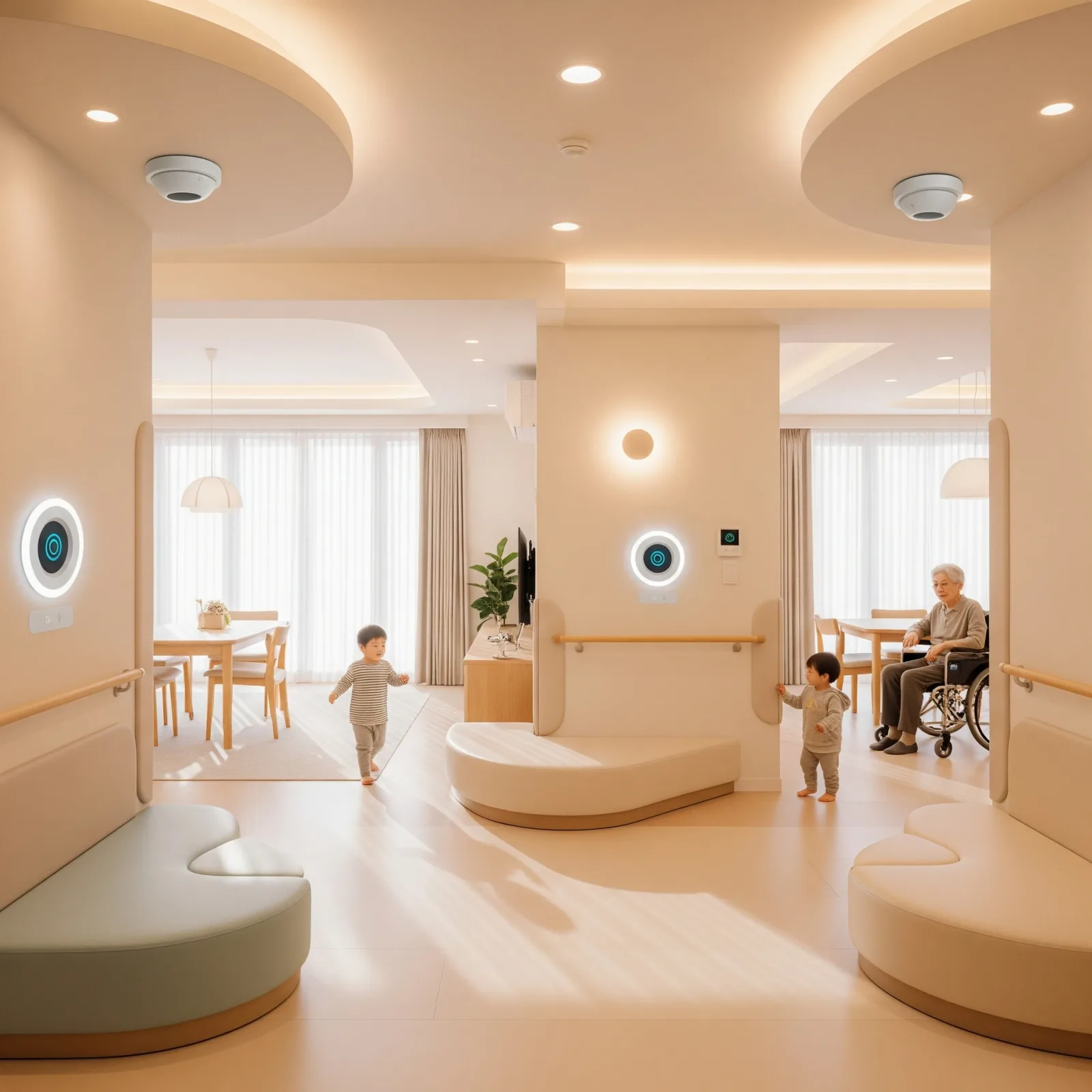
Home Must Be the Safest Place for Everyone
As technology advances, a home must be more than shelter — it must be a space where every family member feels genuinely safe, especially elderly parents and young children who face the highest risk of home accidents.
Common Risks for Elderly and Young Children at Home
Falls are the leading cause of home injuries. Elderly residents with reduced muscle strength and impaired balance are most at risk in bathrooms, on stairs, and along corridors. Young children with fast, unpredictable movement share many of these risks. Walking in the dark without sufficient lighting compounds danger for both groups. Complex appliance controls and the absence of emergency alert systems mean that when something goes wrong, help often arrives too late.
Fall Detection Sensors
Installed in bathrooms, bedrooms, and main corridors, fall sensors push immediate smartphone alerts to family members when a fall is detected. They connect to LINE or the Home Assistant app for rapid notification. คุณปรีชา, age 75, in Chiang Mai, had a complete system installed by his son — guide lighting, an SOS button, and fall detection. When a fall occurred in the bathroom, the alert was immediate, his Bangkok-based son dispatched a neighbor in time, and the outcome was significantly better than it would have been without the system. His quality of life and confidence have improved noticeably since installation.
Automatic Guide Lighting
LED lighting activates automatically when motion sensors detect movement — installed along the path from bedroom to bathroom. Low power consumption, soft enough not to disrupt sleep, and self-deactivating when no further movement is detected. This single feature eliminates one of the most common nighttime accident scenarios in elderly households with almost no ongoing maintenance.
SOS Buttons and Voice Control
SOS buttons positioned beside the bed and inside the bathroom activate an in-home alarm and send a simultaneous LINE notification to family members with one press. Voice commands through Google Assistant or Alexa allow elderly residents to control lights and appliances without walking to a switch — a meaningful quality-of-life improvement for those with limited mobility.
AI Cameras and Full Mobile Control
AI cameras learn each resident's normal behavioral patterns and alert when anomalies appear, automatically recording events for review. Home Assistant, Tuya/Smart Life, and Google Home all support unified device control from a single app — live status checks, automation rules, and real-time alerts from anywhere. ครอบครัวคุณณัฐ, with a three-year-old child, combined an AI camera with door sensors and configured alerts for whenever the child approached the staircase or the front door opened — giving both the nanny and the parents comprehensive remote oversight of the home.