Why Smart Home Security Requires More Than Cameras
CCTV alone records events after they happen — it doesn’t prevent them or send real-time alerts. A complete Smart Home Security system needs five components working together: a Sensor Network (detection), Automation Logic (decision-making), an Alert System (notification), a Control Dashboard (monitoring), and Resilience Design (continued operation during failures).
Designing the Security Dashboard in Home Assistant
A well-designed security dashboard shows all critical information on a single screen:
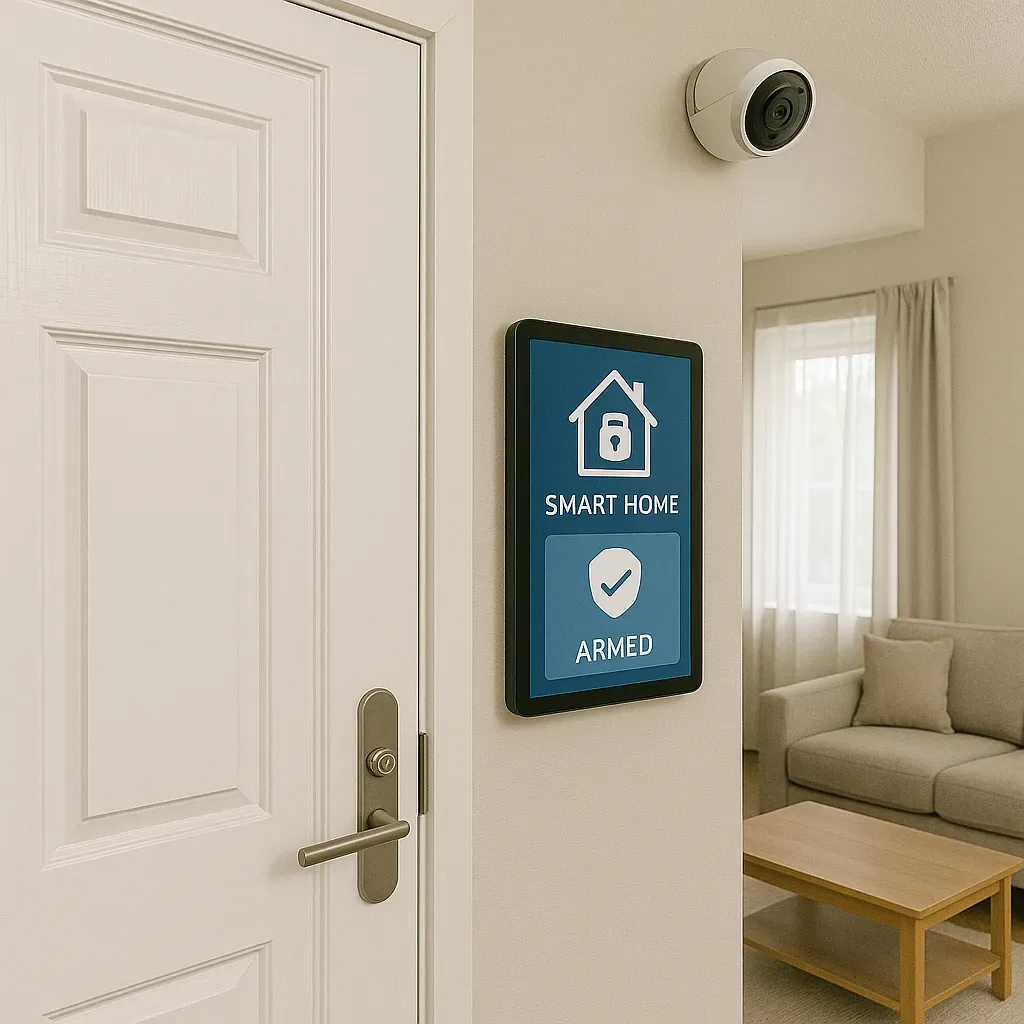
Card 1 — Alarm Panel: Current Armed/Disarmed status with ARM Away / ARM Home / Disarm buttons accessible from mobile.
Card 2 — Camera Grid: Live feeds from all cameras simultaneously via picture-entity cards or Frigate Card showing recent detection events.
Card 3 — Sensor Status: Door/window sensor status for every point, colour-coded by zone — green (closed) / red (open/alert). Floorplan Card shows sensor positions on the floor plan.
Card 4 — Recent Events: 24-hour security event log with timestamps and camera snapshots using Logbook Card or a custom history timeline.
Card 5 — System Health: Battery level for all sensors, camera online/offline status, and UPS/power backup status.
Multi-Channel Alert System
Relying on a single notification channel is risky — LINE Notify can go down, or a phone can run out of battery. A robust system sends alerts through:
Primary: LINE Notify or LINE OA Bot with camera snapshot.
Backup 1: Telegram Bot (higher uptime than LINE).
Backup 2: Email via SMTP (HA built-in) for critical events.
Emergency: Google Home / Smart Speaker announces an intruder alert inside the home.
Example multi-channel alert automation:
yaml
alias: "Security Alert - Multi Channel"
trigger:
  - platform: state
    entity_id: alarm_control_panel.home_alarm
    to: "triggered"
action:
  - service: notify.line_notify
    data:
      message: "SECURITY ALERT: Alarm triggered at {{ now().strftime('%H:%M') }}"
  - service: notify.telegram_bot
    data:
      message: "Backup alert: Home alarm triggered"
  - service: tts.google_translate_say
    target:
      entity_id: media_player.living_room_speaker
    data:
      message: "Security alert. Intruder detected. Please check your cameras."
Resilience Design: Staying Operational During Outages
UPS: HA hub, Zigbee coordinator, router, and NVR must have at least 4-hour UPS backup. Recommended: APC BX1100 or Eaton 5E.
Local operation: Home Assistant runs entirely locally. When internet goes down, HA continues triggering automations, logging events, and controlling Zigbee/Z-Wave devices. Only LINE/Telegram push notifications require internet access.
4G backup: A mobile data router as WAN failover ensures emergency notifications get through. HA Remote Access via Tailscale or Cloudflare Tunnel works over LTE.
NAS recording: Frigate saves video locally to NAS without cloud dependency, with configurable retention policies based on available storage.
Automated Response Scenarios
Scenario 1 — Night intruder (Armed Night): All lights on, siren through speaker, LINE alert with snapshot, 5-minute video clip captured around the event.
Scenario 2 — Fire: Smart breaker cuts mains power, front door unlocks automatically, all-channel alert with the specific smoke detector location that triggered.
Scenario 3 — Water leak: Water leak sensor closes a smart water valve automatically and immediately alerts the owner — preventing damage before it becomes visible.
Security System KPIs
Measure your smart security system against these KPIs: Response Time (trigger to notification received) — target <10 seconds. False Alarm Rate — target <1 per month. System Uptime — target >99.5%. Sensor Battery Life — alert when below 20%, target >80% remaining at all times.
Building a complete Smart Home Security dashboard takes 8–16 hours of initial configuration but delivers peace of mind and a level of protection that no traditional system can match.