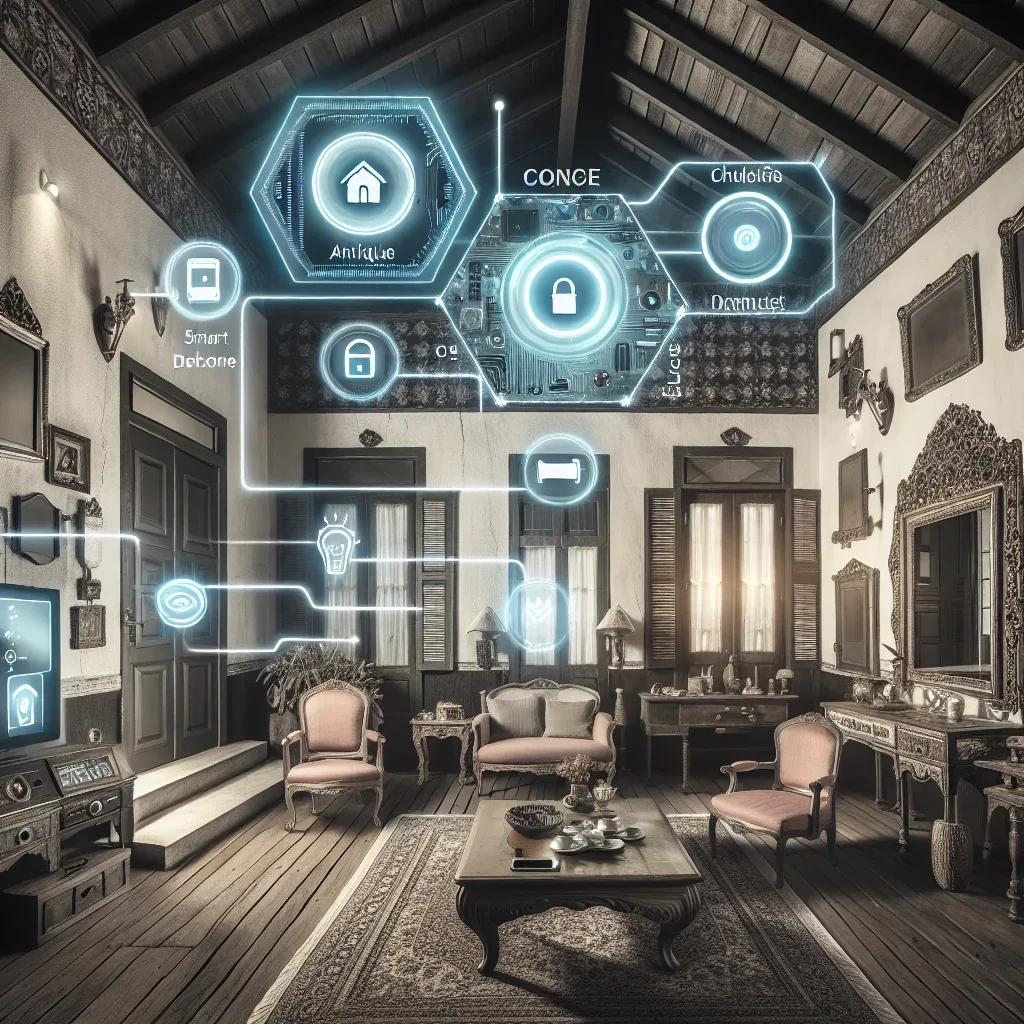
Older Homes and Smart Homes Are Not in Conflict
The most common misconception about smart homes is that they require new construction or complete rewiring. The reality is that most modern smart home devices are designed specifically for retrofit installation into existing properties.
Smart bulbs fit existing sockets. Smart switches replace existing switches using the same wiring. Zigbee sensors attach with double-sided tape. Wireless cameras install in minutes. None of these require wall demolition or new wiring runs.
Assess the Home Before Choosing Devices
Before purchasing any smart home hardware for an older property, assess these factors:
First, the wiring system. Some Smart Switch models require a Neutral Wire at the switch position. Many older Thai homes lack a Neutral Wire at switches, requiring either a No-Neutral compatible switch model or Smart Bulbs as an alternative to switch replacement.
Second, Wi-Fi signal quality. Older homes with thick concrete walls or signal-blocking construction materials may need a Mesh Wi-Fi upgrade before deploying multiple Wi-Fi devices. Unstable Wi-Fi produces unreliable smart home behaviour.
Third, planned device count. If you intend to install more than 30 devices, a Zigbee Hub system will be significantly more stable than individual Wi-Fi-direct devices — Zigbee's mesh network handles high device counts far better than a consumer Wi-Fi router.
Recommended Devices for Retrofit
HappySmart recommends this sequence for older homes, ordered by cost-effectiveness:
First: Smart Bulbs and Smart Switches. These replace existing hardware without structural impact. The Xiaomi Smart Bulb E27 works with Mi Home and supports Matter 1.4. The Aqara Smart Switch H1 operates without a Neutral Wire and supports both HomeKit and Matter.
Second: Wireless cameras. The EZVIZ C3W Pro in battery-powered configuration installs in locations without power outlets. It includes AI Detection and Two-Way Audio.
Third: Zigbee door and window sensors. Applied with double-sided tape, these alert when opened and integrate with home automations.
Add Incrementally Without Full Upfront Investment
The strength of retrofit installation is modularity. Start with the bedroom, expand to the living room, kitchen, and security perimeter as budget allows. Matter 1.4 compatibility ensures everything purchased today works with everything added in future without requiring platform changes.
HappySmart conducts Smart Home Assessments for older properties, evaluating structure, wiring, and Wi-Fi coverage before proposing the most effective and cost-appropriate retrofit plan.