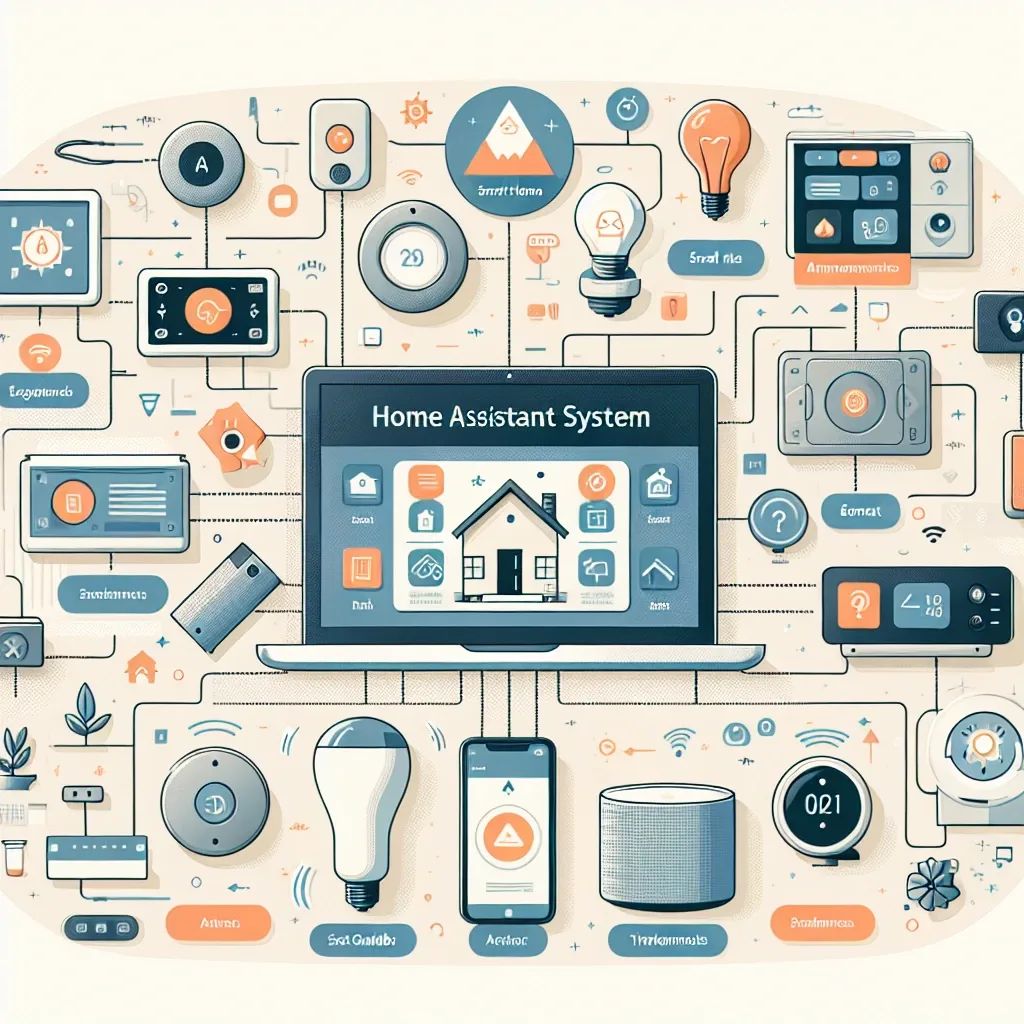
What Is Home Assistant
Home Assistant is an open-source smart home management platform developed by a global community and designed to control devices from every brand through a single interface — no switching between apps. Whether the home uses Xiaomi, Tuya, TP-Link Tapo, EZVIZ, or devices certified under HomeKit and Matter 1.4, Home Assistant handles them all.
What sets Home Assistant apart from cloud-dependent platforms is that all data is processed and stored within the home's own network. Nothing passes through an external company's servers. The system continues to function even if the internet connection goes down.
Hardware to Prepare
For newcomers, HappySmart recommends two hardware paths.
Raspberry Pi 5 is the most popular choice. It draws only 5–10W of power while handling hundreds of connected devices comfortably. Cost is around ฿2,500–3,500 with a MicroSD card of at least 32GB, though an SSD is strongly recommended for long-term stability.
Home Assistant Green or Yellow are dedicated hardware units designed by the Home Assistant team. They are simpler to set up and include built-in Zigbee radio. These suit homeowners who want minimal technical configuration.
Both options support Zigbee, Z-Wave, Wi-Fi, Bluetooth, and Matter 1.4 connectivity through appropriate adapters.
Basic Setup for Beginners
After installing Home Assistant OS on a Raspberry Pi 5, the first step is adding Integrations for the device brands already in the home.
Xiaomi and Mi Home devices connect through the Xiaomi Integration available in HACS, the Home Assistant Community Store. Tuya devices use the official Tuya Integration. Matter 1.4 devices pair instantly through the Integrations menu without any additional installation.
As of 2026, Home Assistant supports more than 3,000 integrations, covering virtually every smart home device category on the market.
Building Basic Automations
Automation is the core of Home Assistant. Creating automations is possible through a drag-and-drop visual interface without any coding. Practical examples for Thai homes include:
- When no one is home, turn off all lights and raise the air conditioner temperature by 2°C.
- When the front door sensor opens after 10 PM, send a push notification to every smartphone registered in the home.
- When PM2.5 exceeds 35 μg/m³, activate the air purifier automatically.
Users who want greater flexibility can write automations in YAML, enabling complex conditional logic that the visual interface does not cover.
How HappySmart Can Help
HappySmart installs and configures Home Assistant for homes of any size — selecting appropriate hardware, designing the Zigbee mesh network layout to ensure full coverage, and building automations that fit the actual lifestyle of each household.
Every installation uses Matter 1.4-compatible devices, ensuring that the system can be expanded in the future without replacing the hub or starting over.