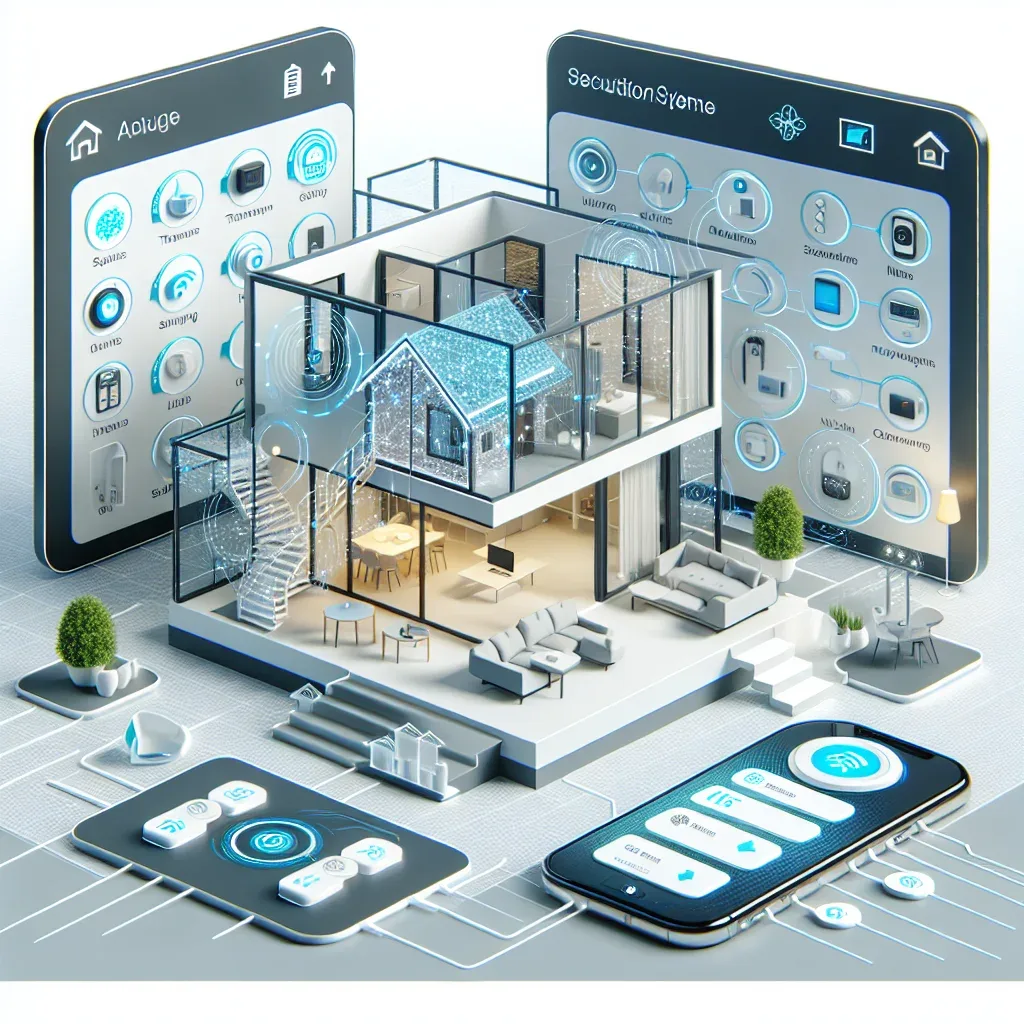
Why Upgrading Your Smart Home System Matters
A smart home system installed two or three years ago may be showing clear signs of age. Devices drop off the network regularly, apps stop supporting new iOS or Android versions, and desired features simply do not exist in the original hardware. The smart home market moves quickly, and systems that felt current in 2022 lack the interoperability that Matter 1.4 now makes standard.
Upgrading does not mean replacing everything simultaneously. The correct strategy is phased replacement that preserves functioning automations while systematically improving the weakest components.
The Dos
Specify Matter 1.4 devices for all new purchases. Matter certification guarantees operation across all major ecosystems. If you migrate from Tuya to HomeKit, or add Home Assistant later, Matter devices remain compatible without replacement.
Upgrade your network before buying new devices. Unstable Wi-Fi is the most common cause of smart home problems. A mesh system such as TP-Link Deco or ASUS ZenWiFi provides consistent coverage and handles the IoT device count that a modern smart home generates. Plan the network first.
Move toward local processing. Reduce dependence on brand cloud servers by routing critical automations through Home Assistant. Automations that depend on cloud connectivity fail whenever the internet drops; local automations do not.
Export all existing automations before making changes. Back up every automation, scene, and schedule before beginning any upgrade work. Migrating without records requires rebuilding from zero.
The Don'ts
Do not buy devices from manufacturers who have abandoned firmware support. Verify that the manufacturer still releases updates for the model you are considering. Hardware without security patches accumulates vulnerabilities over time.
Do not switch ecosystems entirely in one session. Migrating every Tuya device to HomeKit overnight will break automations and take weeks to reconstruct. Migrate in phases, verifying functionality at each step.
Do not buy unbranded budget devices. Online marketplaces carry very cheap devices that lack safety certification. Risks include data privacy vulnerabilities and electrical hazards from non-compliant power components.
Do not run everything over Wi-Fi. Zigbee and Z-Wave devices do not consume Wi-Fi bandwidth and perform more reliably in high-device-count environments. A Zigbee coordinator paired with Home Assistant handles 50 to 100 sensors without affecting the main network.
HappySmart's Recommended Upgrade Timeline
For homes with existing systems, HappySmart recommends a three-phase upgrade. Phase one: upgrade the network and install Home Assistant as the central hub. Phase two: replace frequently problematic devices with Matter 1.4 equivalents. Phase three: build new automations that leverage the improved capability.
Each phase takes one to two months, allowing time for testing and refinement before proceeding.