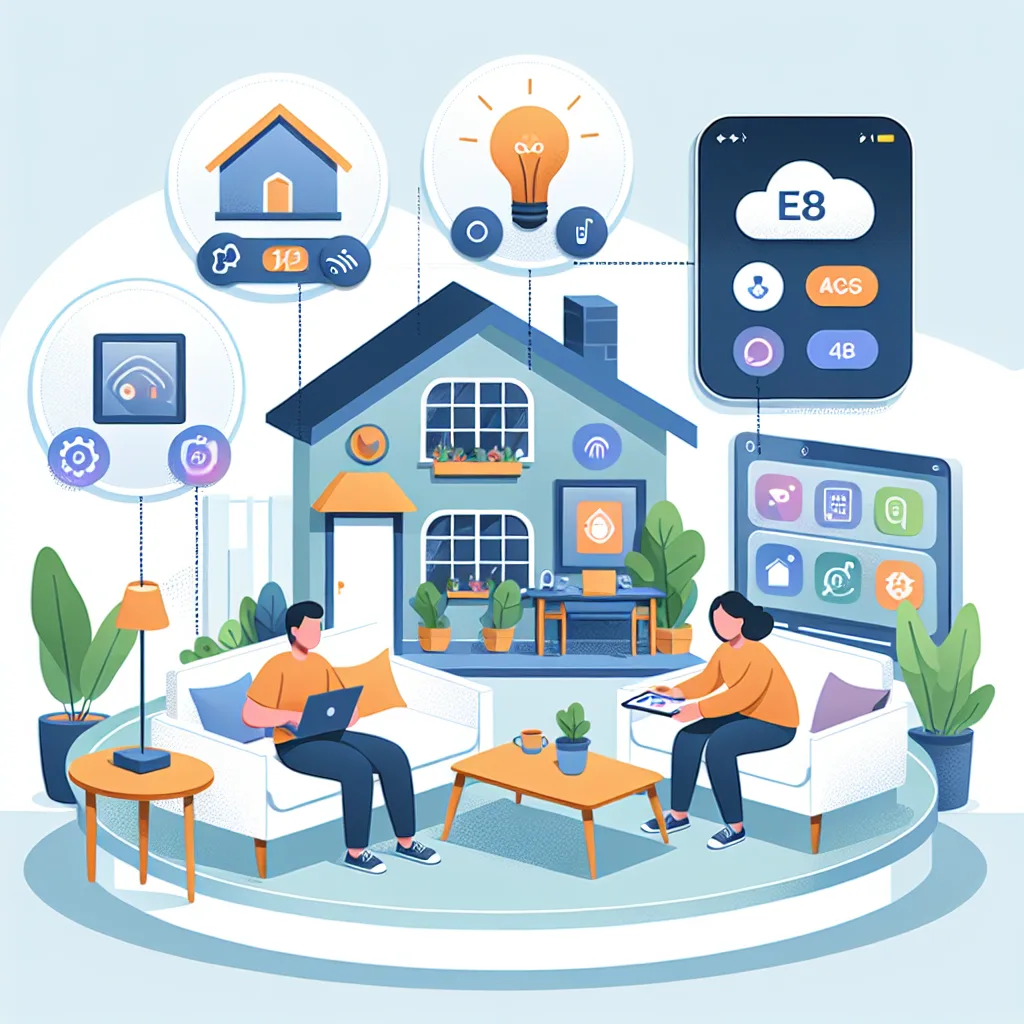
What Home Assistant Is and How It Works
Home Assistant is a self-hosted open-source smart home platform that runs on hardware inside your home. There is no subscription fee and no lock-in to any single manufacturer.
In 2026, Home Assistant supports all major protocols — Zigbee, Z-Wave, Matter 1.4, Wi-Fi, and Bluetooth — plus integrations with Tuya, Mi Home, EZVIZ, and TP-Link Tapo, all unified in a single interface.
Getting Started with Home Assistant
For beginners, the simplest approach is running Home Assistant OS on a Raspberry Pi 5.
Download the Home Assistant OS image for Raspberry Pi 5 from the official site. Use Balena Etcher or Raspberry Pi Imager to write it to a microSD card or SSD of at least 32GB — an SSD is strongly recommended over microSD for longevity. Insert the storage into the Raspberry Pi 5, connect a LAN cable to your router, and apply power. Home Assistant boots and self-configures within 10–15 minutes. Access it via a browser at http://homeassistant.local:8123.
Adding Integrations and Devices
After the first login, go to Settings > Devices & Services > Add Integration.
For Tuya devices, search for Tuya and enter your API credentials from the Tuya IoT Platform. For Xiaomi, use the Xiaomi Miot integration which supports the broadest range of current devices. For EZVIZ cameras, the EZVIZ integration pulls streams directly into the dashboard.
Zigbee devices require a hub — a Sonoff Zigbee 3.0 USB Dongle Plus or ConBee III plugs into the Raspberry Pi's USB port and is configured through the Zigbee2MQTT add-on, available in the Home Assistant Add-on Store.
Building Automations and Dashboards
The real value of Home Assistant lies in its Automation editor.
A practical automation for Bangkok homes: when a bedroom temperature sensor reads above 29°C and an mmWave sensor detects occupancy, the air conditioner switches on at 25°C automatically. When the room has been empty for 30 minutes, the system switches it off.
Home Assistant's Lovelace dashboard is fully customizable with card types ranging from CO2 gauges and real-time camera feeds to energy graphs. Every aspect of the home is visible from a single screen.
HappySmart provides turnkey Home Assistant installation and configuration, including hands-on automation training for families or property management teams.