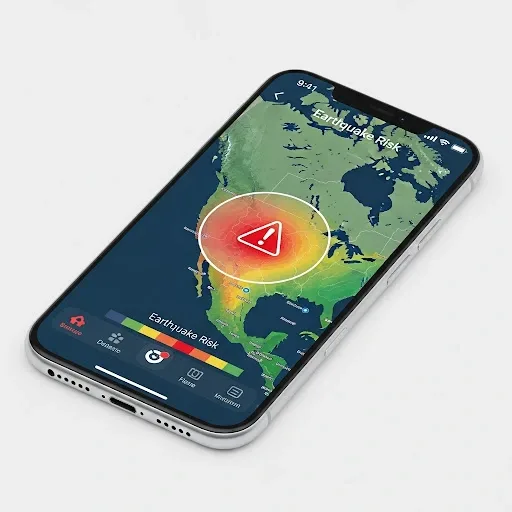
Why Earthquake Warning Apps Matter in Thailand
Thailand sits above more than 14 active fault lines stretching from the northern highlands to the western border. In 2025, the Thai Meteorological Department (TMD) recorded over 30 felt earthquakes. Even 10 to 30 seconds of advance warning can mean the difference between finding shelter and being struck by falling objects.
How Early Warning Systems Work: P-Waves vs S-Waves
Every earthquake generates two types of seismic waves. P-waves (Primary Waves) travel fastest but carry less destructive energy. S-waves (Secondary Waves) move roughly 1.7 times slower but cause the violent shaking that damages buildings. Early warning systems detect P-waves first and transmit alerts to areas where the slower, destructive S-waves have not yet arrived. That gap is your warning window.
Comparing the Three Main Apps for Thai Users
TMD Earthquake is the official app of the Thai Meteorological Department, pulling data directly from domestic monitoring stations. Accuracy for events inside Thailand is very high, but alerts typically arrive 60 to 180 seconds after an event, making it better suited for situational awareness than real-time advance warning.
MyShake, developed by UC Berkeley, uses AI to analyze data from a global sensor network. Detection accuracy for earthquakes above magnitude 4.5 is excellent, but its primary database is centered on the United States, so alerts for Thai events can be slower than regionally focused apps.
Earthquake Network relies on crowdsourcing, aggregating accelerometer data from smartphones worldwide. It has a meaningful user base across Thailand and Southeast Asia and supports the Thai language, but accuracy depends on how many active users are reporting from that specific area.
Side-by-Side Comparison
Alert speed: TMD Earthquake 60-180 seconds, MyShake 10-30 seconds, Earthquake Network 5-20 seconds. Accuracy for Thailand: TMD very high, MyShake high, Earthquake Network medium to high. IoT integration: TMD none, MyShake none, Earthquake Network partial support.
Setup Tips for Fastest Alerts
Enable Push Notifications for every app. Set GPS to always-on rather than only when the app is open. Allow background refresh so apps can receive data even when your screen is off. Choose a loud, distinct alert tone separate from regular notifications. Keep all apps updated to receive the latest sensor database releases.
The HappySmart Approach
Installing a Smart Home system with vibration sensors such as the MPU6050 connected to an ESP32 microcontroller and Home Assistant lets your home respond automatically regardless of internet connectivity: closing the gas valve, activating emergency lighting, unlocking exit doors, and pushing alerts to every device in the household the moment shaking is detected.