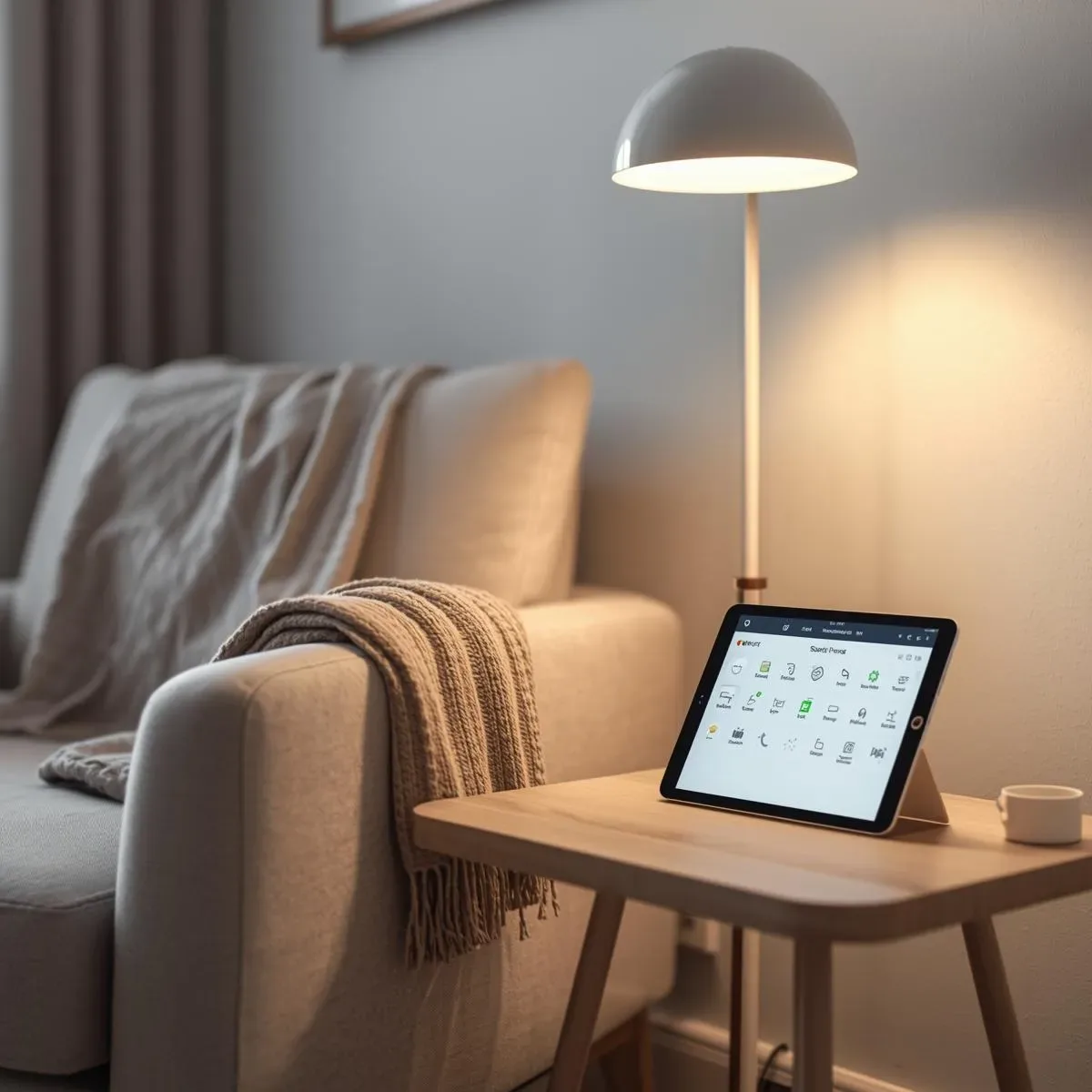
What is a PWA and Why Use It with HA?
A Progressive Web App (PWA) uses modern Web APIs to deliver near-native app experiences without requiring an App Store. While the HA Companion App is excellent, a PWA benefits multi-device homes — kitchen tablets, old iPads, TV sticks — without App Store installation.
HA Frontend is Already a PWA
Home Assistant ships with and built-in since version 2021.1. You just need to:
- Access HA via HTTPS (self-signed or Let’s Encrypt) 2. Open the URL in Safari (iOS) or Chrome (Android) 3. Tap Share → Add to Home Screen (iOS) or Install App (Android)
Verify HA's manifest at: https://your-ha-domain/manifest.json Expected: { "name": "Home Assistant", "start_url": "/", "display": "standalone", "background_color": "#111111", "theme_color": "#03a9f4", "icons": [...] }
Custom PWA for a Specific Dashboard
Create a standalone PWA that loads a specific HA Lovelace view (e.g., ) without the HA header:
html <!DOCTYPE html> <html lang="en"> <head> <meta charset="UTF-8"> <meta name="viewport" content="width=device-width, initial-scale=1.0"> <title>Smart Home Control</title> <link rel="manifest" href="/pwa/manifest.json"> <meta name="theme-color" content="#1a1a2e"> <style> * { margin: 0; padding: 0; box-sizing: border-box; } body { background: #1a1a2e; } iframe { width: 100vw; height: 100vh; border: none; } </style> </head> <body> <iframe src="https://ha.local/lovelace/main?kiosk" allow="camera; microphone"></iframe> <script> if ('serviceWorker' in navigator) { navigator.serviceWorker.register('/pwa/sw.js'); } </script> </body> </html>
Service Worker for Offline Caching
javascript const CACHE_NAME = 'ha-pwa-v1'; const PRECACHE_URLS = ['/', '/pwa/manifest.json', '/pwa/icon-192.png', '/pwa/icon-512.png']; self.addEventListener('install', event => { event.waitUntil(caches.open(CACHE_NAME).then(cache => cache.addAll(PRECACHE_URLS))); }); self.addEventListener('fetch', event => { if (event.request.url.includes('/api/')) { // Network-first for HA API calls event.respondWith(fetch(event.request).catch(() => caches.match(event.request))); } else { // Cache-first for static assets event.respondWith(caches.match(event.request).then(cached => cached || fetch(event.request))); } }); self.addEventListener('push', event => { const data = event.data?.json() || {}; event.waitUntil( self.registration.showNotification(data.title || 'Smart Home', { body: data.body || 'New alert', icon: '/pwa/icon-192.png', badge: '/pwa/badge-72.png', tag: data.tag || 'ha-alert', data: { url: data.url || '/' } }) ); });
iOS vs Android PWA Differences
| Feature | iOS Safari PWA | Android Chrome PWA | |---|---|---| | Add to Home Screen | Share → Add to Home Screen | Install App popup | | Push Notification | ✓ iOS 16.4+ (must be installed) | ✓ Full support | | Offline | ✓ Cache API | ✓ Service Worker | | Camera access | ✓ | ✓ | | Background sync | ✗ | ✓ |
Local HTTPS with Caddy
caddyfile ha.local { reverse_proxy localhost:8123 tls internal }
Caddy auto-issues internal self-signed certs — iOS/Android devices need to install the root CA cert to trust it.
Summary
A PWA on Home Assistant delivers near-native app experiences without App Store distribution — ideal for kitchen tablets, wall-mounted iPads, or family members who want a quick home control shortcut on their homescreen.