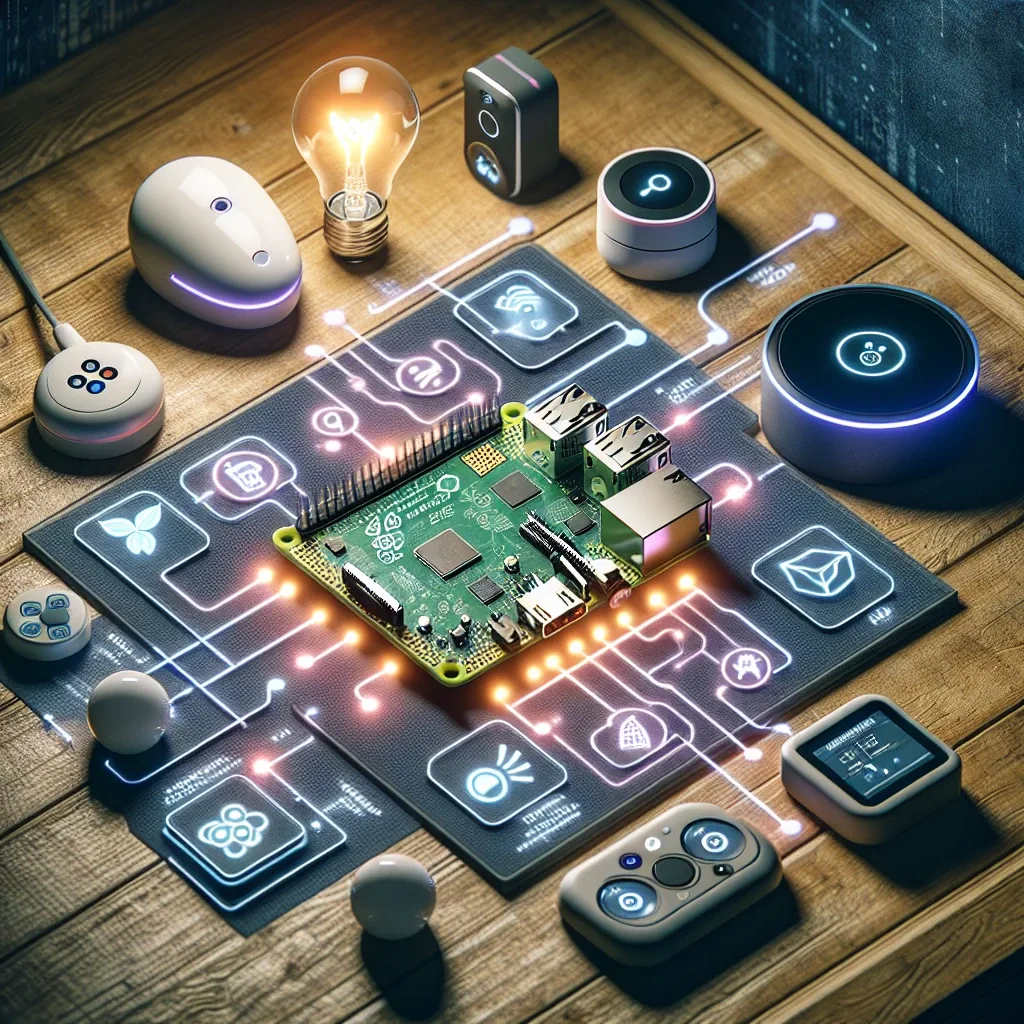
Understanding Raspberry Pi 5 as a Smart Home Hub
The Raspberry Pi 5 transforms the SBC (Single Board Computer) category from a developer toy into a genuine professional-grade Smart Home Hub. Its dramatically improved performance allows running complex Smart Home software without lag or freezing.
Why RPi 5 stands out compared to commercial Smart Home Hubs: at $80-100, it outperforms SmartThings Hub ($99) and Hubitat ($139) running Home Assistant, offers unlimited customization, and requires no dependency on any company's cloud.
RPi 5 Specifications That Matter for Home Automation
Hardware highlights with direct impact on Smart Home performance: the ARM Cortex-A76 Quad-core 2.4 GHz processor is 2.5 times faster than RPi 4, enabling Home Assistant to respond quickly even with 100+ connected devices. 4GB/8GB RAM is sufficient for Home Assistant plus Node-RED, Frigate, and MariaDB running simultaneously. PCIe 2.0 x1 supports direct NVMe SSD connection via PCIe HAT — 3-5 times faster than USB SSD. The built-in Real-Time Clock (RTC) enables schedule-based automation to run accurately even without internet.
Installing Home Assistant and Homebridge
RPi 5 supports direct Home Assistant OS installation — a Smart Home-specific OS that delivers optimal performance and updates more easily than manual installation methods.
For Apple Ecosystem users wanting HomeKit-incompatible IoT devices to work with the Apple Home App, Homebridge runs smoothly on RPi 5. Thousands of plugins support Xiaomi, Tuya, Broadlink, and other brands.
Connecting RPi 5 to Various Protocols
RPi 5 doesn't include built-in Zigbee or Z-Wave, but both are easily added via USB dongles. The Sonoff Zigbee USB Dongle Plus (~400 THB) is the most popular Zigbee option. Z-Wave USB sticks work for homes with Z-Wave devices like Fibaro light switches. Built-in Wi-Fi 802.11ac and Bluetooth 5.0 handle standard Wi-Fi device connections well.
The feature setting RPi 5 apart from commercial hubs is its 40 GPIO Pins for direct sensor connections — DHT22 (temperature/humidity), Relay Modules (230V control), and Servo Motors — making it ideal for DIY projects requiring maximum flexibility.
Case Studies: Bangkok Homes Using RPi 5 as Smart Home Hub
Case 1: A 3-bedroom house in Sathorn uses RPi 5 running Home Assistant with a Zigbee Dongle to control 24 Zigbee bulbs, PM2.5 sensors, and 4 CCTV cameras with Frigate AI Object Detection. The system has operated stably for 8 months without issues.
Case 2: A Ari condominium uses RPi 5 running Homebridge, enabling existing Xiaomi and Tuya devices to work with Siri and Apple Home App. Residents control everything via iPhone and Apple Watch without replacing any existing devices.