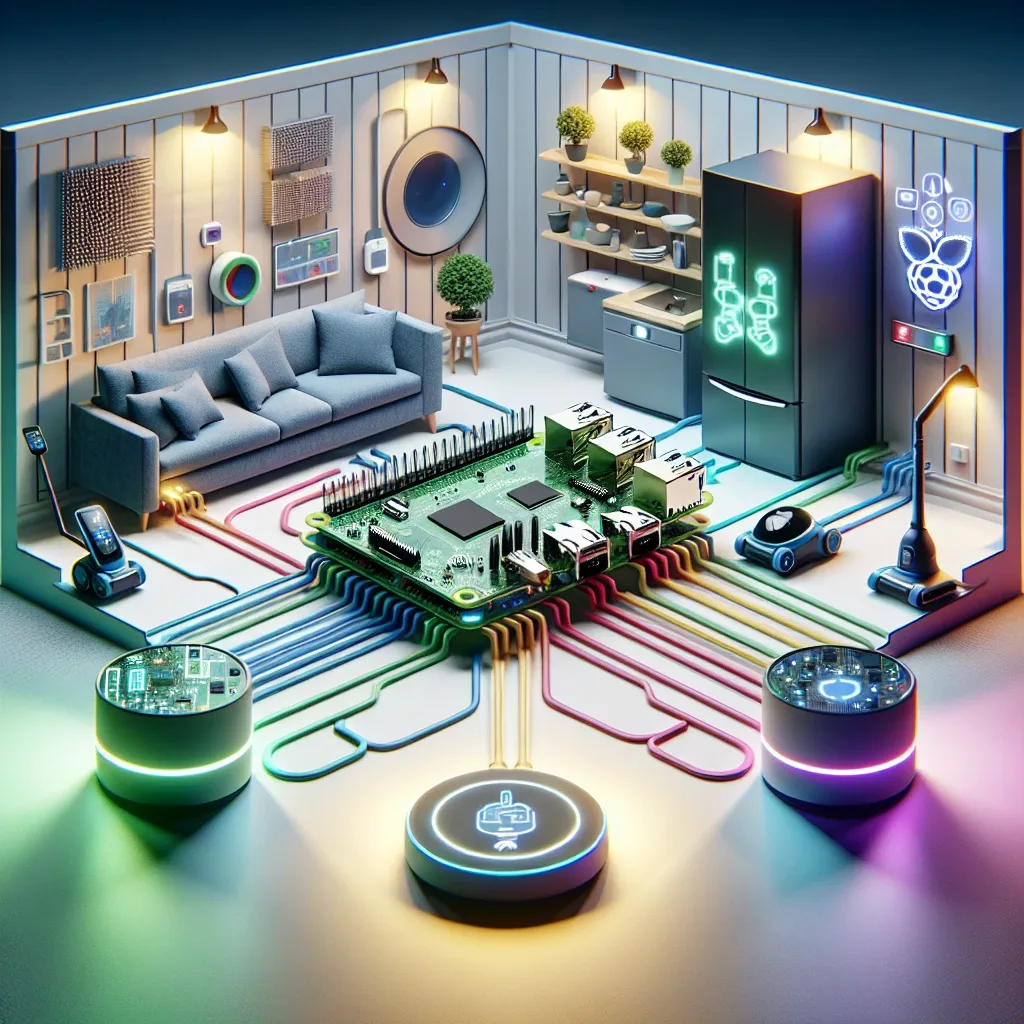
What Is Raspberry Pi 5 and Why Does It Suit Smart Homes
Raspberry Pi 5 is a compact single-board computer built around the Broadcom BCM2712 chip running at 2.4 GHz, with up to 8 GB RAM, USB 3.0, PCIe connectivity, and Gigabit Ethernet — considerable power for a device the size of a credit card.
For smart home use, the key advantage is running Home Assistant locally. All automation logic, device data, and routines stay inside your home network. The system responds in milliseconds and continues working during internet outages, unlike cloud-dependent hubs.
What You Need Before Starting
Before building a Raspberry Pi 5 smart home, gather the following essentials.
The board itself — the 8 GB model is recommended for Home Assistant with multiple add-ons running simultaneously. A high-speed 64 GB or larger microSD card works for starters, though a small SSD connected via USB 3.0 gives better long-term reliability. A 5V/5A USB-C power supply and a case with active cooling complete the hardware list.
On the software side, download the official Home Assistant OS image for Raspberry Pi, then write it to the card or SSD using Raspberry Pi Imager before first boot.
Installing Home Assistant and Adding Devices
After first boot, access Home Assistant through any browser at homeassistant.local:8123. The onboarding wizard walks through initial configuration in roughly 10–20 minutes.
Install integrations for Xiaomi Mi Home, Tuya, EZVIZ, and TP-Link Tapo — all available as one-click installs through HACS, the Home Assistant Community Store. For Matter 1.4 devices, the current Home Assistant release includes a built-in Matter controller; pairing new devices is as simple as scanning a QR code.
Keeping the Pi Server Secure
Remote access to Home Assistant requires careful configuration. The simplest secure path is Nabu Casa, the official Home Assistant Cloud subscription, which handles encrypted remote access without exposing ports. Alternatively, running a VPN on your router keeps full control in-house.
Change the default password immediately, enable two-factor authentication, and keep Home Assistant updated. Adding Fail2Ban at the OS level provides an extra layer of protection against brute-force login attempts.
Who Should Build a Raspberry Pi Smart Home
Anyone who wants maximum flexibility without recurring cloud fees will find Raspberry Pi 5 an excellent investment. The resulting system matches professional smart home installations in capability, at a fraction of the ongoing cost.
The trade-off is setup time and a basic understanding of networking. HappySmart offers planning and installation services for clients who want professional results without building expertise from scratch.