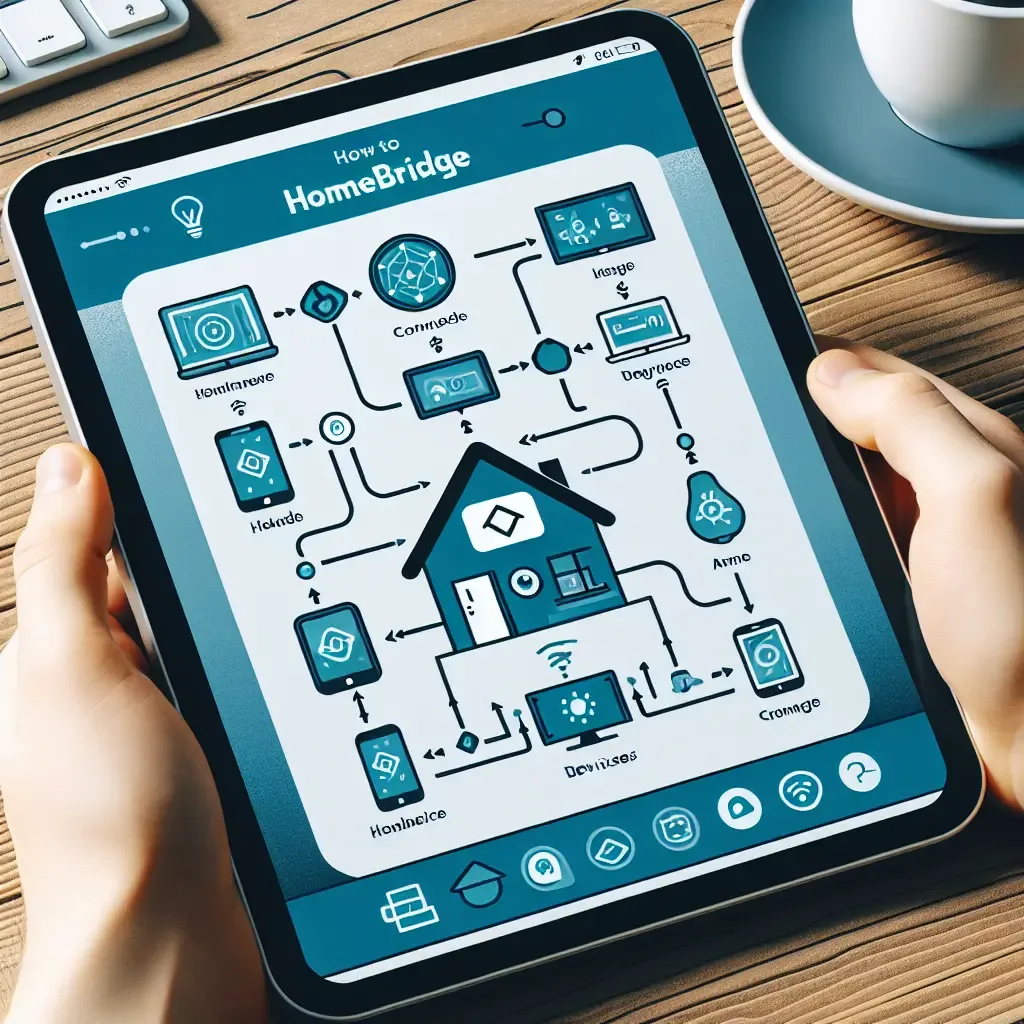
What HomeBridge Is and Why It Matters
Apple HomeKit delivers the smoothest daily experience for iPhone users — Siri commands, the Home app and automation all work natively. The problem is that a large proportion of affordable smart home devices, particularly those from Chinese manufacturers, are not officially HomeKit certified.
HomeBridge solves this by acting as a virtual HomeKit hub. It receives data from non-HomeKit devices and translates it into a format HomeKit understands, using plugins developed by a large open-source community.
What to Prepare Before Installing
HappySmart recommends running HomeBridge on a Raspberry Pi 5, which in 2026 is available with 8GB RAM — enough to run HomeBridge alongside Home Assistant on the same device simultaneously.
Required components: Raspberry Pi 5 with 8GB RAM and a 32GB or larger microSD card, Raspberry Pi OS Lite 64-bit installed via Raspberry Pi Imager, a wired Ethernet connection to the router for hub reliability, and Node.js version 18 or 20 which HomeBridge officially supports.
Installing HomeBridge
Once the OS is running, HomeBridge installs via a single curl command from the official repository. After installation, enable the service to start automatically on boot.
HomeBridge includes a browser-based UI on port 8581, making plugin installation and daily configuration accessible without returning to the command line.
Plugins Used Most Often in HappySmart Projects
homebridge-tuya-platform covers the broadest range of devices in Thailand — switches, plugs, curtain motors and sensors across dozens of Tuya-based brands.
homebridge-xiaomi-roborock-vacuum brings Xiaomi robot vacuums into HomeKit, a popular combination among HappySmart clients.
homebridge-ezviz connects EZVIZ cameras to HomeKit, though it requires periodic updates as EZVIZ updates its API.
homebridge-mi-hygrothermo handles Xiaomi temperature and humidity sensors used for indoor environment monitoring.
Limitations to Know
HomeBridge requires a baseline level of technical comfort. Plugins need regular updates to maintain compatibility, and when a manufacturer changes its API, a plugin may stop working temporarily until the community releases a fix.
For clients who want maximum stability without managing updates themselves, HappySmart offers a Managed HomeBridge Setup service where our team handles all plugin maintenance.