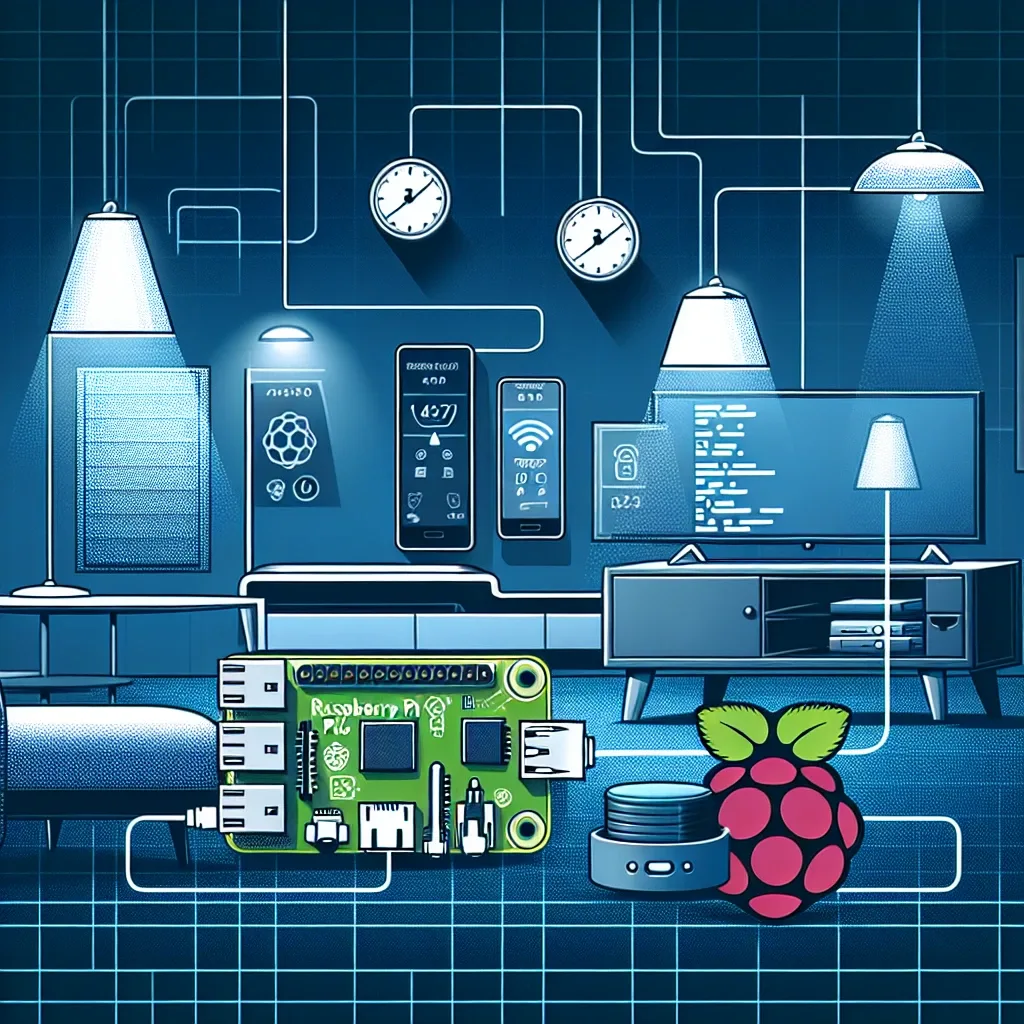
What Is Raspberry Pi
Raspberry Pi is a compact single-board micro-computer developed by the Raspberry Pi Foundation in the United Kingdom. Originally designed to promote computer science education at an accessible price point, it has evolved into one of the most popular platforms for smart home projects worldwide, embraced by beginners and advanced users alike. Its affordability, low power consumption, and exceptional flexibility make it an ideal foundation for home automation.
Key Features of Raspberry Pi
Raspberry Pi stands out for several important reasons. It is significantly less expensive than conventional computers yet capable of running full operating systems. Its low power draw makes it practical for continuous 24-hour operation without meaningfully affecting electricity bills. Connectivity is comprehensive, including Wi-Fi, Bluetooth, HDMI, USB ports, and GPIO pins for connecting sensors, relay modules, and expansion boards. A large, active global community provides extensive documentation, tutorials, and project support.
Basic Setup for Smart Home Use
Getting started with Raspberry Pi for smart home automation begins with installing Raspberry Pi OS on a MicroSD card, configuring Wi-Fi connectivity, and setting up the network. Installing Home Assistant or OpenHAB transforms the device into a centralized control hub that manages all connected smart home devices through a web interface and smartphone app—without requiring deep programming knowledge.
Smart Light Control Project
Smart lighting is the ideal first project for beginners. Connect a Relay Module to the GPIO pins of the Raspberry Pi, then configure Home Assistant to control lights remotely through the app or via voice commands. Add automation rules to switch lights on at scheduled times or automatically when a motion sensor detects activity in a specific area—combining convenience with energy efficiency.
Motion Detection System with Instant Alerts
Connecting a PIR sensor to Raspberry Pi creates a motion detection system that sends instant alerts via Telegram or email the moment movement is detected. Adding a Camera Module enables automatic photo or video capture when motion triggers the system, creating an affordable, self-controlled smart CCTV solution that operates entirely on local hardware without cloud subscription fees.
Temperature and Humidity Monitoring
Using a DHT11 or DHT22 sensor connected to Raspberry Pi enables continuous real-time temperature and humidity measurement throughout the home. Readings display on an LCD screen or directly within the Home Assistant dashboard. Automation rules can activate the air conditioner automatically when temperature exceeds a defined threshold—maintaining a comfortable environment without manual intervention at any time of day or night.
Home Assistant on Raspberry Pi
Installing Home Assistant on Raspberry Pi transforms it into a powerful smart home hub capable of integrating devices from many different brands through MQTT and API connections. Complex automation rules can be created visually without writing code. Raspberry Pi running Home Assistant also supports Frigate NVR for local AI-powered camera detection—processing all video on-device without sending data to external cloud servers, preserving both privacy and performance.