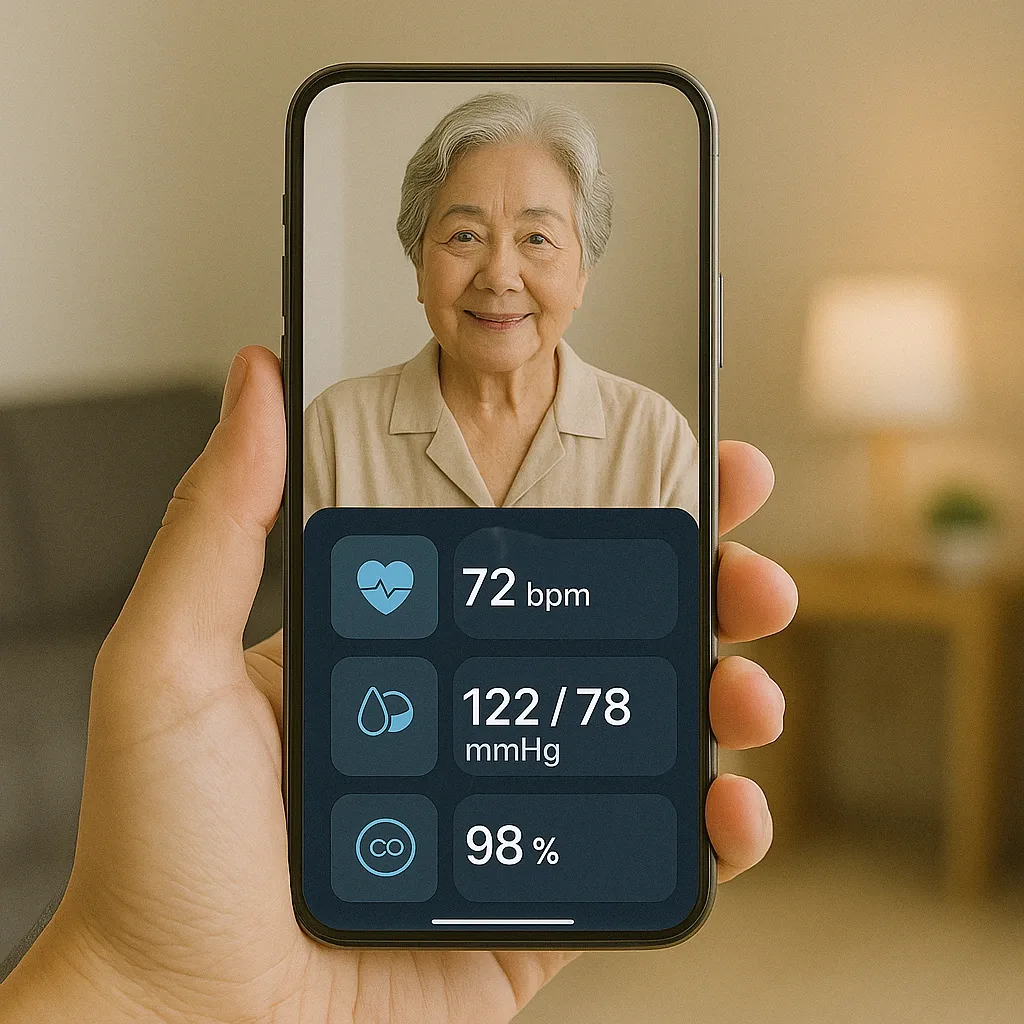
What Is a Digital Caregiver Dashboard?
A Digital Caregiver Dashboard is a consolidated display for adult children remotely monitoring an elderly parent. It aggregates data from every Smart Home device into a single readable view, eliminating the need to open multiple apps. An effective dashboard presents five data sets: Presence Pattern, Bathroom Intelligence, Medication Compliance Rate, Door Events, and Wearable Health Readings.
In 2026, the most widely used tool for building this dashboard is Home Assistant’s Lovelace UI — free, open-source, and capable of displaying data from mmWave sensors, Smart Locks, Wearable APIs, pill dispensers, and air quality sensors on a single screen.
Data Set 1: Presence Pattern
Rather than alerting every time movement is detected, a well-configured system first learns the resident’s normal daily pattern — for example, waking between 06:30–07:00, entering the bathroom 07:00–07:30, afternoon rest 13:00–14:30 — and then alerts only when the pattern deviates by more than two hours.
Recommended Alert Thresholds: No movement during normal waking hours for ≥ 90 minutes → Caution alert. Inside bathroom ≥ 25 minutes → Alert. No movement from any sensor in the entire home for ≥ 3 hours during daytime → Emergency alert.
Data Set 2: Bathroom Intelligence
Bathroom data is a highly valuable but frequently overlooked health signal. An increase in night-time bathroom frequency (nocturia) can indicate early-stage heart failure or diabetes. Unusually long bathroom sessions may indicate severe constipation or joint problems that prevent standing.
Recommended Alert Thresholds: ≥ 4 night-time bathroom visits on 3 consecutive nights → flag for the family doctor. Bathroom duration ≥ 40 minutes on ≥ 3 occasions per week → assess for constipation.
Data Set 3: Medication Compliance Rate
Medication adherence should be displayed as a weekly percentage, not just a daily reminder. If Compliance Rate falls below 85% in any seven-day period, investigate whether side effects are causing avoidance, or whether the reminder time is inconvenient — rather than simply repeating the alert.
Alert Threshold: Compliance < 80% over 7 days → investigate cause, not just increase reminders.
Data Sets 4 and 5: Door Events and Wearable Health Readings
Door open-close logs reveal whether the resident is leaving home at all. Not leaving the home for more than three consecutive days is a recognised warning sign of social isolation. Wearable readings to monitor: resting heart rate > 100 bpm on ≥ 2 consecutive days; SpO₂ below 94% on any single occurrence; sleep duration < 5 hours on ≥ 3 consecutive nights — all of these should generate Caution alerts before reaching emergency level.
Configuring LINE Notify for the Family
Organise alerts into three tiers: Level 1 Caution sent only to the eldest child; Level 2 Alert sent to all family group members; Level 3 Emergency sent to everyone plus automatic VoIP call. Configure Level 1 items to aggregate into a single 19:00 daily summary rather than sending each event individually — this substantially reduces alert fatigue for working family members.