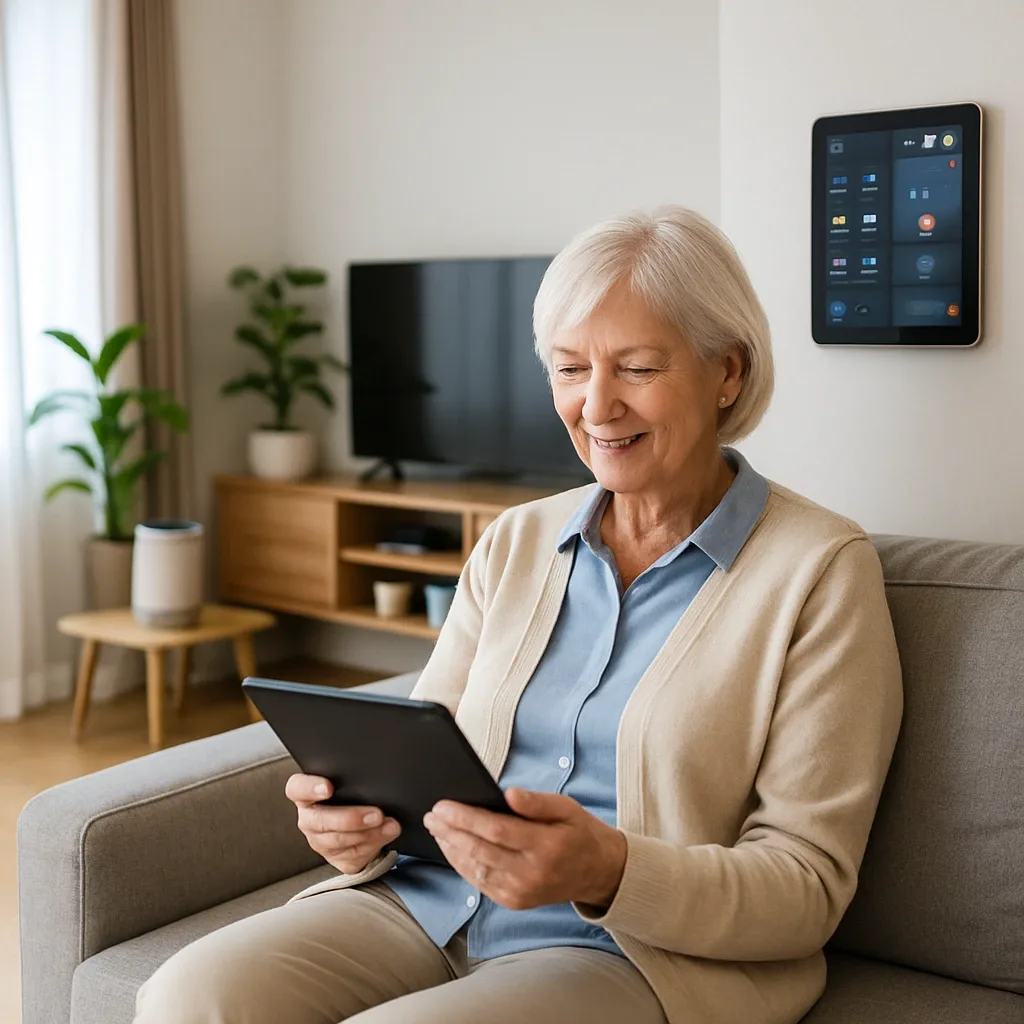
Why Social Isolation Is More Dangerous Than It Looks
The World Health Organisation classifies social isolation in elderly people as a health risk equivalent to smoking 15 cigarettes per day. Isolated elderly individuals face a 29% higher risk of heart disease, 32% higher risk of stroke, and 50% higher risk of dementia.
In Thailand, this problem is intensified by urban working patterns that keep adult children away from home, the decline of traditional close-knit communities, and the limited mobility of many elderly residents. Smart Home can partially address this — but only with tools designed to connect, not merely to monitor.
Tool 1: Video Call Hub on a Smart TV
Video calling via smartphone is problematic for elderly users — small screens, small text, and complex setup. A Video Call Hub solves this by pairing a Smart TV with a wide-angle camera in the living room. Family members initiate a call with one tap in LINE or FaceTime to ring the television; the elderly resident answers by saying accept the call and the camera opens automatically.
Research from Khon Kaen University found that elderly residents with an accessible Video Call Hub communicated with family 3.2 times more per week and reported a 38% reduction in Loneliness Score.
Recommended devices: Google TV or Android TV (4,000–8,000 THB) plus a wide-angle USB camera (800–1,500 THB). Configure Auto-Answer via Google Meet or LINE on a PC.
Tool 2: AI Companion via Smart Speaker
A Google Nest Mini or Amazon Echo is not only useful for device control — it can be configured as a Daily Companion that greets the elderly resident each morning, reports the weather, delivers pre-selected news, reminds about medication, and plays favourite music.
Recommended routine: 07:00 — gentle music plus good morning, the weather today is 31 degrees with afternoon rain, please remember to take your blood pressure medication after breakfast; 12:00 — rest and hydration reminder; 18:00 — daily summary.
A UK study found that elderly people using a Conversational Smart Speaker scored 22% lower on the UCLA Loneliness Scale than a control group within six weeks.
Tool 3: Community LINE Group Integration
Many Bangkok elderly communities have a shared LINE group, but residents who find typing difficult tend to go quiet. Home Assistant can be configured to post a status — resident is up and feeling well — into the group automatically each morning, giving community members a natural prompt to respond.
Additionally, a Smart TV with Calendar Integration can automatically display upcoming community events — such as a morning exercise session in the local park — on screen, keeping the resident aware of and connected to their community without active effort.
Combined Impact: How Much Does Smart Home Reduce Loneliness?
Used together, research from Singapore and Australia — contexts closest to Thailand — found an average Loneliness Score reduction of 40% within three months. Investment budget for all three tools: Smart TV + Camera 5,000–10,000 THB; Smart Speaker 1,500 THB; Calendar Integration (free with Home Assistant). Total under 12,000 THB.