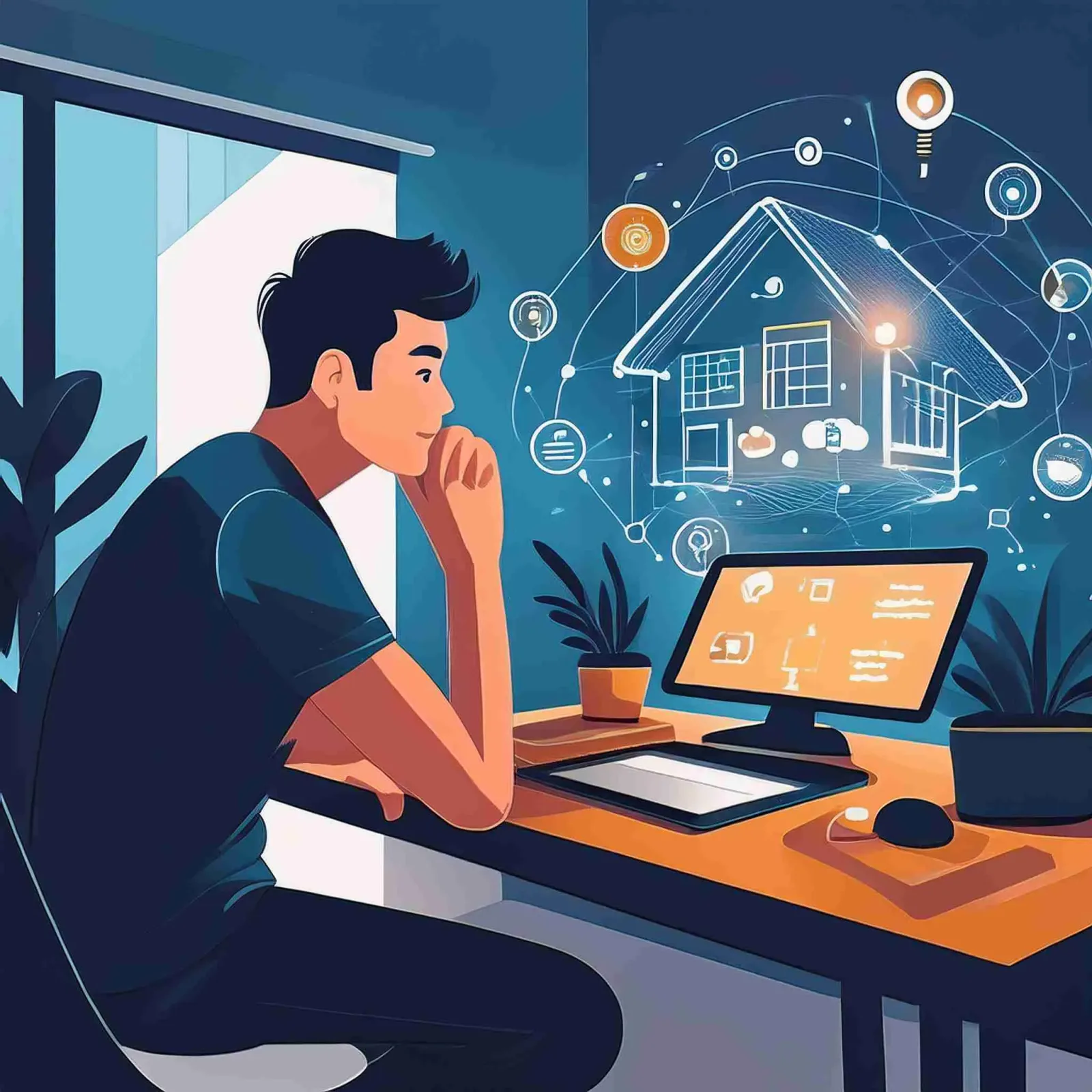
Technology and Family Wellbeing
Most people think about smart home technology in terms of energy savings and remote control convenience. What HappySmart hears most often from homeowners after installation is different. They say the house feels more like a home, the atmosphere has improved, and the daily friction of managing household operations has gone down measurably.
This is what technology can do when deployed with the right intent.
Lighting That Follows the Day: Direct Impact on Mood
The colour temperature of light has a well-documented effect on alertness and mood. Cool white light in the 5000-6500K range promotes wakefulness and focus. Warm light at 2700-3000K signals the body to wind down. Most households run the same lighting all day, which means bright cool light during evening hours when the body should be preparing for sleep.
A smart lighting system configured through HomeKit or Home Assistant can shift colour temperature automatically throughout the day. Morning scenes use cooler, brighter light to support alertness. Afternoon working hours maintain neutral light. After sunset the system transitions progressively to warm, dim lighting that does not suppress melatonin production.
For families with young children, visual light cues programmed around meal times, play time, and bedtime reduce the daily negotiation and resistance that comes with transitions between activities.
Multi-Room Audio: Setting the Atmosphere
The right music in the right space changes the feel of a home more than most people expect. Multi-room audio systems connected through Home Assistant or Apple AirPlay 2 let you create scenes that combine lighting, audio, and climate settings into a single trigger.
A practical example is a weekend morning scene that gradually increases light brightness, starts quiet background music, and brings the air conditioning to a comfortable temperature at 8am on Saturday and Sunday — without anyone having to leave bed to set it up.
Reducing Daily Friction
Small repeated frictions accumulate stress. Checking whether the front door is locked before leaving. Walking through the house to turn off lights in each room. Remembering whether the air conditioning was left on in the guest room. None of these are major problems individually, but their daily repetition adds cognitive load.
A simple automation — one button press or a geofence trigger — that turns off all lights, sets air conditioning to standby, locks the door, and activates the security camera recording mode eliminates this friction in a single action. Aqara U100 smart locks and EZVIZ cameras connected through Home Assistant make this kind of whole-home departure scene reliable and fast to configure.
Technology Should Reduce Screen Time, Not Increase It
A legitimate concern about smart home technology is that it gives family members yet another reason to look at their phones. This concern is worth taking seriously in the design phase.
Well-configured smart home systems operate in the background. They respond to context — presence, time of day, weather, and activity — rather than requiring constant manual input. The goal of good automation design is to return time and attention to the people in the house, not to create a new category of device management. When the system is working properly, family members rarely need to think about it at all.