A Home That Manages Itself While You Work
Most Bangkok working professionals spend only 8–10 hours at home per day. The remaining 14–16 hours, the home needs to manage itself. Common pain points include forgotten AC and lights before leaving, uncertainty about whether the door is locked, and wanting to pre-cool the apartment before a late return. HappySmart AI SmartHome is purpose-built for this lifestyle — connecting all home control functions to LINE OA, the app working professionals already use throughout every day.
Away Mode: Automated Home Management From the Moment You Leave
When GPS detects you leaving the home radius, Away Mode activates automatically: AC and lights in any open rooms are switched off, CCTV cameras shift to Active Mode, smart locks secure the door, and non-essential Smart Plugs cut power. All of this happens within 60 seconds of departure. A LINE summary confirms every action taken, allowing homeowners to leave immediately without walking through every room to check — saving 5–8 minutes every morning.
Remote Control via LINE: No New App to Learn
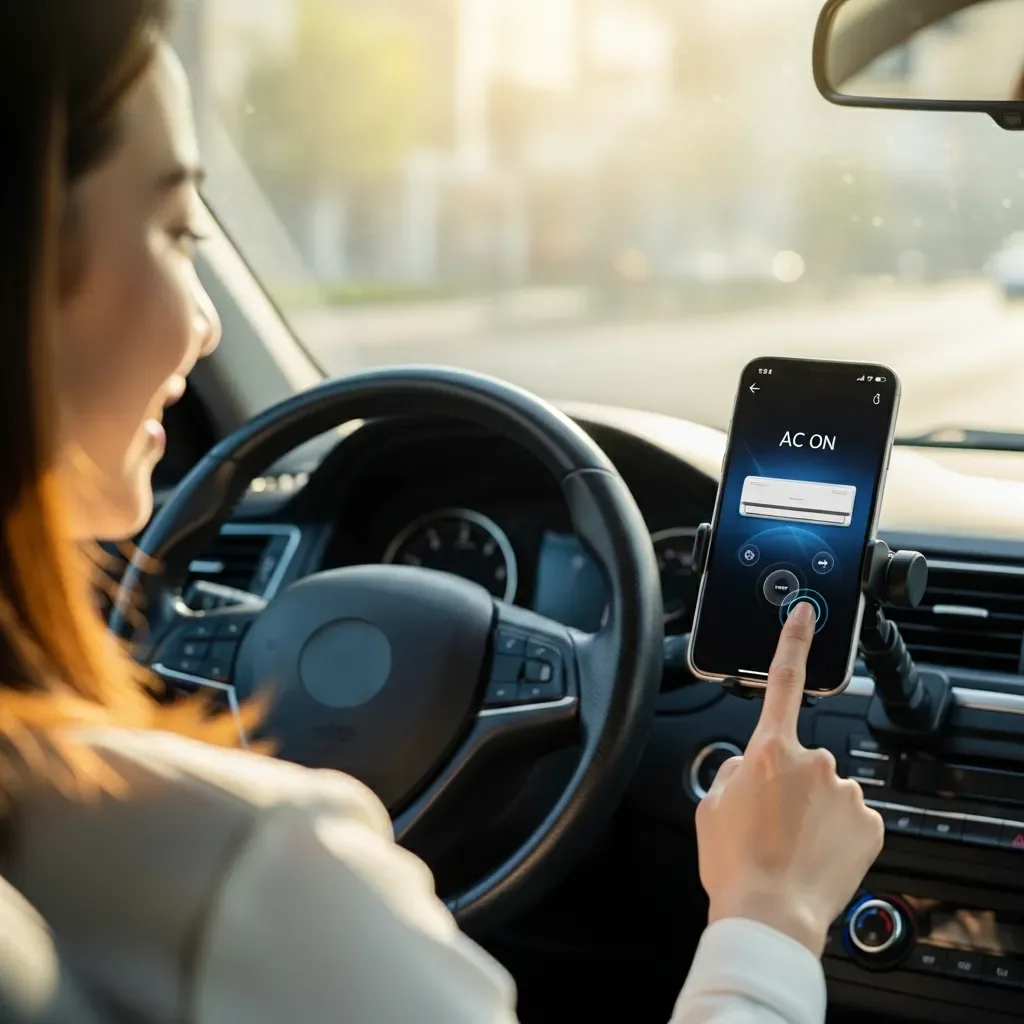
HappySmart routes all control through LINE OA because 95% of Thai users already have LINE open throughout the day. Via Quick Reply buttons or text commands: turn any AC room on or off remotely, view Live camera feeds from any zone, check door and window lock status, leave lights on to make the home appear occupied, and receive alerts when abnormal movement is detected. Every function lives in the single app already open on your screen.
Commute Automation: Home Ready Before You Arrive
Commute Automation uses smartphone GPS to estimate arrival time. When the system calculates you will arrive in 20 minutes, the AC activates at the preset temperature, corridor lights switch on, and an evening kettle begins heating for post-work tea or coffee. For Bangkok professionals returning home exhausted between 19:00–21:00, the difference between a pre-cooled home and one requiring 15 minutes of AC warm-up represents a meaningful quality-of-life improvement — experienced every workday.
WFH Mode: Transforming Home Into a Productive Office
For work-from-home days, HappySmart’s WFH Mode automatically optimizes the home environment for productivity: the office zone shifts to 5,000K white light, temperature holds at 24°C, non-essential notifications suppress during Deep Work blocks, the front door camera activates visitor-only alerts, and optional Pomodoro break reminders trigger through Smart Speakers. When WFH Mode ends, the home automatically returns to Relax Mode — no manual adjustment needed at either transition.
Security Visibility: Real-Time Peace of Mind From the Office
HappySmart’s 4K IP cameras connect to LINE, enabling live home monitoring from any location during office hours or while commuting. AI inside the cameras distinguishes between delivery personnel (standard notification) and unrecognized visitors not on the Whitelist (priority alert). Door and window sensors trigger instant LINE alerts on any unauthorized opening. Working professionals away from home for 10+ hours maintain full security visibility without delegating monitoring to a third party.