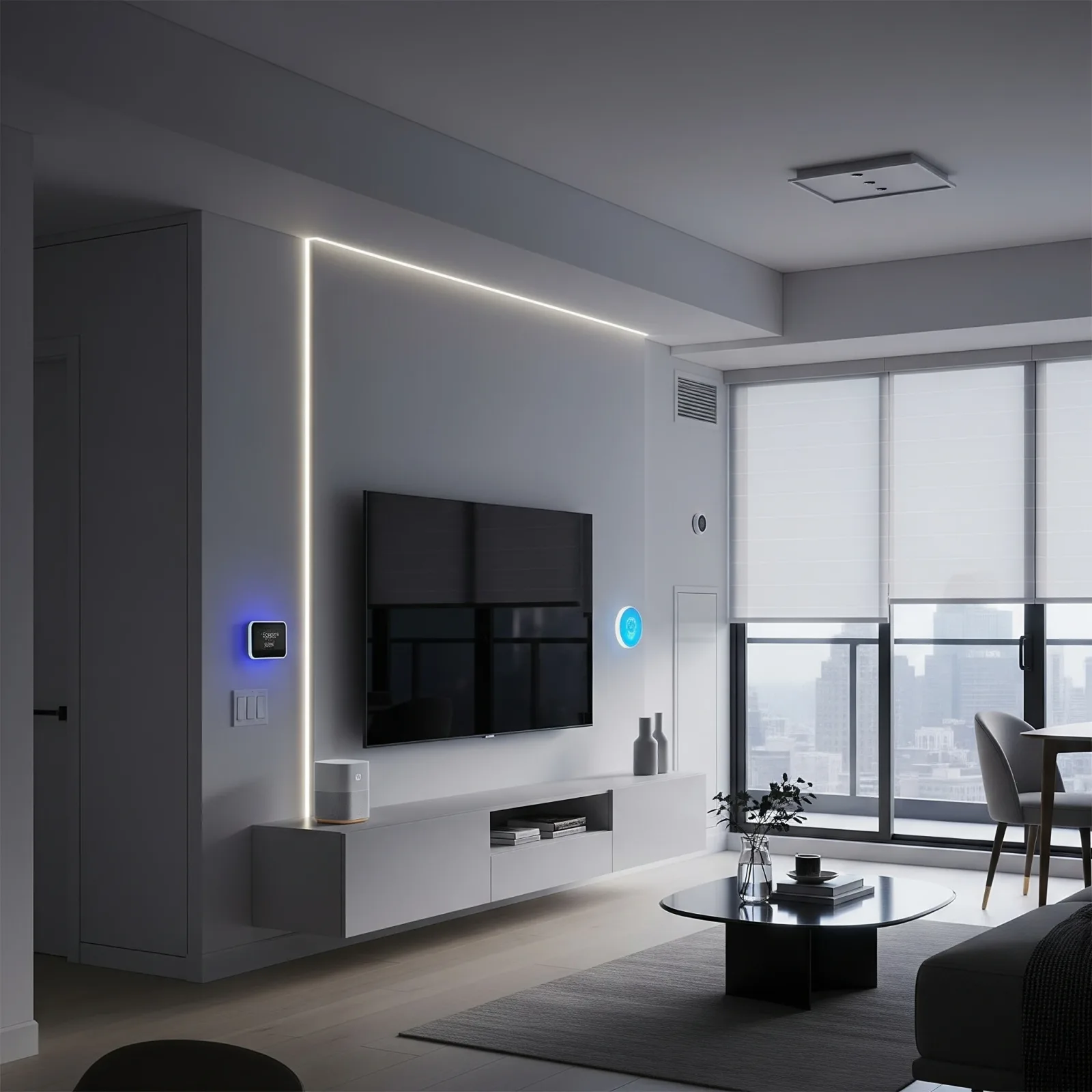
Why Condos Are Perfect for Smart Home Systems
Bangkok condos typically range from 28 to 60 square metres, but compact space is no longer a limitation. Modern smart home systems are engineered for exactly these environments — no rewiring, no wall demolition, and installation in under an hour. Most devices connect via Wi-Fi or Bluetooth directly to your smartphone, giving you full control from a single app.
The compact footprint of a condo actually works in your favour: a handful of devices covers your entire living space. A Smart Plug cuts standby power when you leave. A Smart CCTV sends push alerts when motion is detected. A Motion Sensor flips on the bathroom light at 3am without you ever touching a switch.
Essential Smart Devices for Condo Living
For Bangkok condo residents, these four device categories deliver the highest return:
Smart CCTV: the Tapo C200 and Xiaomi Mi 360 Home Security Camera 2K (800–1,800 THB) offer Night Vision and Two-Way Audio. They sit on a shelf or mount flush to the wall without requiring any drilling into structural elements.
Motion Sensor: automates lights in bathrooms and hallways. The Xiaomi Mi Motion Sensor starts at 350 THB and integrates with Google Home, Apple HomeKit, and Home Assistant.
Door Sensor: mounts on your entry door and fires an alert whenever the door opens while you're away. Essential for anyone who travels or works long hours.
Smart Plug: converts any existing appliance into a connected device. The TP-Link Tapo P110 adds energy monitoring at 350–499 THB per unit, helping you track exactly which devices are draining power.
Voice Control and App Management
In a condo, a single Google Nest Mini or Amazon Echo Dot covers the entire space — no multi-room speaker array needed. Voice commands like telling Google to turn off everything before bed, or asking Alexa to set the AC before you arrive, streamline daily routines significantly.
Google Home Routines allow time-based automation: at 23:00, dim all lights to 30%, switch off non-essential plugs, and activate the bedroom camera's motion alert. This runs every night without any manual input.
HappySmart Packages for Condos
HappySmart, working alongside LivingTech and SmarthomeKit, offers three condo-optimised tiers:
Basic Package: suited to Studio or 1-Bedroom units — 2 Smart Plugs, 1 Door Sensor, 1 Smart CCTV camera. Starting from 2,500 THB.
Standard Package: adds Motion Sensor, Smart Bulb, and a Voice Assistant to cover every corner of the unit. Priced 5,000–8,000 THB.
Pro Package: for 2-Bedroom units and above — Smart Hub, dual cameras, Smart Lock, and full Home Assistant integration for advanced automation. Priced 12,000–25,000 THB.
All installations are fully wireless, meaning no wall penetration and full compliance with condo juristic person rules.