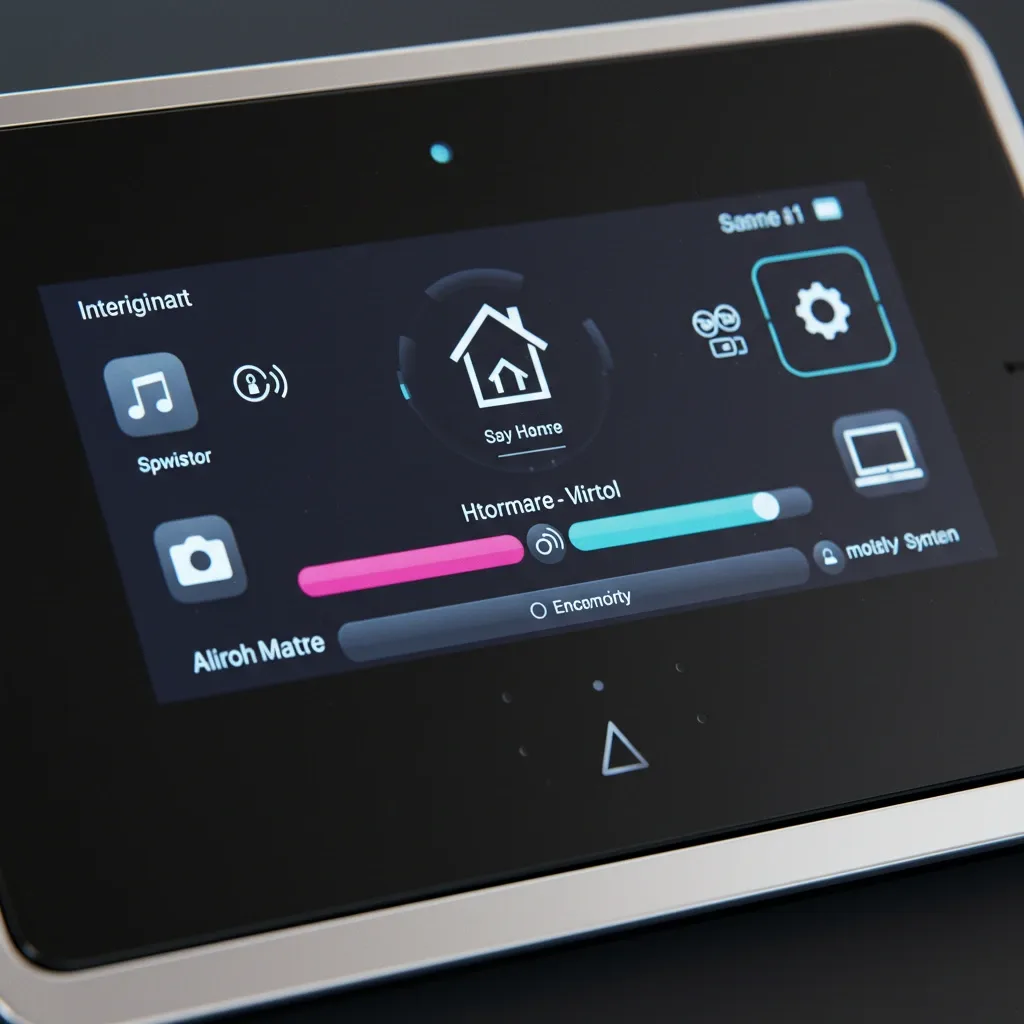
Why Modern Homes Need a Smart Alarm System
Smart Home technology elevates home security from passive monitoring to active real-time protection. A smart alarm system does not merely record incidents after they occur. It detects warning signs early, notifies residents immediately, and enables remote control of other security devices from anywhere.
For families in Bangkok and other major cities where homeowners are away for long hours each day, this system provides genuine assurance that the home is being looked after around the clock, even when no one is physically present.
Three Core Devices of a Smart Alarm System
Motion Sensors use PIR infrared or radar technology to detect body heat rather than just movement. They can be configured to cover specific zones to prevent false alerts, and connect to Google Home or Home Assistant to send notifications or automatically trigger a siren when abnormal movement is detected.
Smartphone alerts deliver real-time notifications accompanied by a live camera feed, allowing homeowners to see exactly what is happening at the moment of the alert. Remote device control is available directly from the notification, such as switching on lights or locking a door. Alerts can also be shared with family members or trusted neighbors, and a complete event history is logged for later review.
Smart Sirens feature customizable alarm sounds, remote on and off control via app, and coordinated operation with Motion Sensors and cameras to respond to threats quickly and with minimal delay.
Setting Up with Home Assistant
Start by selecting hardware such as a Raspberry Pi to run the system. Install Home Assistant Operating System on a MicroSD card and access the control interface through a browser by entering the device's IP address.
Device connection steps include installing an MQTT Broker for standard IoT devices, using a Zigbee or Z-Wave USB dongle for those protocol types, and installing compatible plugins for cameras, smart bulbs, and sensors.
Configure Automation rules such as: when a Motion Sensor detects movement, send an alert via the Home Assistant app, email, or SMS, and simultaneously switch on lights in the detected zone. Test and refine the system thoroughly before relying on it for real protection.
Connecting with Google Home
Connect devices to Google Home through the app, configure notifications via Google Assistant, and use voice commands such as "Hey Google, activate security mode" to arm the entire system at once. The combination of Google Home with Motion Sensors and Smart Sirens enables full voice-controlled security management without needing to pick up a smartphone.
The Practical Benefits of Real-Time Alerts
Real-time alerts deliver measurable advantages: faster response to incidents, immediate live camera viewing when a notification arrives, remote device control to deter intruders, home monitoring from work or abroad, alert sharing with trusted contacts, and a complete event log that serves as usable evidence if needed.