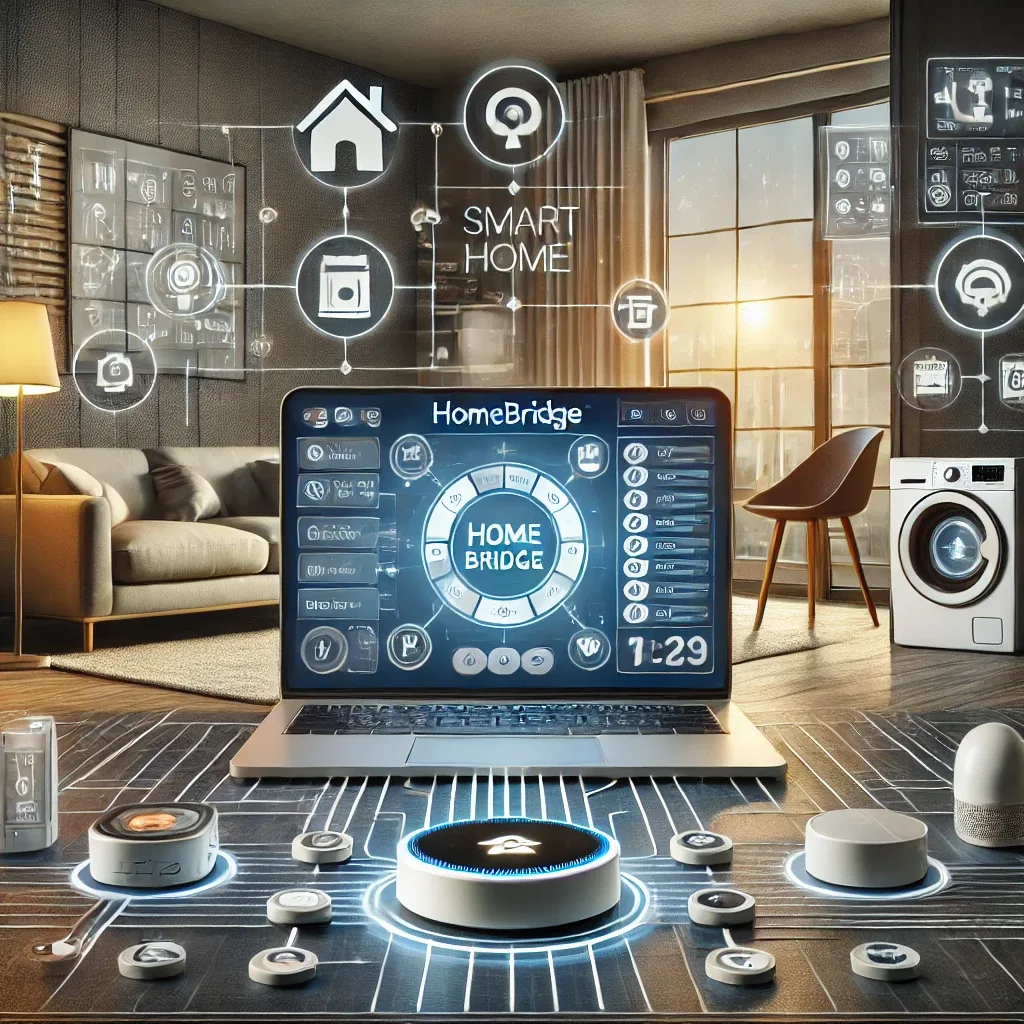
What Is HomeBridge and Why Is It Necessary
The most common challenge Apple users face in Smart Home is that many IoT devices they want to use do not support Apple HomeKit, preventing Siri and the Home app on iPhone from controlling them. HomeBridge solves this by acting as a protocol bridge, instantly making non-HomeKit devices appear as native HomeKit accessories.
HomeBridge is open-source software running on Node.js with a large developer community building plugins supporting 2,000+ device types — from budget light bulbs to air conditioners, CCTV cameras, and home appliances of every category.
Recommended Hardware for HomeBridge
Raspberry Pi is the most appropriate hardware for HomeBridge. RPi 4 (2GB RAM or higher) or RPi 5 runs HomeBridge smoothly around the clock, consuming less than 5W — essentially no impact on electricity costs.
Beyond Raspberry Pi, HomeBridge runs on macOS, Windows, or any Linux server. Users with an always-on machine available can use it, but RPi remains popular for its low cost, silent operation, and suitability for permanent 24/7 deployment.
HomeBridge Installation Steps
Begin by installing Raspberry Pi OS on MicroSD via balenaEtcher. Connect the RPi to the network, then open Terminal to install Node.js first, followed by HomeBridge:
sudo npm install -g --unsafe-perm homebridge
Then install required plugins:
sudo npm install -g homebridge-[plugin-name]
For example: homebridge-xiaomi-roborock-vacuum for Xiaomi robot vacuums, or homebridge-tuya for Tuya/Smart Life ecosystem devices. Edit the config.json file to configure each device's credentials and settings.
Connecting to Apple Home
Once HomeBridge is running, open the Home app on iPhone, tap Add Accessory, and scan the QR Code displayed in the HomeBridge Terminal or Web UI. All configured devices are automatically added to Apple Home.
Siri then controls these devices immediately: "Hey Siri, turn on the bedroom light" or "Hey Siri, set the living room to 25 degrees" — even for devices that have no native HomeKit support from their manufacturer.
HomeKit Automation and HomeBridge Advantages
HomeKit supports powerful automation: auto-lights on arrival home, everything off on departure, temperature adjustments by time, or running Scenes with voice commands. HomeBridge also integrates with Home Assistant via the homebridge-to-HASS plugin, enabling both platforms to work together seamlessly.
The core advantage of HomeBridge is privacy: all processing occurs locally, without relying on device manufacturer servers that may discontinue service or change privacy policies without notice. The Plugin community updates continuously to support new devices as they enter the market.