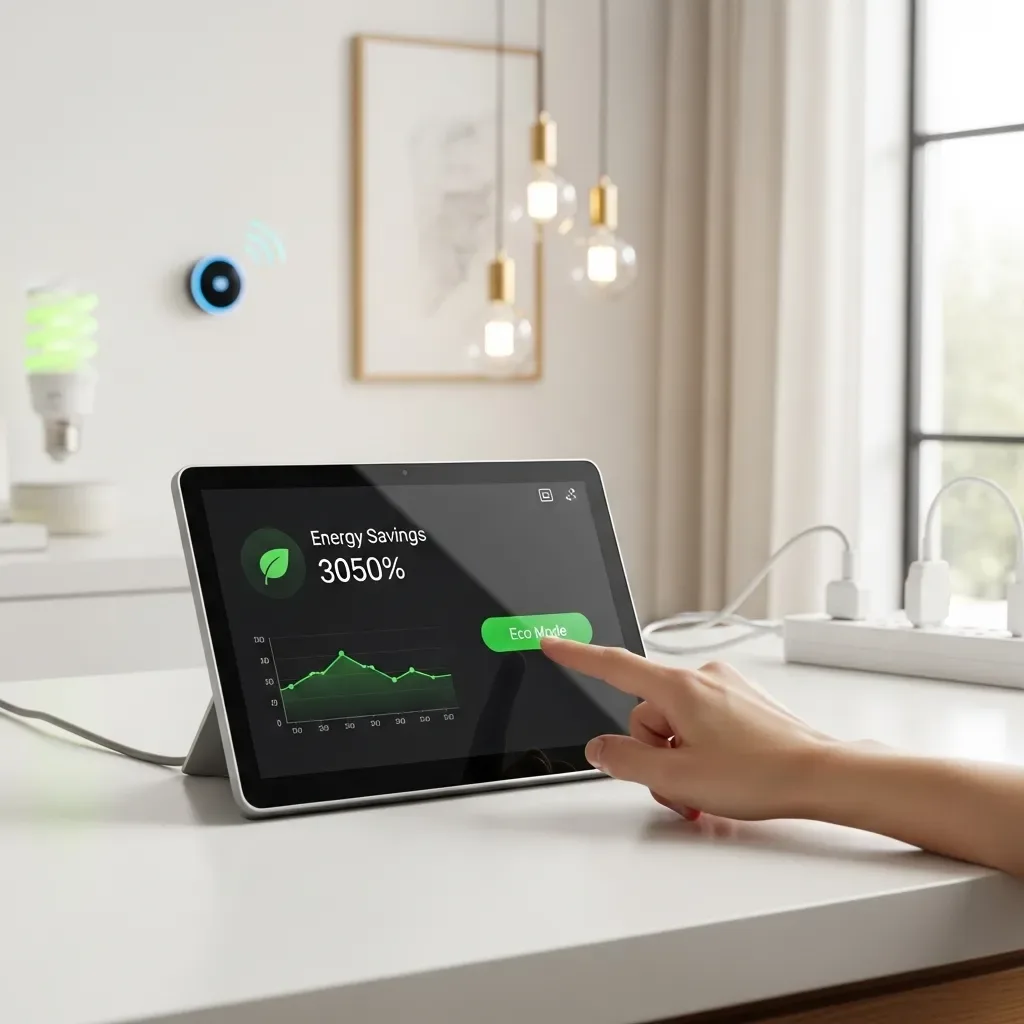
One of the primary reasons long-term electricity savings fail is dependence on the memory and discipline of household members. Smart Home solves this by creating Time-based Energy Modes that operate automatically on a schedule — whether or not anyone remembers.
Morning Mode (06:00–09:00): Ready and Efficient At 06:00, the system activates lights in occupied rooms at 50% brightness, pre-heats the water heater 30 minutes before typical use, and raises bedroom air conditioner temperature by two degrees to reduce consumption before anyone wakes. Rooms not yet in use remain dark.
Away Mode (09:00–17:00 on Weekdays): Maximum Savings When No One Is Home When Presence Detection confirms all members have left using GPS data, Away Mode activates automatically: all lights off, air conditioners set to 30 degrees or switched off, Standby Power cut on non-essential devices, and only security systems maintained. Away Mode delivers the highest electricity savings of any mode.
Evening Mode (17:00–22:00): Balancing Comfort and Efficiency Evening is when the family returns and wants comfort — but it is also MEA Peak Hour when rates are highest. Evening Mode sets air conditioners to 26 degrees rather than 24, uses LED Dimmers at 70%, and alerts the household when multiple heavy-load devices activate simultaneously, enabling mindful power management.
Night Mode (22:00–06:00): Deep Savings While Everyone Sleeps After 22:00, MEA Off-Peak rates drop to ฿2.60 per unit. Night Mode sets air conditioners to 27 to 28 degrees at low fan speed, reduces nighttime lighting to 10 to 20%, and schedules the washing machine or dryer to run during this window, capturing the 37% rate advantage.
Weekend Mode: Adapting to Lifestyle Weekend occupancy patterns differ significantly from weekday behavior. Weekend Mode does not enter Away Mode during daytime hours but instead applies Presence-based Automation throughout the day, with seasonally adjusted temperature setpoints.
Measurable Savings HappySmart customers using all Time-based Energy Modes save an average of 18 to 25% on electricity compared to before installation. Away Mode delivers the largest individual contribution, followed by Night Mode leveraging Off-Peak rates.