A quick calculation: if a home has 20 light bulbs left on unnecessarily for an average of three hours per day, consuming 10W each, that is 600W or 0.6 kWh per day — 216 kWh per year. At the MEA TOU Peak Rate of ฿4.18 per unit, that is ฿903 wasted annually. Smart Home eliminates all of this automatically.
Motion-triggered Lighting: On When Someone Is Present, Off When Not Installing Motion Sensors with Smart Switches makes lighting in bathrooms, corridors, laundry rooms, and infrequently occupied spaces automatically switch on when entered and switch off after a set period of no motion — five minutes for a bathroom or ten minutes for a kitchen. This system delivers immediate savings without any behavioral change required from occupants.
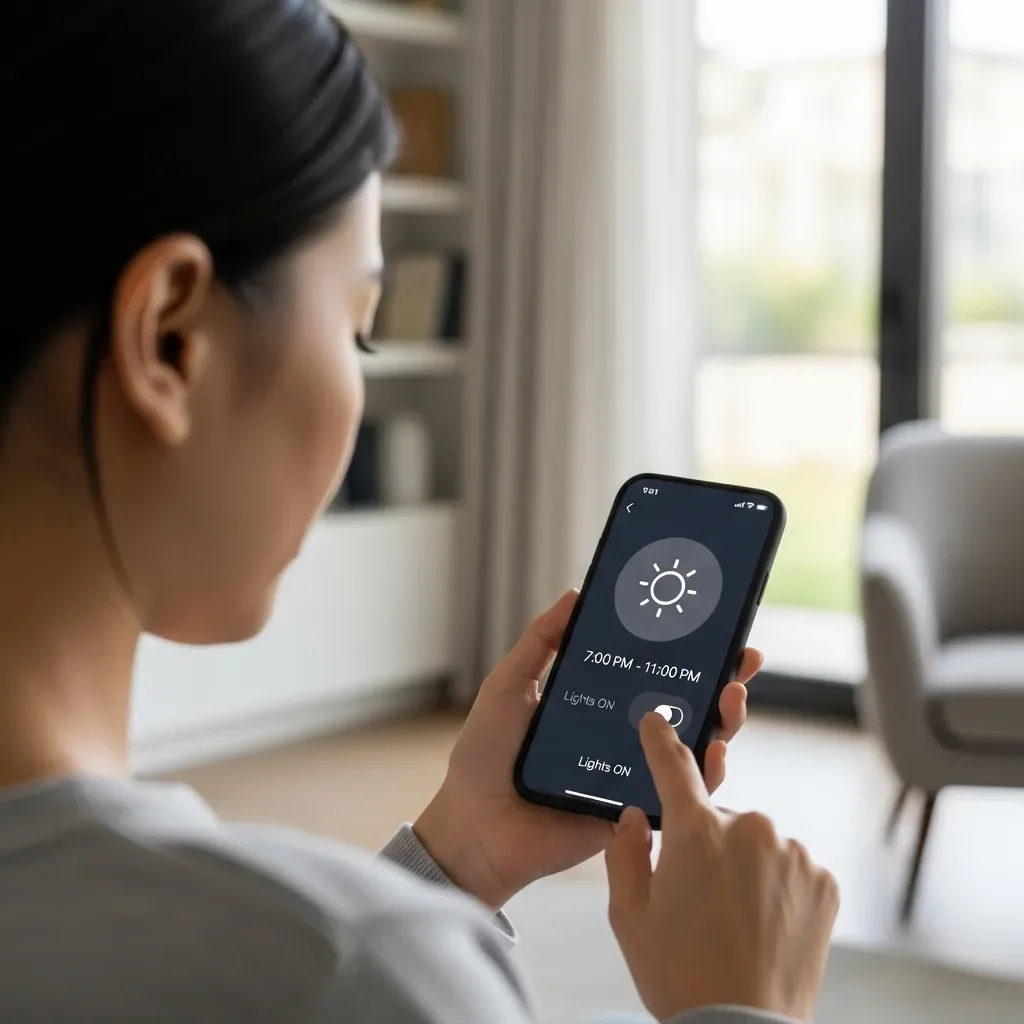
Time-based Automation for Specific Areas Some areas of the home follow highly predictable usage patterns. Outdoor pathway lighting should only be on after 18:00 and before 06:00; garage lighting should always switch off after five minutes; and front-of-house lights should turn off after 23:00 unless manually overridden. Time-based Automation handles these areas efficiently without needing sensors.
Lux Sensor: Adjusting to Natural Light Running artificial lighting in a room already flooded with natural light is invisible waste. A Lux or Ambient Light Sensor measures real-time room brightness and activates lights only when natural light is insufficient — after 17:00 or on overcast days. This reduces artificial lighting consumption by an average of 20 to 30% in well-lit rooms.
Smart AC Control: Off When the Door Opens Leaving the air conditioner running while a door is open is one of the most common sources of unnecessary AC energy use. A Door Sensor connected to a Smart AC Controller automatically pauses cooling when a door has been open for more than two minutes, resuming when the door closes. This reduces AC energy waste by 5 to 10% without any noticeable impact on comfort.
Stagger Load Automation When multiple family members return home simultaneously in the evening, opening several air conditioners at once creates an immediate Peak Demand spike. Stagger Load Automation staggers air conditioner activation across different rooms by three to five minutes, reducing Demand Charge for TOU Tariff households and easing strain on the home’s electrical infrastructure.
Total Impact of Auto On/Off Systems HappySmart customers with a complete Auto On/Off installation across all system types save an additional average of 15 to 20% on top of other systems already in place. Motion-triggered Lighting delivers the highest individual savings for households with children or elderly members who frequently leave lights on.