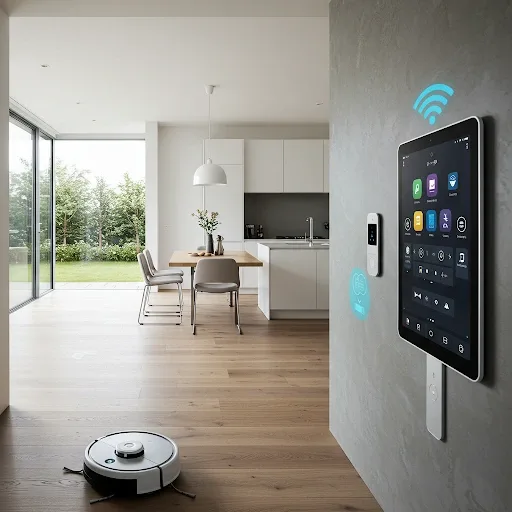
Is a Smart Home Really Worth the Investment?
The most common question from people exploring smart home technology is whether the investment pays off. The answer depends on what you value, but evidence consistently shows that smart homes deliver measurable benefits across three dimensions: energy savings, security, and improved quality of life for every household member.
The foundational appeal is simple — smartphone control of everything from anywhere, compatibility with a wide range of devices, and an interface accessible enough for children and elderly family members alike.
Energy Savings: Real Reductions in Electricity Bills
Smart lighting with automatic scheduling eliminates the electricity wasted when lights are left on in empty rooms. Motion sensors cut power automatically when no one is present. A smart thermostat analyzes your AC usage patterns and adjusts temperature automatically based on your daily routine, delivering consistent savings. Smart plugs provide real-time monitoring of electricity consumption per device, helping you identify which appliances are consuming the most power.
Security: Intelligence That Actually Protects
AI cameras analyze video in real time, distinguishing between people, pets, and vehicles to minimize false alerts while maximizing detection accuracy. Smart digital locks support multiple unlock methods, generate temporary access codes for guests or service workers, log all entry events, and send immediate tamper alerts. Motion, smoke, and gas sensors provide early warning of potential hazards before situations escalate.
Benefits for Every Family Member
For working adults, smart home technology enables remote monitoring and control — checking whether children have arrived home safely, or pre-cooling the house before returning from work. For elderly family members, voice assistant control eliminates the need to physically operate switches and appliances, while fall detection and emergency alert features provide peace of mind for adult children.
For younger children, smart home parental controls manage screen time and internet access, and AI cameras allow parents to monitor their children's safety in real time from any location.
Device Selection Guide by Need
Start with smart lighting and smart plugs for energy management — these deliver the fastest payback. Add a smart lock and AI camera to build a robust security layer. Install a smart thermostat for comfort and sustained electricity savings from AC management. Add a voice assistant to empower elderly family members and simplify daily control. Plan your expansion on a platform like Google Home or Home Assistant that supports a wide variety of devices to avoid being locked into a single brand.