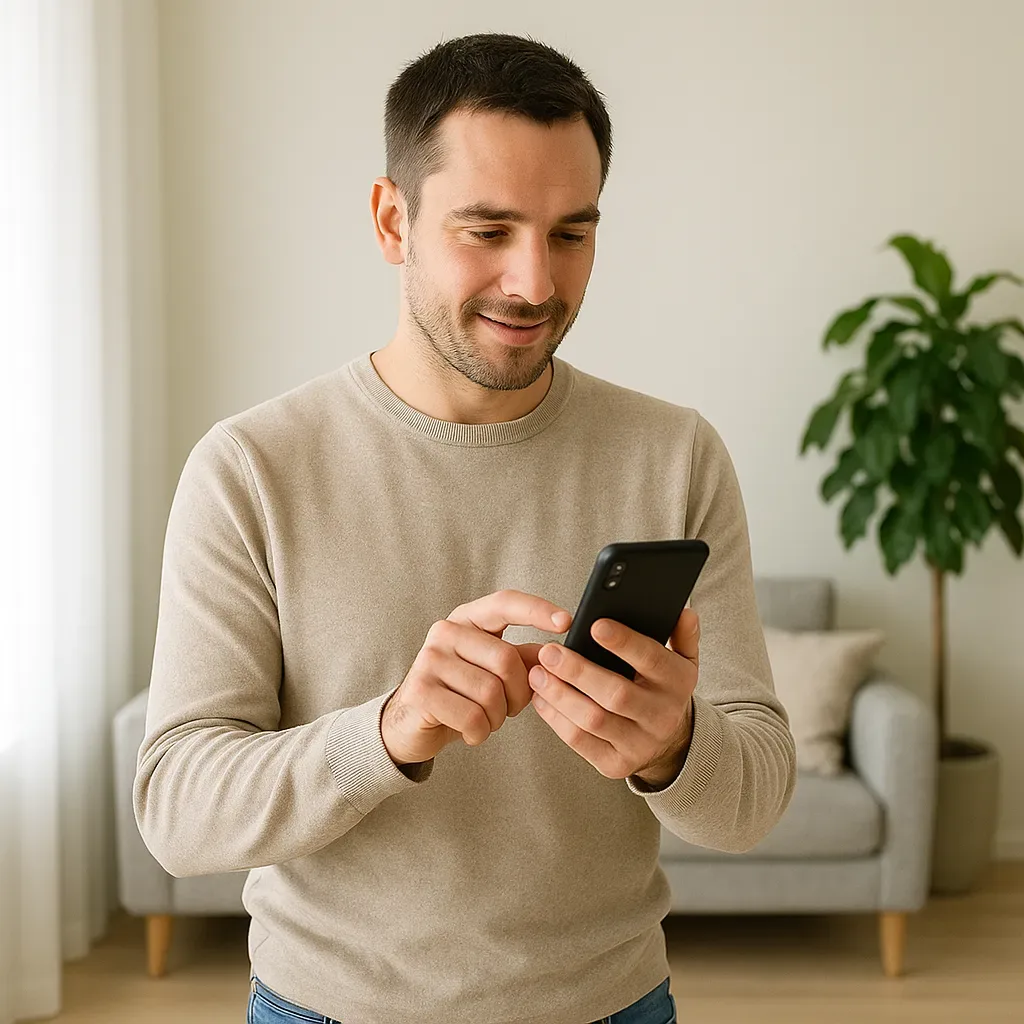
The Limitation of App-Based Control
Despite their comprehensive features, mobile apps require unlocking the screen, opening the app, finding the device, and pressing the button — a multi-second sequence that is inconvenient in many situations. Several alternatives make home control faster and simpler.
NFC Tag: Touch and Command
NFC tags are inexpensive small stickers (approximately 5–15 THB each) that store URLs or shortcuts. Touching a phone to the tag executes commands instantly without opening any app. Practical examples include a tag at the exit door that triggers a Leave Home scene with one touch, a bedside tag that activates Sleep Mode before bed, a tag in the car that prepares the home on arrival, and a bathroom tag that starts music and sets shower temperature. On iPhone, NFC shortcuts work through the Shortcuts App and Home Assistant Webhook; on Android, through NFC Tools or Tasker.
Smart Button: One Press Controls Everything
Smart buttons such as the Aqara Wireless Mini Switch or Ikea Shortcut Button offer simple home control for residents who prefer not to use apps. A single press turns lights on or off, a double press switches color temperature, and a long press controls all devices in the room simultaneously.
Aqara Cube T1 Pro: Gesture-Based Control
The Aqara Cube T1 Pro is a smart die that detects which of its six faces is upward and responds to rotation, creating highly intuitive control. Different faces activate different scenes — Morning, Work, Movie — while rotating adjusts brightness or temperature and shaking turns everything off.
Context-Aware Shortcuts: A Phone That Knows What You Are Doing
Context-aware shortcuts on iPhone via the Shortcuts App enable automatic home control based on situation — automatically displaying the Home Dashboard when connecting to the home Wi-Fi, prompting a Sleep Mode option at 22:00, or sending a lights-off confirmation notification when leaving the geofence boundary.
Webhook Configuration for iPhone NFC
A Home Assistant automation triggered by an NFC tag Webhook can activate a full Sleep Mode scene and send a quiet push notification confirming the mode is active — zero app interaction required.
Conclusion
The smartest phone is not the one with the most apps but the one that knows its owner and acts proactively. NFC tags, smart buttons, and context-aware shortcuts transform home control from something you do into something that simply happens.