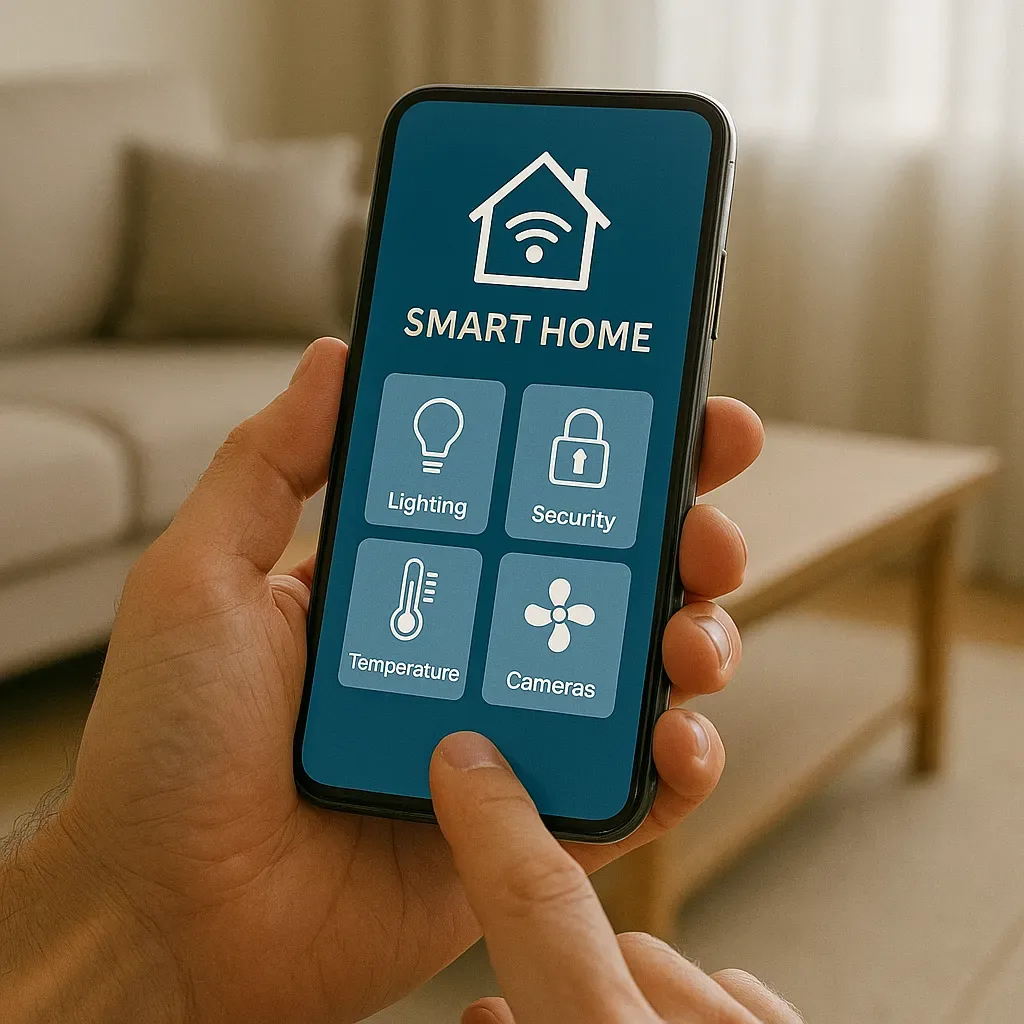
The Mobile Phone as Smart Home Command Centre
A smartphone has become the central remote control of the modern smart home. Whether you are in the bedroom, at the office, or overseas, everything is a tap away — but the quality of that experience depends on well-designed dashboards, secure remote access configuration, and choosing the right app for your specific smart home ecosystem.
Primary Mobile Apps for Smart Home Control
Home Assistant App (iOS/Android — free): The most flexible option for HA users. Supports custom dashboards, push notifications, location-based automations, home screen widgets, and Apple Watch/Wear OS companions. Recommended for anyone controlling devices across multiple brands in a single interface.
Apple Home (iOS — free): Extremely easy on iPhone and iPad; native HomeKit and Siri integration. Best for homes built primarily around Apple-native or Matter devices.
Google Home (Android/iOS — free): Connects Google Nest, Chromecast, and Works-with-Google devices with natural-language Google Assistant voice control. Best for Android users inside the Google ecosystem.
Mi Home / Xiaomi Home: Covers all Xiaomi/Aqara hardware — easy to install and affordable, but relies on Xiaomi cloud servers in China. Privacy-conscious users should migrate devices to Home Assistant instead.
Essential Features for a Mobile Dashboard
1. Quick Access Panel: 4–6 Scene buttons — Good Morning, Leave Home, Welcome Back, Good Night — accessible the moment the app opens.
2. Live Camera View: Real-time feeds from front door and key zones, with motion alert overlays.
3. Climate Control: Current temperature and humidity per room, with AC and fan controls.
4. Security Status: Alarm panel state and all door/window sensor positions on a floorplan view.
5. Energy Monitor: Real-time power consumption graph plus daily/monthly summaries to track smart home ROI.
6. Notification Centre: Recent alert log with timestamps and camera snapshots.
Configuring Secure Remote Access
Directly exposing Home Assistant to the internet carries serious security risks. Three recommended methods in order of ease:
Option 1 — Nabu Casa (Home Assistant Cloud, $6.5/month): Official HA service. Encrypted tunnel, no port forwarding or VPN configuration. Up and running in 5 minutes. Includes Alexa and Google Assistant integration.
Option 2 — Tailscale (free for personal use): Mesh VPN installed on the HA host and your phone. Creates a private, encrypted network between your devices with lower latency than cloud tunnels. Best for self-hosted setups.
Option 3 — Cloudflare Tunnel (free): Exposes HA through Cloudflare infrastructure without opening router ports. Requires a domain name and Cloudflare account; supports additional MFA via Cloudflare Access.
Widgets and Shortcuts on Your Phone Screen
iOS Widgets: HA App supports Home Screen widgets showing selected entity states — room temperature, lock status, current power draw.
Android Widgets + Shortcuts: HA for Android supports direct service-call shortcuts — a button on your home screen toggles the living room lights without opening the app.
Apple Watch / Wear OS: The HA Companion Watch app shows a condensed dashboard with Quick Actions — ideal for toggling lights or checking security status hands-free.
Voice Control via Virtual Assistants
Control your smart home by voice through Siri (HomeKit), Google Assistant, or Alexa. Common commands: "Turn on the bedroom AC at 25 degrees" / "Turn off all lights" / "What’s happening at home" (device status summary). When HA is connected to Nabu Casa, you can selectively expose only the entities you want each voice assistant to see, rather than your entire device inventory.
Summary: One Phone, Total Home Control
The key to a great mobile smart home experience is designing dashboards around your actual daily workflow — not cramming every entity onto one screen. Choose a remote access method that balances security and convenience, and configure notifications to fire only for events that genuinely require action, preventing alert fatigue.