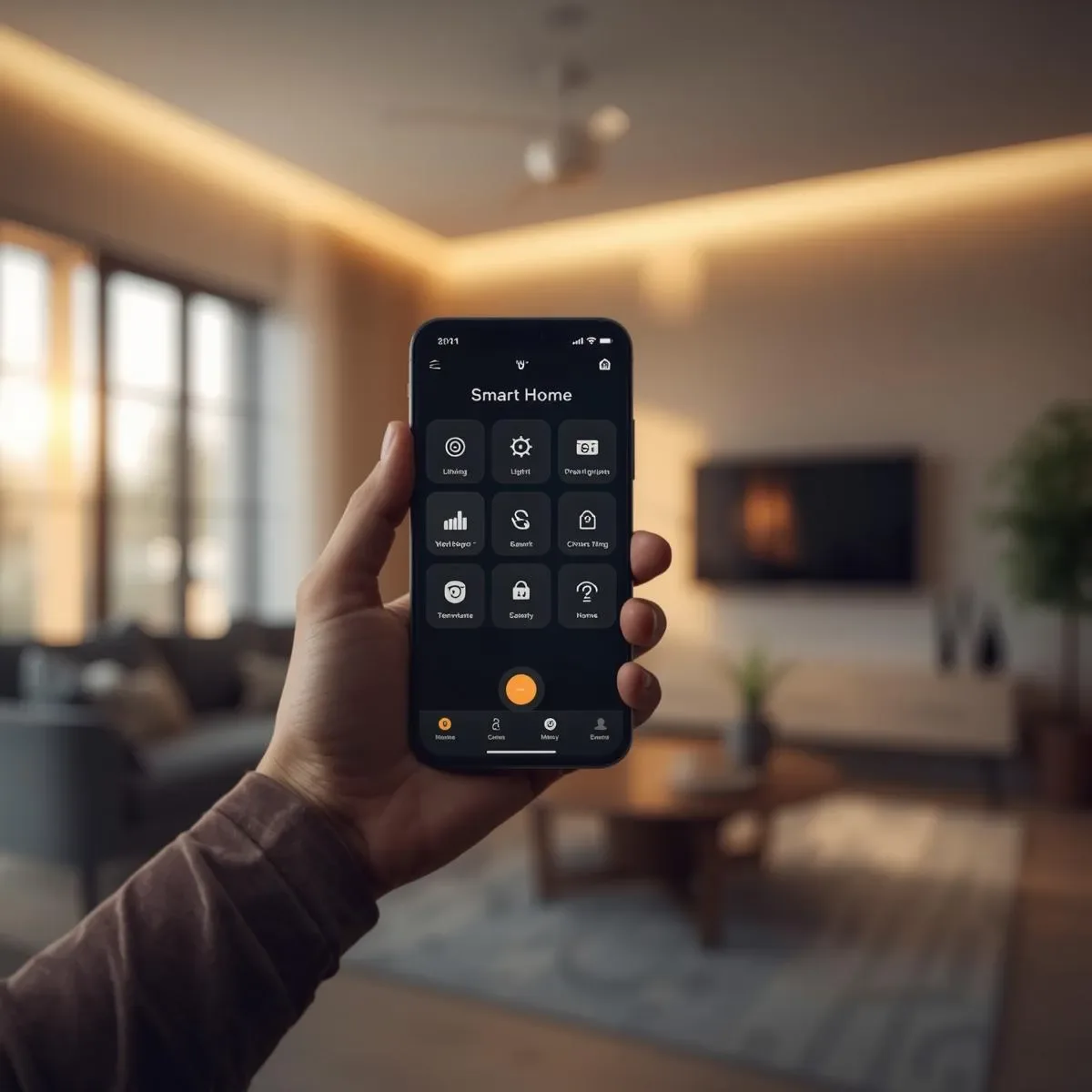
The Challenge of Mobile Home Control
As smart homes grow more complex, a common frustration is managing multiple apps for different device brands — one app for lights, another for the air conditioner, a third for cameras. A unified platform solves this fragmentation.
Comparing the Major Platforms
Home Assistant is the most flexible and powerful option, supporting over 3,000 integrations and running on a local server so data stays in your home without passing through a third-party cloud. Google Home integrates well with Google Assistant and Nest devices and is easy to use, though it relies on Google Cloud and offers fewer integrations. Apple HomeKit delivers strong security through End-to-End Encryption via iCloud and suits Apple Ecosystem users, but is limited to HomeKit-certified devices. Samsung SmartThings excels at connecting Samsung appliances — TVs, washing machines, and refrigerators — and offers solid Matter Protocol support.
LINE Integration: The Thai-User Advantage
In Thailand, LINE is the dominant messaging app. Connecting Home Assistant to the LINE Messaging API allows users to control their home and receive alerts directly through LINE, without learning a new application. A webhook-triggered automation can respond to Thai text commands, turning off all lights and confirming via LINE message — familiar, frictionless, and bilingual.
Energy Dashboard: Know What Uses the Most Power
One of the most practical features of mobile home management is a real-time Energy Dashboard that displays electricity consumption by device. This makes it easy to identify which room air conditioner draws the most power and which appliances should be switched off when leaving home.
Scene Management: One Tap Controls Everything
Scenes and Routines make daily life significantly more convenient. A Leave Home scene can simultaneously turn off all lights, lock doors, disable the air conditioner, activate cameras, and arm the alarm. A Return Home scene pre-cools the living room, opens the door automatically, and activates welcome lighting. A Sleep scene dims lights, shuts off the TV, sets the thermostat to 24°C, and locks every door.
Secure Remote Access Setup
Remote access to your home must be secured properly. Opening router ports directly is not recommended. Use Nabu Casa (the official Home Assistant cloud service) or Cloudflare Tunnel, both of which encrypt all connections without requiring open ports.
Conclusion
A great smart home platform is not just a beautiful app — it is a unified system that connects all devices, responds intelligently to daily life, and adapts to each family’s unique lifestyle.