The One Platform Principle That Actually Works
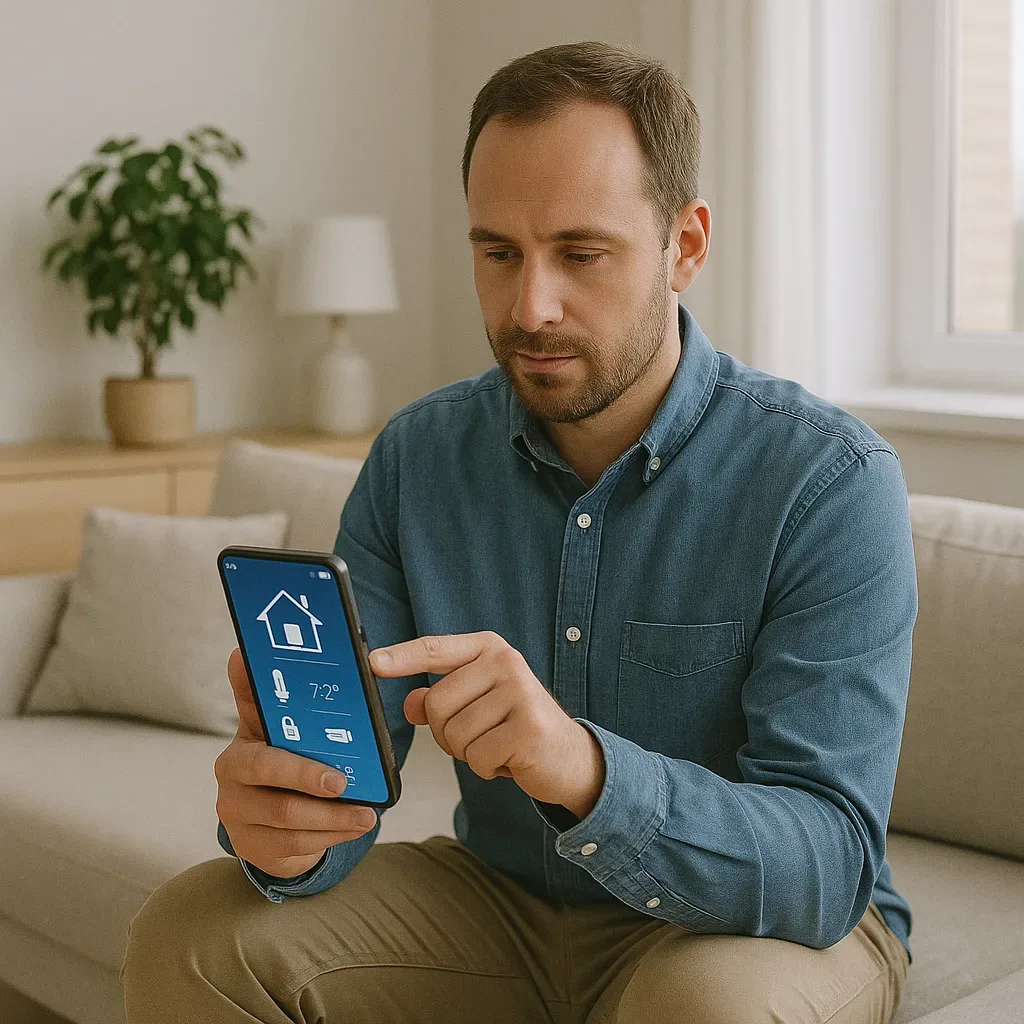
The best mobile home control is when users do not need to think or search for functions — everything is on the first screen, one tap, done. This is called Friction-Free Control and is the goal of well-designed smart home interfaces.
Lovelace Dashboard: Designed for Real Use
Home Assistant Lovelace UI provides complete design freedom for dashboards. Custom cards from HACS (Home Assistant Community Store) extend capabilities significantly. Mushroom Cards display many device statuses elegantly in minimal space. Mini Graph Card shows inline sensor graphs — such as 24-hour PM2.5 trends or daily electricity usage — directly within cards. Button Cards provide fully customizable buttons with configurable icons, colors, text, and actions for scenes and scripts. Vertical and Horizontal Stack Cards organize multiple cards neatly within mobile screen layouts.
Apple Home Screen Widget (iOS 16+)
iPhone users can add Home Assistant Widgets directly to the Home Screen for zero-app-open control. A Small 2x2 widget displays one room’s temperature and PM2.5. A Medium 4x2 widget provides four to six Scene Shortcuts — Leave Home, Return Home, Sleep Mode, Work Mode. A Large 4x4 widget shows a miniature whole-home dashboard with status for every room. Lock Screen Widgets on iOS 16+ display key sensor readings like PM2.5 and temperature without unlocking the device.
Android Quick Settings Tile
Android users can add Quick Settings Tiles for frequently used Home Assistant actions — a one-tap Leave Home command that turns off all lights, locks doors, and activates security; an AC toggle tile for instant on/off control; and a PM2.5 Alert tile that shows current readings and activates the air purifier.
Per-Member Dashboard Configuration
Home Assistant supports multiple dashboard sets for different users, allowing each family member a personalized control experience with the rooms and devices most relevant to them. Dynamic greeting cards using Mushroom Template Card with Jinja2 templating can display personalized messages and home status at a glance.
Companion App Hidden Features
The Home Assistant Companion App provides valuable capabilities beyond dashboards. Actionable Notifications include action buttons — a camera detection alert with [View Camera], [Lock Door], and [Open Door] buttons requires no additional app navigation. Location Tracking sends GPS data to Home Assistant for geofence automations. Sensor Sharing transmits phone battery level, Wi-Fi SSID, and charging state to Home Assistant for use in automations.
Conclusion
Excellent mobile home control is not measured by feature count but by how quickly and easily the most frequently used functions can be accessed. Home Screen widgets and Quick Settings tiles represent the ultimate Friction-Free experience.