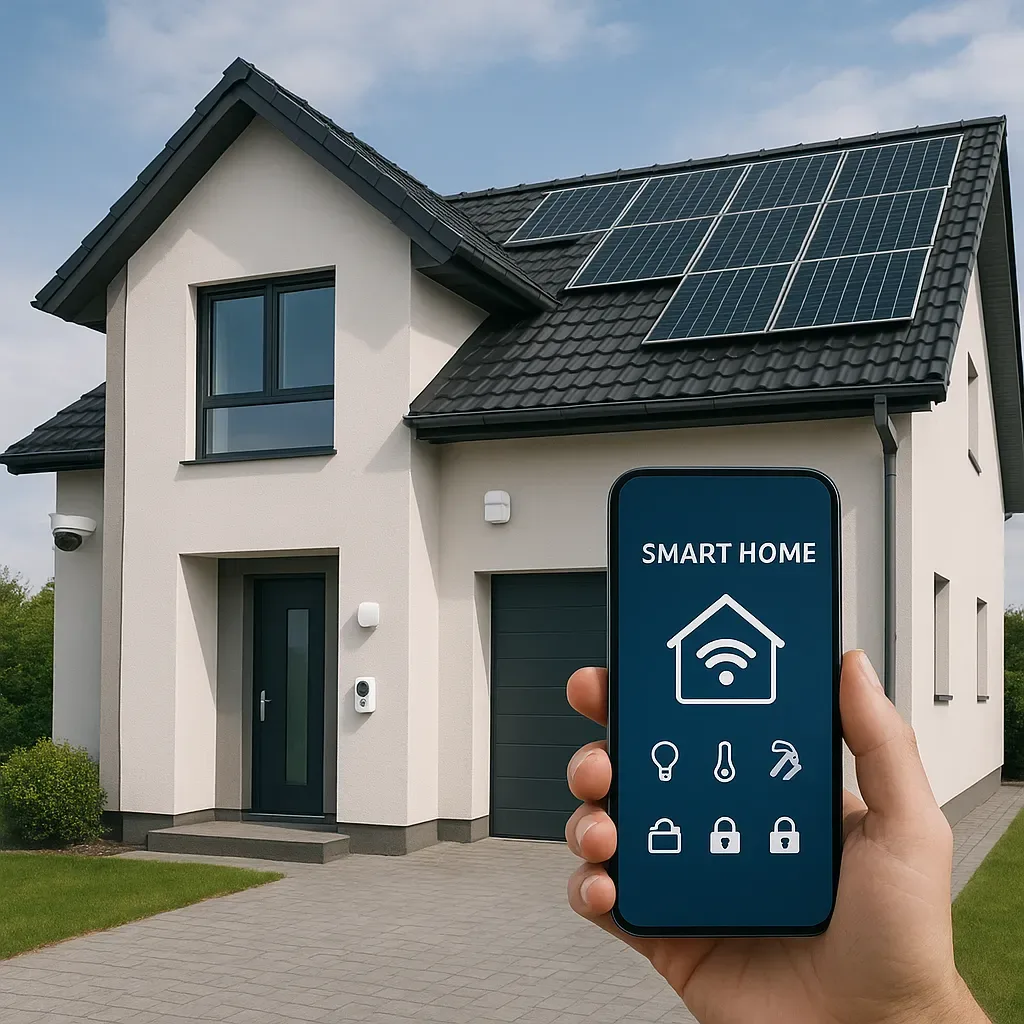
The 5-App Smart Home Problem
The most common complaint from first-year smart home users: the devices are all connected, but operating them requires opening five different apps — camera app, AC app, lights app, door lock app, IAQ app. The convenience promised becomes a new friction.
Home Assistant Lovelace Dashboard solves this by unifying every system in a single, fully customizable interface.
Mobile-First Dashboard Design Principles
85% of Thai smart home users interact primarily via smartphone, not tablet or desktop. Dashboards must be designed for 6-7 inch screens first.
The 3S Principle: Simple, Scannable, Swift
- Simple: The 5-7 most important data points on the home screen — not everything
- Scannable: Assess whole-home status in under 3 seconds
- Swift: Most-used controls reachable in 1 tap
Recommended Dashboard Structure
Tab 1: Home Overview
yaml
type: vertical-stack
cards:
  - type: glance
    title: "Home Status"
    entities:
      - entity: sensor.home_pm25
        name: PM2.5
      - entity: sensor.living_room_co2
        name: CO2
      - entity: sensor.home_temperature
        name: Temperature
      - entity: sensor.electricity_today
        name: Today kWh
      - entity: binary_sensor.front_door
        name: Front Door
      - entity: alarm_control_panel.home_alarm
        name: Alarm
  - type: horizontal-stack
    cards:
      - type: button
        entity: scene.good_morning
        name: Good Morning
        icon: mdi:weather-sunny
      - type: button
        entity: scene.good_night
        name: Good Night
        icon: mdi:weather-night
      - type: button
        entity: scene.away_mode
        name: Leaving Home
        icon: mdi:home-export-outline
Tab 2: Security
yaml
type: vertical-stack
cards:
  - type: picture-glance
    title: "Front Door Camera"
    camera_image: camera.front_door
    entities:
      - entity: lock.front_door
      - entity: binary_sensor.front_door_sensor
  - type: alarm-panel
    entity: alarm_control_panel.home_alarm
    states:
      - arm_home
      - arm_away
      - arm_night
Tab 3: IAQ Health
yaml
type: vertical-stack
cards:
  - type: history-graph
    title: "CO2 Last 24 Hours"
    entities:
      - entity: sensor.bedroom_co2
        name: Bedroom
      - entity: sensor.living_room_co2
        name: Living Room
    hours_to_show: 24
  - type: gauge
    entity: sensor.home_pm25
    name: Indoor PM2.5
    min: 0
    max: 100
    severity:
      green: 0
      yellow: 25
      red: 50
Tab 4: Energy
yaml
type: energy-distribution
title: "Today Energy Flow"
The Most Time-Saving Card: Conditional
Show information only when needed — keeps the dashboard uncluttered:
yaml
type: conditional
conditions:
  - entity: sensor.home_pm25
    state_not: "0"
    above: 35
card:
  type: markdown
  content: >-


## ⚠️ PM2.5 High: {{ states('sensor.home_pm25') }} μg/m³

Activate air purifier or close windows.
Elderly-Accessible Theme
If elderly family members use the dashboard:
yaml
# themes.yaml
elderly_theme:
  modes:
    light:
      primary-text-color: "#000000"
      secondary-text-color: "#333333"
      card-background-color: "#FFFFFF"
      primary-color: "#1976D2"
ha-card-border-radius: "16px"
- Minimum font size 18px
- Minimum button size 48x48px
- Contrast ratio 4.5:1 (WCAG AA standard)
Dashboard Quality KPIs
- Load time < 2 seconds: A slow dashboard is an unused dashboard
- Tap target ≥ 48px: Accessibility for all ages
- Context switch < 2 taps: Any control reachable from home screen in 2 taps maximum
- Widget count < 12 per tab: More causes confusion