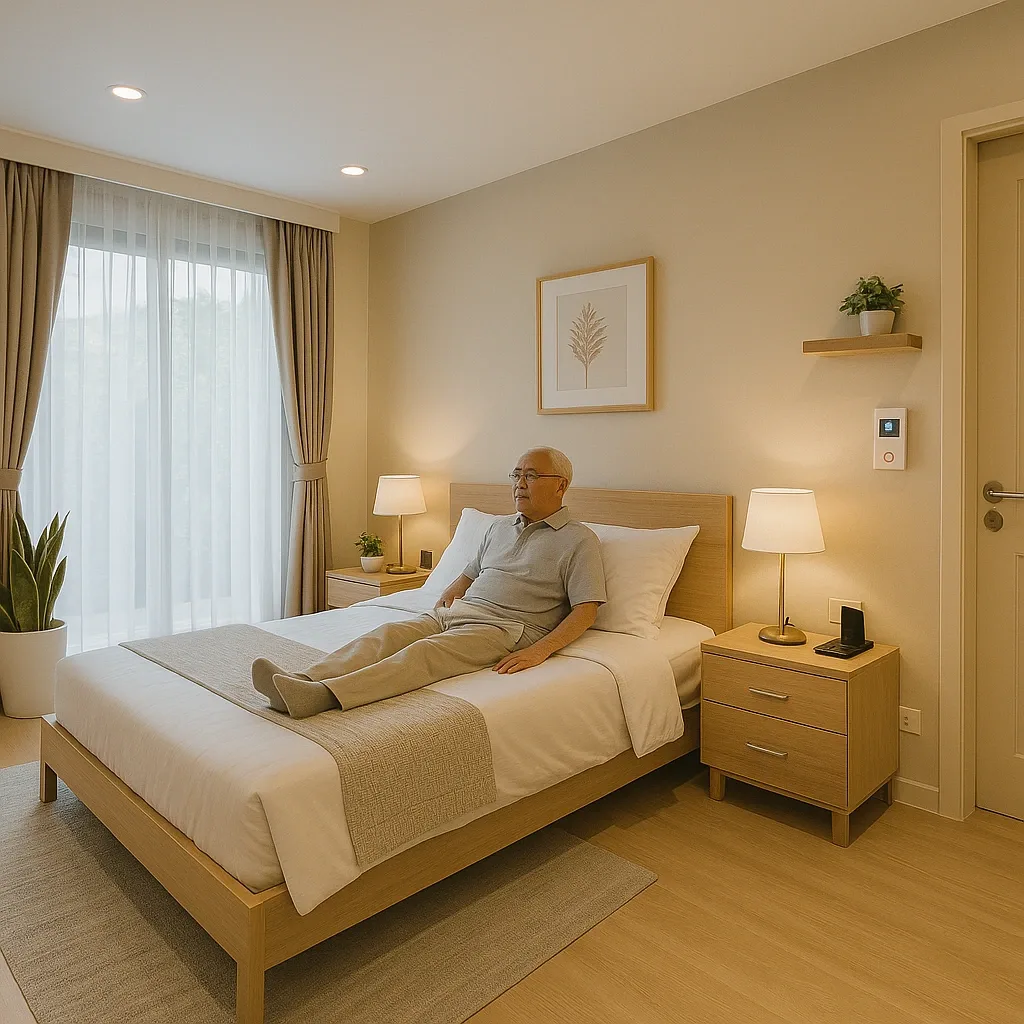
Converting a standard home into an elderly Smart Home may seem complex, but broken into clear steps, most families can complete the process in 30 days without disrupting daily life.
Week 1 — Assess and Plan (Days 1–7)
Days 1–2: Conduct a Home Risk Assessment together with the elderly person. Walk through every room and note hazard points: slippery floors, narrow corridors, dark corners, stairs, and bathrooms without grab rails.
Days 3–4: Assign a Priority Score to each hazard based on likelihood of accident, severity if it occurs, and cost to fix. Highest-scoring hazards are addressed first.
Days 5–7: Collect quotes from at least 3 installers and compare price, warranty, and post-installation SLA. Set a total budget with 15% contingency reserve.
Week 2 — Install Core Safety Layer (Days 8–14)
Days 8–10: Install Level 1 devices requiring no drilling — a portable panic button, a Smart Plug with energy monitoring, and PIR Motion Sensors in key rooms. Test alerts so every family member can receive and confirm them.
Days 11–14: Install bathroom devices — a Water Leak Sensor on the floor, at least 2 stainless grab rails, and a Smart Bulb timed to activate automatically from 22:00–06:00 at 10–15 lux.
Week 3 — Upgrade Detection (Days 15–21)
Days 15–17: Install mmWave Sensors in the bedroom and living room. Configure settings to match room dimensions and ceiling height. Enable Fall Detection and set appropriate alert thresholds.
Days 18–21: Connect the system to every family member’s smartphone app. Test alerts across all scenarios: fall, prolonged stillness, leaving home beyond allowed time, and voluntary emergency trigger. Enter the Digital Health Profile into the system.
Week 4 — Fine-tune and Drill (Days 22–30)
Days 22–25: Adjust Automation settings to match the elderly person’s real behaviour — wake time, bathroom visits, and sleep time. Reduce false alarms by fine-tuning sensitivity of sensors that trigger too frequently.
Days 26–28: Teach the elderly person to operate each key device one at a time. Focus on the panic button, Privacy Mode setting, and how to temporarily mute alerts when guests visit.
Days 29–30: Conduct a full emergency drill, simulating a fall in the bedroom. Track whether each stage of the response chain performs correctly. Record timing for each stage and improve anything that runs too slowly.