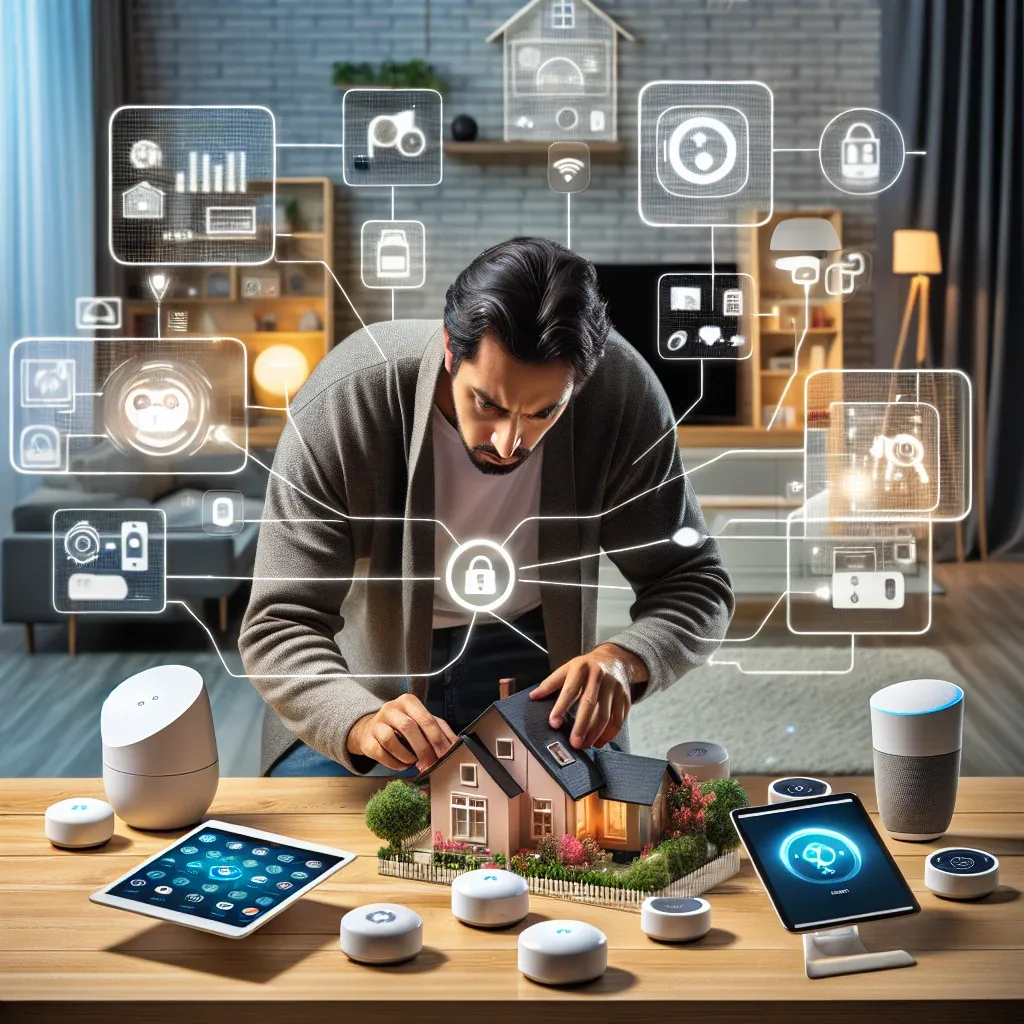
Ask Before You Buy
The most common mistake in starting a smart home is buying devices based on trends or other people's recommendations without asking what your family actually needs. The result is equipment that goes unused or a system that does not fit real life.
Before discussing brands or protocols, HappySmart starts every project by asking clients what problems in their home they want to solve, not what devices they want to buy.
Assess Needs Based on Who Lives in the Home
Families with young children prioritise safety and monitoring. A TP-Link Tapo C225 positioned in a play room or child's bedroom sends alerts when a child leaves a defined area. Door sensors give immediate notification when an exit door opens.
Families with elderly parents need systems that are simple to use and do not feel intrusive. mmWave sensors like the Aqara FP2 detect falls and abnormal movement in bathrooms and bedrooms without cameras, alerting family members directly.
Families focused on comfort and lifestyle want systems that operate fluidly through a smartphone or voice commands. Apple HomeKit works well for families already using iPhone and iPad throughout the home.
Families focused on energy efficiency need detailed monitoring and flexible automation. Tuya and Home Assistant provide granular energy data and automation rules that HomeKit does not match for this specific purpose.
Ease of Use Over the Long Term
A system that is easy to use on the first day but too complex for other household members will eventually be abandoned. HappySmart designs interface configurations and automation rules for every user in the family, not just the person who made the purchase decision.
Choosing a platform with Thai-language support or an interface that works naturally for elderly members of the household is consistently overlooked. Mi Home and Tuya have Thai language options. Apple HomeKit uses familiar gestures and voice for existing Apple users.
Budget and Planning
HappySmart recommends phasing the investment. Start with systems used most frequently and showing the fastest results — basic lighting and security. Add more sophisticated systems in subsequent phases once the household is comfortable with the first layer.
The HappySmart AI SmartHome package starts at ฿1,599 and supports HomeKit, Matter 1.4, Mi Home, and Tuya. Free consultations help design a plan specific to your family's actual situation.