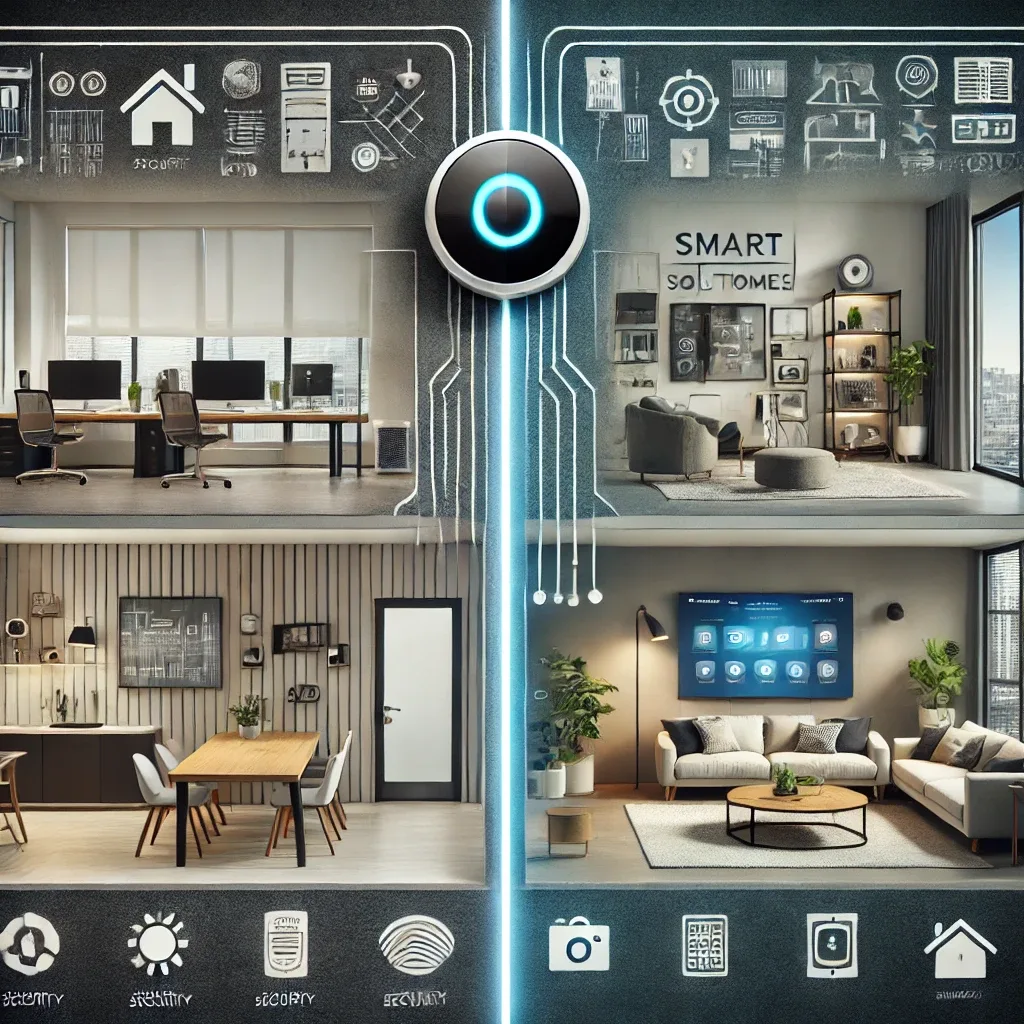
Fundamentally Different Purposes
Residential Smart Home systems prioritize personal comfort, family safety, and quality of life — automatically welcoming you home with lights and air conditioning, remotely monitoring cameras, or saving energy while you sleep. Business smart systems focus on operational efficiency, energy cost reduction, access control, and supporting hundreds of employees simultaneously. Measurable ROI is the primary metric driving business system investment decisions.
Scale and System Complexity
A typical smart home manages 20-100 devices controlled through Home Assistant or Homebridge on a single Raspberry Pi 5, using Zigbee, Wi-Fi, or Matter protocols. Business systems in office buildings or hotels may manage hundreds to thousands of devices, requiring server-grade hardware with high reliability, redundancy systems preventing downtime, and integration with BMS (Building Management Systems) and corporate ERP platforms. Detailed planning and engineering become unavoidable necessities rather than optional extras.
Security at Different Levels
For homes, strong security standards include AES-256 encryption, Two-Factor Authentication (2FA), a separate IoT VLAN, and local processing reducing cloud dependency. Business systems must cover zone-based RFID or biometric access control, CCTV connected to a Security Operations Center (SOC), IoT network cybersecurity monitoring, and regular penetration testing. High-value business data and physical assets require protection at a fundamentally more intensive level than residential applications.
Energy Management and ROI
Smart homes reduce electricity bills by 20-35% through automatic device shutdown when rooms are unoccupied. Business systems in large buildings can cut energy costs 30-50% through HVAC optimization, occupancy-sensor-driven smart lighting, and solar integration. For a business, reducing energy costs by just 10% monthly in a 5,000 sq.m. building may represent hundreds of thousands of baht in annual savings — placing smart building ROI within 2-5 years depending on size and business type.
Maintenance and Support Requirements
Smart homes can be self-maintained through the Home Assistant UI or with HappySmart support when needed. Business systems require dedicated internal IT teams or service contracts with clear SLAs — guaranteeing issue resolution within 4-8 hours. HappySmart serves both the residential Smart Home market and commercial Smart Building projects, with specialist teams who understand the distinct requirements of each sector.