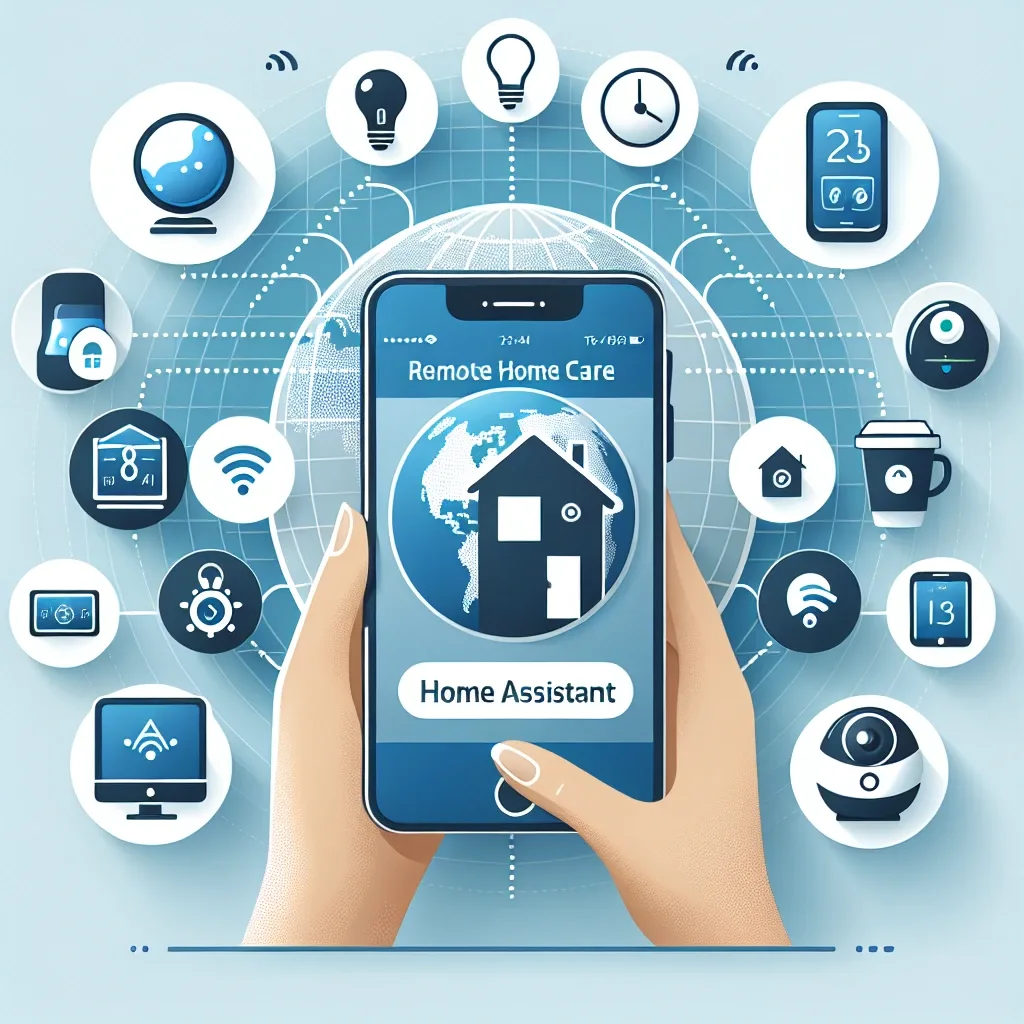
Why Remote Home Management Matters Today
People with multiple properties or frequent business travel routinely worry about homes left unattended: electricity running unnecessarily, security vulnerabilities, or contractors needing access without the owner present. These are practical problems with practical solutions.
Home Assistant is an open-source platform running on a local server inside the home. It provides comprehensive remote control with no monthly subscription fees and keeps all data on the home network rather than routing through external cloud services.
Core Capabilities for Remote Management
Lighting and appliance control from anywhere is the baseline function, available immediately after installation. Switch off lights left on, cool the house before arrival, or set lights on randomised schedules to create the appearance of occupancy while travelling.
Camera monitoring and motion alerts consolidate into a single dashboard. EZVIZ and TP-Link Tapo cameras integrate directly with Home Assistant, placing live feeds from every camera alongside all other device controls in one interface.
Smart lock management with Matter 1.4 compatible locks allows temporary PIN creation, remote door release, and real-time entry logs without handing over physical keys — a genuine convenience for managing contractor access.
Automating a Home When Nobody Is Present
Once presence detection confirms the home is unoccupied, Home Assistant can trigger a departure routine automatically: lights off throughout the house, air conditioning shifted to an energy-saving temperature, camera motion sensitivity increased, and all doors locked.
On return, detecting the owner's smartphone entering the home Wi-Fi range triggers a welcome routine that restores normal settings before the front door opens. This kind of contextual automation represents smart home technology at its most practical.
HomeBridge and Apple HomeKit Integration
HomeKit users who want Siri control and the Apple Home app experience can bridge non-native devices through HomeBridge running alongside Home Assistant. Devices that do not natively support HomeKit become fully visible and controllable through the Apple ecosystem.
HappySmart installs and configures HomeBridge as part of the standard service package. Clients simply indicate their preference for HomeKit control — the technical configuration is handled entirely by the team.