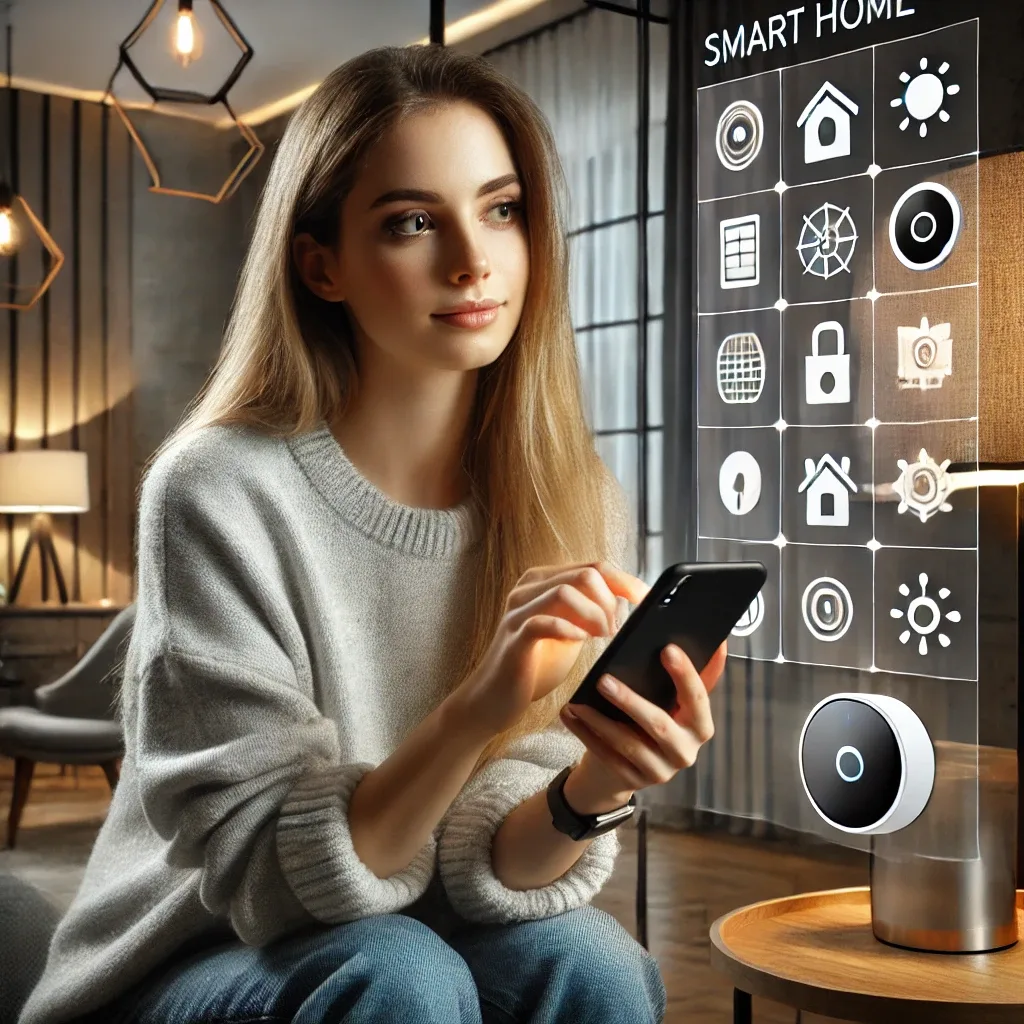
Why a Smartphone Is the Best Smart Home Remote Control
A traditional remote control commands one device at close range. A smartphone with a smart home app controls every device in the property simultaneously, checks real-time status from anywhere in the world, and runs Automations that work without any repeated commands.
This convenience comes with a few things worth understanding before you start.
Remote Control: What the Phone Can and Cannot Do
Internet-based Remote Control works for most Wi-Fi and cloud-connected devices. You can switch lights, adjust air conditioning, view live and recorded camera footage, lock and unlock smart doors, and control smart plugs from anywhere.
Devices using Zigbee or Z-Wave without an internet-connected hub cannot be reached remotely — commands must pass through the hub first. For weekend houses in Hua Hin or Khao Yai where owners are not present daily, a permanently connected hub is a requirement, not an option.
Security When Controlling Your Home Remotely
Opening your home to internet control requires deliberate security management. Best practices for 2026:
Use a strong, unique password for every smart home app. Enable Two-Factor Authentication (2FA) wherever it is offered. Review Activity Logs periodically to spot unusual access. Keep device firmware updated — manufacturers release security patches regularly. Never connect smart home systems to public Wi-Fi networks.
For EZVIZ camera systems specifically, always change the default password before first use.
Energy Management Through the Phone
Real-time Energy Usage visibility through the app changes consumption behaviour effectively. Seeing that a storage room air conditioner has been running overnight is immediately actionable from anywhere — no need to wait until you get home.
Smart Plug Monitor features in Mi Home and Tuya display watt-hour consumption for each connected device, identifying which appliances use the most power and enabling informed decisions about scheduling or replacement.
Getting Set Up Quickly
Starting a smartphone-controlled smart home is less complex than many people expect. Most Wi-Fi devices complete setup via QR code in two to three minutes.
What you need: a smartphone running iOS 17+ or Android 12+, a stable 2.4 GHz Wi-Fi network (most devices still use 2.4 GHz rather than 5 GHz), and an account for your chosen app platform.
HappySmart's installation service includes full app setup and hands-on training for every household member, ensuring everyone in the home can use the system confidently from day one.