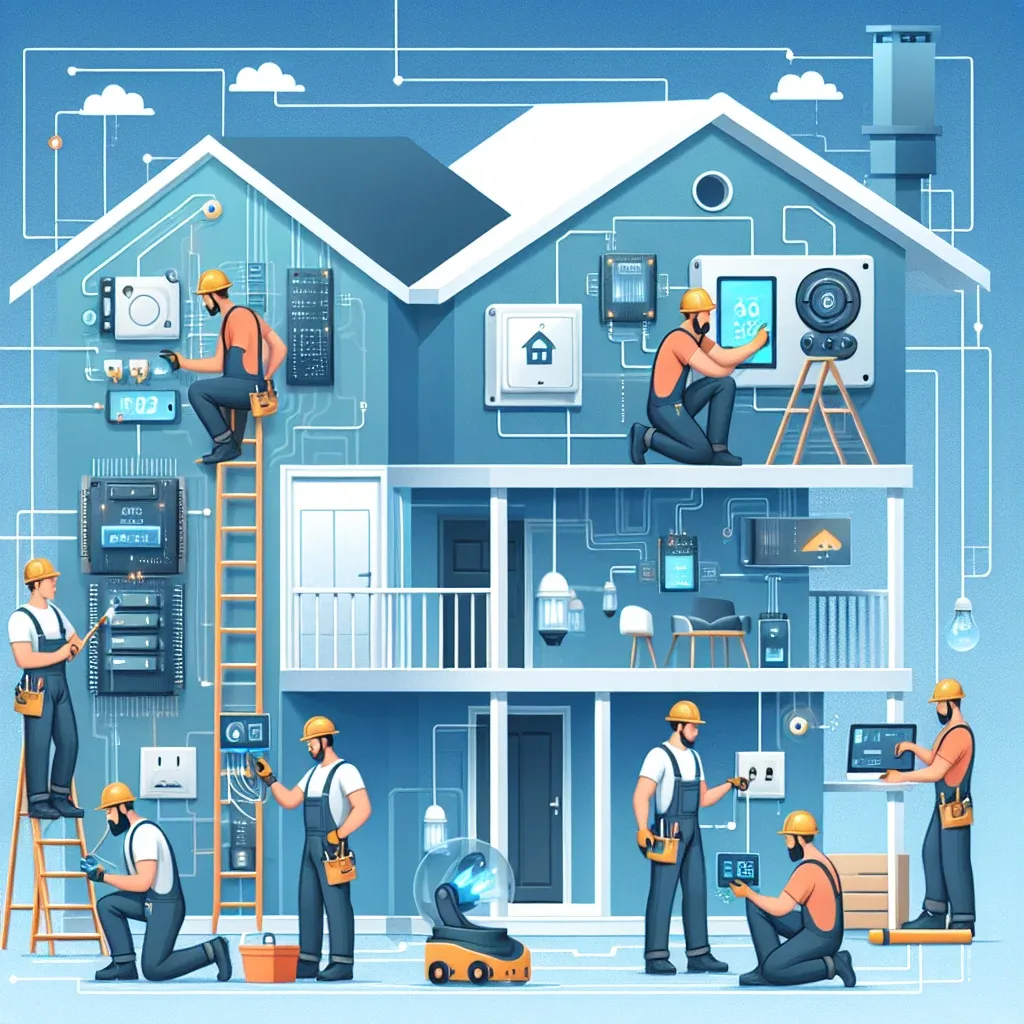
Why Smart Home Maintenance Matters
A Smart Home system is a combination of hardware, software, and network infrastructure, each with its own update cycle and service life. When maintenance is neglected, small issues accumulate until they cause system-wide failures.
A system running Home Assistant, Homebridge, and TP-Link Tuya devices working in concert needs a check-up at least every three months. Think of it the same way you think about an oil change for a car.
Routine Maintenance Tasks
Updating device firmware is the first priority. New firmware releases typically contain security patches and performance improvements. EZVIZ, Mi Home, and TP-Link Tapo devices mostly support automatic updates through their apps, but you should verify that updates have actually completed each month.
Updating Home Assistant matters equally. A new release ships every month. Staying current brings new integrations and bug fixes. Always read the release notes before updating because occasional breaking changes can affect custom integrations.
Checking system logs weekly catches problems before they escalate. A device that disconnects frequently may signal a dying battery or signal interference that needs addressing.
Back up the Home Assistant configuration at least once a week to cloud storage or a NAS. A current backup means a hardware failure results in hours of recovery rather than days of reconfiguration.
Planning Hardware Upgrades
Smart home devices typically receive software support for five to seven years before manufacturers retire them. Planning upgrade cycles in advance prevents the shock of replacing everything simultaneously.
In 2026, the strategic upgrade priority is moving devices that predate Matter to new hardware supporting Matter 1.4. Within three to five years, devices without Matter support will lose compatibility with major platforms.
Maintenance Service from HappySmart
HappySmart offers a Smart Home Maintenance plan that includes quarterly system inspections, all software updates, and a 24-hour support line for emergencies. It is designed for homeowners who prefer not to manage the technical side of their system.