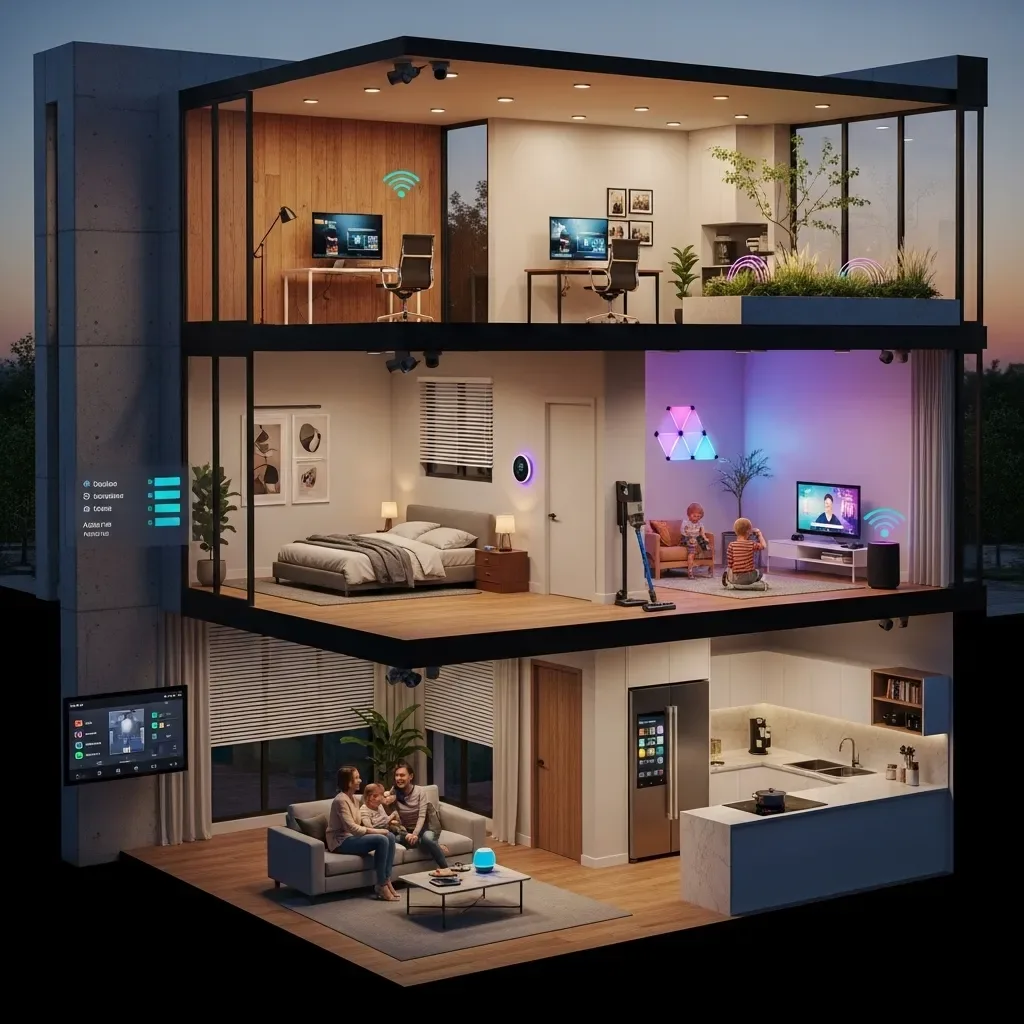
A two or three-story home doesn’t just mean more floor space — it means significantly more complex signal obstacles. Reinforced concrete walls, concrete floors, and steel framing throughout the structure can dramatically attenuate Wi-Fi signals. Proper signal planning must happen before any Smart Home installation begins.
Mesh Wi-Fi: The Foundation for Multi-Story Homes Relying on a single router placed on the ground floor to reach the third floor is not a viable strategy. Mesh Wi-Fi systems such as TP-Link Deco, Asus ZenWiFi, or Eero Pro allow each node to act as an access point that seamlessly relays signals. Place one node every one to two floors, and use stairwells or open vertical channels as signal relay points.
Thread and Zigbee for IoT Devices Smart Home devices using Thread or Zigbee have the advantage of forming their own mesh networks. Each device acts as a router node, forwarding signals to other devices in the network. The more devices deployed, the more resilient the network becomes. A practical guideline is to install at least two to three Zigbee or Thread devices per floor to ensure adequate mesh coverage.
LAN Backbone: The Most Stable Option For homes under construction or renovation, running CAT6 ethernet cables inside walls to connect Mesh nodes via wired backhaul offers the highest stability. Speed is not degraded since no wireless hops are needed, and latency for Smart Home device control is noticeably reduced.
Conducting a Signal Map Before purchasing any equipment, perform a signal survey using a Wi-Fi Analyzer app. Walk every room on every floor and note RSSI values. Any reading below -70 dBm indicates a need for an additional node or extended coverage in that area.
Home Assistant with Multi-Story Homes HappySmart uses Home Assistant as the primary controller, which handles multi-zone device management exceptionally well. Floors can be separated into distinct zones — Ground Floor, First Floor, Second Floor — and controlled via LINE OA without the user needing to know which floor a device is on. Simply selecting the desired room or zone is sufficient.
Practical Installation Tip Always place the hub or controller — such as the Raspberry Pi running Home Assistant — at the middle floor of the house. This equalizes the signal distance to all floors, rather than placing it on the lowest floor and hoping signals reach the top.