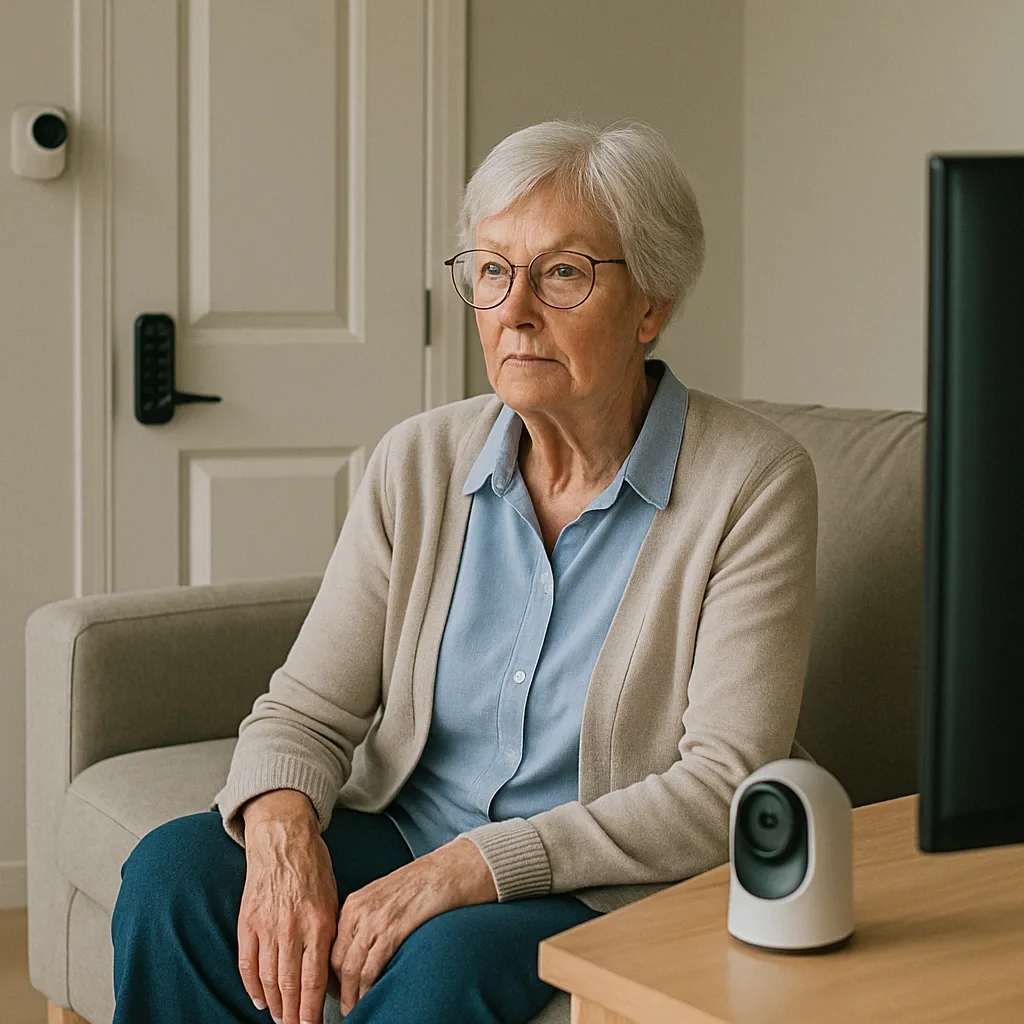
Many families keep postponing home improvements for elderly parents because they believe it requires extensive time and budget. In reality, the 5 most impactful upgrades can be completed in a single Saturday–Sunday without drilling walls, running cables, or hiring a contractor.
Task 1 (Saturday Morning): Install Wearable and Wall-Mounted Panic Buttons
Time: 30–60 minutes. Budget: 800–1,500 THB. A wireless panic button that pairs with a family smartphone app is the first essential. Mount the wall version beside the bed and in the bathroom using double-sided tape, and have the elderly person wear the lanyard type at all times. Test the alert system with every family member before going live.
Task 2 (Saturday Afternoon): Install PIR Motion Sensors in the Bedroom and Main Corridor
Time: 1–2 hours. Budget: 1,500–3,000 THB for 2 units. Magnetic-mount PIR Motion Sensors require no drilling and configure via app in under 10 minutes. Set a rule: if no movement is detected in the bedroom zone after 09:00, notify the family. This passively confirms the elderly person has risen and begun their day.
Task 3 (Saturday Evening): Add Smart Plugs to Frequently Used Appliances
Time: 30 minutes. Budget: 400–800 THB per unit. Smart Plugs insert directly into existing outlets. Use them on the electric kettle, fan, or air purifier to track appliance usage patterns — an indirect way to verify the elderly person is following their daily routine. If the kettle has not been switched on all morning, that is worth investigating.
Task 4 (Sunday Morning): Install Smart Bulbs in the Corridor and Bathroom
Time: 1 hour. Budget: 400–800 THB per bulb. Smart Bulbs screw in directly without any wiring work. Program them to stay on at 30% brightness at 2700K throughout the night so the elderly person can see the corridor to the bathroom without searching for a switch in the dark.
Task 5 (Sunday Afternoon): Place Water Leak Sensors in the Bathroom and Kitchen
Time: 20 minutes. Budget: 300–600 THB per unit. Water Leak Sensors sit on the floor without any installation — simply place and pair with the app. They detect water leaks or overflows the elderly person might miss. Unexpected water detected on the bathroom floor at an unusual time may also signal an abnormal event worth checking.
Results After One Weekend
With a combined budget of 8,000–15,000 THB, the family gains a foundational elderly Smart Home system covering: morning hours (PIR confirms routine, Smart Plug confirms appliance use), night hours (Smart Bulb ensures a safe corridor), and all-hours coverage (Panic Button for emergencies, Water Leak Sensor in the bathroom). The remaining gap is an mmWave Sensor for passive fall detection — which should be the next project when budget and professional installation time are available.