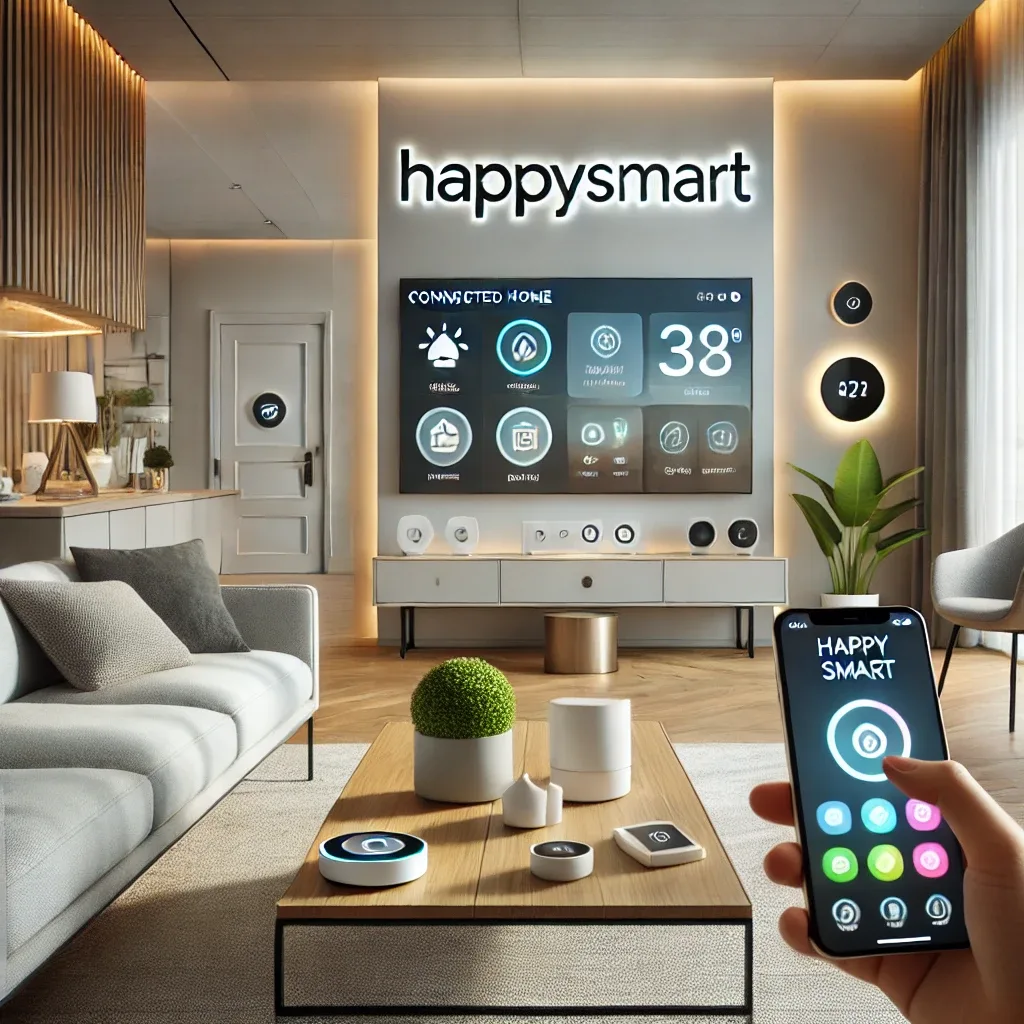
What Is Smart Home and Why Does It Matter Today?
A Smart Home uses internet and connectivity technology to control and manage home devices — lighting, security systems, appliances, and more — through smartphone applications or voice commands. Smart home installation not only enables remote device control but also increases security, saves energy, and improves overall quality of life. With platforms like Home Assistant and Homebridge, managing every device in your home from a single app is a genuine reality today, not a distant aspiration.
5 Key Factors in Choosing Smart Home Devices
Choosing the right smart home devices for your lifestyle requires thorough consideration, since each home has different needs and budgets. The first factor is personal needs and lifestyle: if security is the priority, start with CCTV cameras and Smart Locks; for convenience focus on Smart Lighting and voice control systems. The second factor is device compatibility — choose equipment that works with a central platform like Home Assistant or Homebridge, which support hundreds of device brands. The third factor is ease of installation and use: for those unfamiliar with technology, HappySmart provides consultation, installation, and comprehensive training. The fourth factor is security and privacy — choose devices with data encryption and regular security updates. The fifth factor is price and value: while high-quality devices cost more upfront, they deliver meaningful energy savings and cost reduction over time.
HappySmart Solutions for Every Lifestyle
HappySmart offers comprehensive Smart Home solutions addressing diverse lifestyles. Home Assistant is the primary platform consolidating control of all devices — lighting, CCTV, security systems, air conditioning — through a single iOS and Android app. For iPhone users who want Siri and Apple HomeKit convenience, Homebridge seamlessly connects non-HomeKit devices to the Apple ecosystem. Air quality control systems — PM2.5 sensors connected to automatic air purifiers — improve quality of life for those with respiratory issues, especially during high-PM2.5 periods common in Bangkok. Each solution is selected based on individual needs rather than generic package sales.
The HappySmart Installation Process
HappySmart's service follows three main stages. First, consultation and planning: the team surveys the home and discusses needs and actual budget rather than pushing unnecessary equipment. Second, installation and configuration: specialist technicians install and connect all systems with thorough testing before handover. Third, after-sale service: support teams are available by phone, LINE, and in-home maintenance visits, making smart home ownership genuinely accessible for those without technical backgrounds.
Getting Started with Smart Home for Beginners
For those just starting out, HappySmart recommends beginning with Smart Plugs to learn app-based device control, then expanding to Smart Lighting for both aesthetics and energy savings, and Smart Security for remote home monitoring. Starting step by step allows learning without feeling overwhelmed, then gradually expanding the system as budget and needs grow. This phased approach delivers the best learning experience while protecting investment by ensuring each addition integrates well with what already exists.