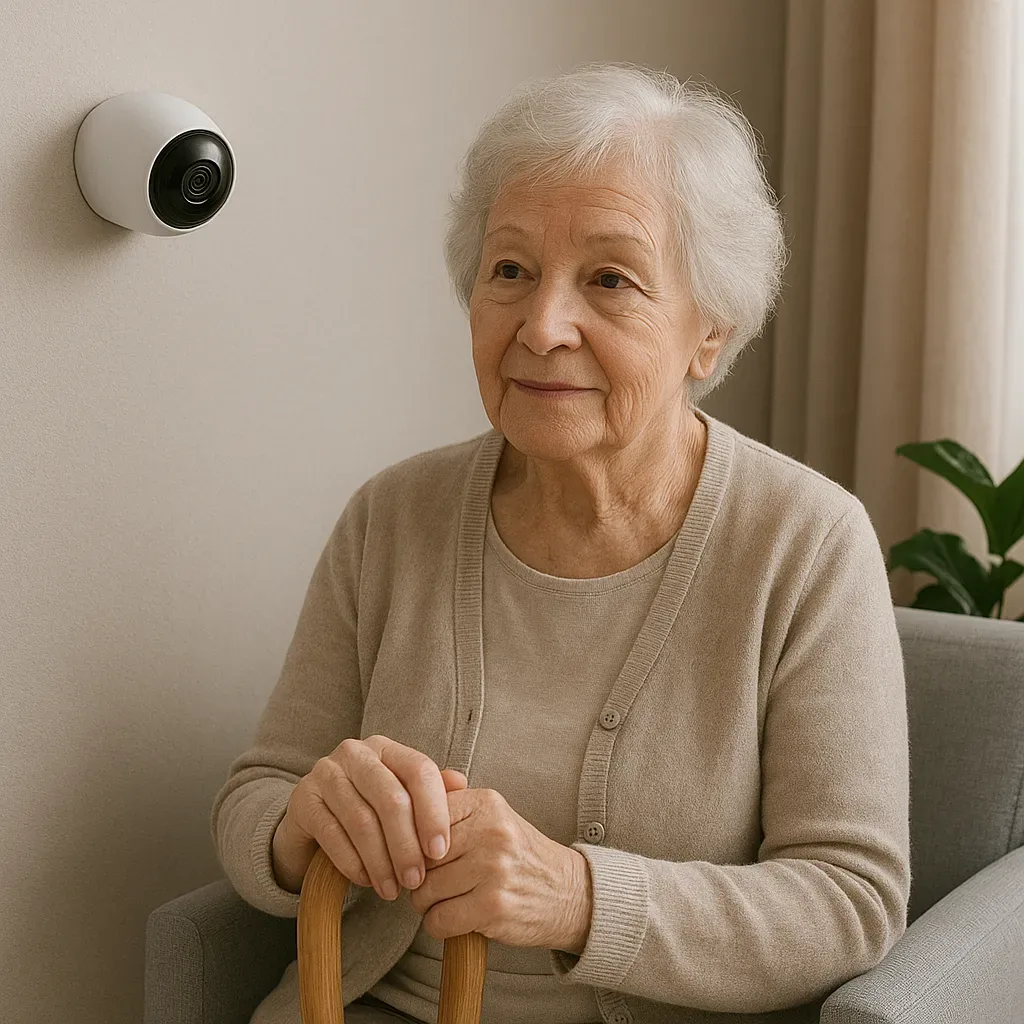
The Gap Between Data and Care
Many families who install CCTV and sensors for elderly monitoring encounter the same problem: abundant data but no system for distributing and interpreting it. Everyone watches but no one is accountable — or one person carries the entire burden alone.
A good caregiver coordination system requires three designed components:
- Weekly Digest: A summary everyone can read
- On-Call Rotation: Who is responsible for alerts each week
- Escalation Protocol: What to do when emergencies occur
Automated Weekly Digest with Home Assistant
HA can generate automatic weekly reports every Sunday at 08:00 and send them to the family LINE group:
yaml
alias: "Weekly Elderly Report"
trigger:
  - platform: time
    at: "08:00:00"
condition:
  - condition: time
    weekday:
      - sun
action:
  - service: notify.line_family_group
    data:
      title: "Weekly Report — Elderly Care Summary"
      message: >-
        📊 This Week Summary
        🛏️ Average wake time: {{ state_attr('sensor.elderly_wake_avg', 'value') }}
        🚶 Average steps/day: {{ states('sensor.elderly_daily_steps') }}
        💊 Medication taken: {{ states('counter.medication_taken') }}/7 days
        🏠 Time at home: {{ states('sensor.elderly_home_hours') }} hrs/day
        ⚠️ Alerts this week: {{ states('counter.elderly_alerts_week') }}
        📱 On-Call this week: [Name from Rotation]
Key Metrics for the Weekly Digest
Routine Metrics (normal or abnormal):
- Average wake/sleep time versus established baseline
- Kitchen visits per day (proxy for eating)
- Hours at home per day
- Average bathroom duration
Health Metrics:
- Medication adherence (if smart medication system installed)
- Step count (if wearable used)
- Sleep hours (if smart mattress used)
Safety Metrics:
- Number of alerts triggered this week
- Alert severity distribution (Critical/Urgent/Informational)
- Average response time when alerts received
Trend Analysis (changes over time):
- Wake time 30+ minutes later than previous month → schedule health check
- Bathroom duration increasing each week → possible health issue
- Kitchen visits declining → may be eating less or experiencing appetite loss
On-Call Rotation Protocol
Distribute caregiver duty across the family to prevent burden concentration:
Sample rotation (3 adult children):
- Week 1: Child 1 — receives all Critical Alerts
- Week 2: Child 2 — receives all Critical Alerts
- Week 3: Child 3 — receives all Critical Alerts
- Week 4: All receive simultaneously (Full-Team week)
On-Call responsibilities:
- Check dashboard morning and evening daily
- Respond to any alert within 5 minutes
- Log observations in Family Care Log
Escalation Protocol: What to Do When Something Happens
Level 1 — Minor Alert (response within 15 minutes)
- Check via camera or call
- Log in Family Care Log
- No physical visit required
Level 2 — Urgent Alert (response within 5 minutes)
- Call the elderly person immediately
- If no answer → call neighbor or designated caregiver
- Next on-call person in CC
Level 3 — Critical Alert (immediate response)
- Call 1669 (emergency medical services) if physical emergency suspected
- Notify all family members simultaneously
- Send location and smart lock access code for EMT
Family Care Log
Use Google Docs or Notion as a shared Family Care Log:
- Date, time, person recording
- Observation noted
- Action taken
- Follow-up required or completed
Review the log together monthly in a family video call to identify trends that weekly snapshots alone cannot reveal.