What Is Automated Home Management via App?
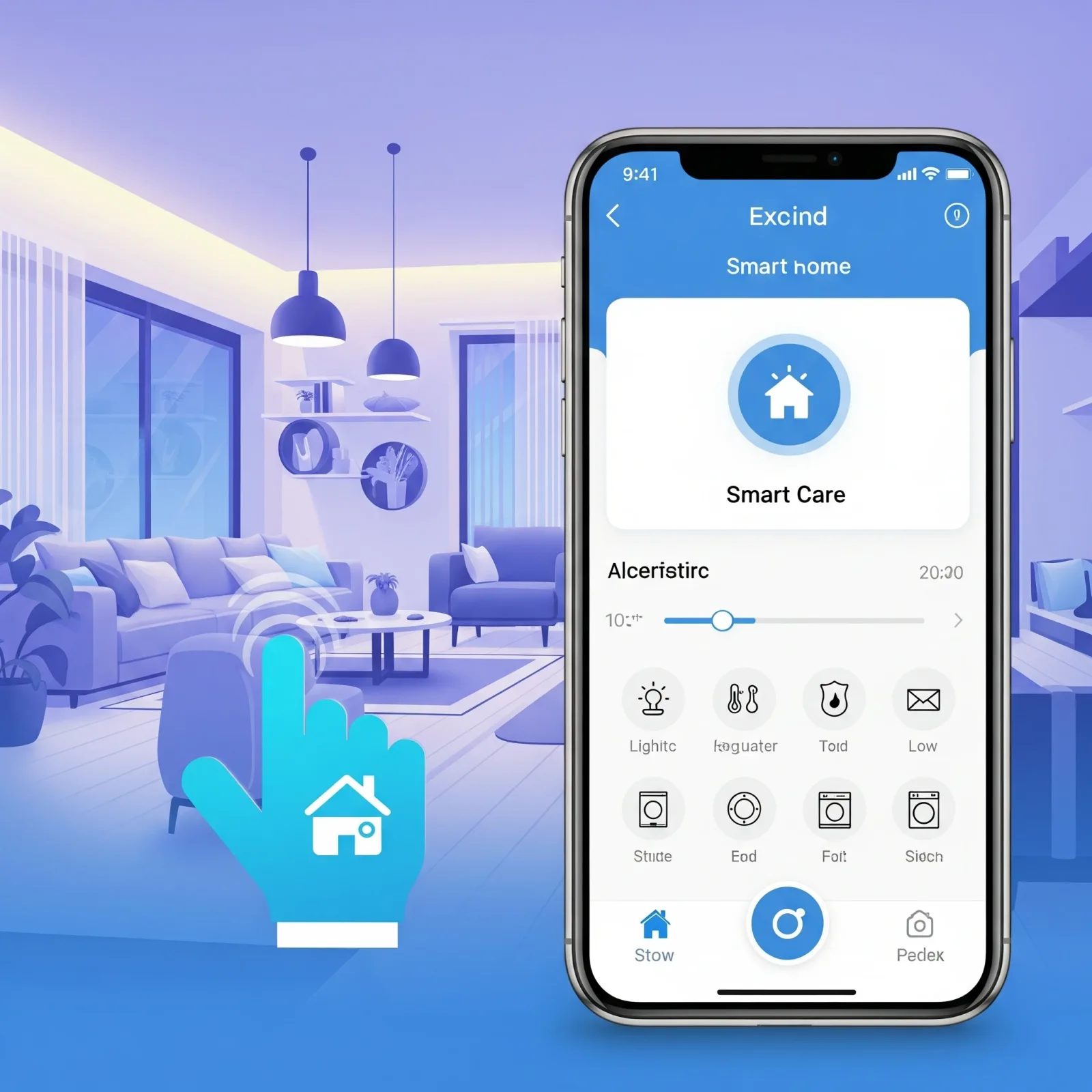
Automated home management via app means household devices are connected over the internet and controllable from a smartphone from anywhere in the world. But what separates a smart home from a simple remote control system is automation: devices act on pre-set conditions without requiring a manual command every time.
Examples of automations HappySmart configures for clients include: garden lights that switch on automatically at sunset; an air conditioner that adjusts its temperature setpoint upward when a room sensor reads above 28°C; an air purifier that activates the moment PM2.5 exceeds 35 µg/m³; and a smartphone notification when a camera detects unusual movement.
The Main App Ecosystems for Home Automation in Thailand
Apple Home (iOS / HomePod) is the most convenient option for iPhone users. The interface is intuitive, Siri and Shortcuts are supported, and it integrates naturally within the Apple ecosystem. It has limitations in device compatibility and the complexity of automation rules it can handle.
Google Home (Android) suits Android users and connects well with Google Nest devices. It supports Matter 1.4, which broadens compatibility with third-party brands significantly.
Mi Home (Xiaomi) provides the widest selection of Xiaomi devices at accessible prices. The app includes basic automation functionality built in and is the fastest way to get a Smart Home started on a limited budget.
Home Assistant (open source) is the most powerful option. It runs on a server inside your home, controls devices from any brand and any ecosystem simultaneously, supports unlimited automation complexity, and keeps all data local rather than sending it to an external cloud. It does require more technical knowledge to configure correctly.
Use Cases Where Home Automation Delivers Real Value
Energy management. Smart plugs reveal real-time power consumption by device, identifying which appliances draw more electricity than necessary. Automation rules power them off when no one is home.
Security monitoring. Instant alerts when cameras detect unexpected movement, when a door opens without authorisation, or when a smoke sensor is triggered.
Elderly care. Family members are notified when an elderly resident shows no movement during a time they would normally be active, or when air quality in their room crosses a safe threshold.
Air quality management. The air purifier activates automatically when PM2.5 rises and powers down when readings return to normal — saving electricity and extending filter life.
HappySmart: Full Installation and Automation Configuration
HappySmart does not simply install hardware. Automation rules are designed around each household's actual daily routine. The team surveys the property, asks about daily habits, and builds a system that performs in real life — not just in a demonstration.
Service covers Apple Home, Google Home, Mi Home, and Home Assistant, with user training and long-term after-sales support included.