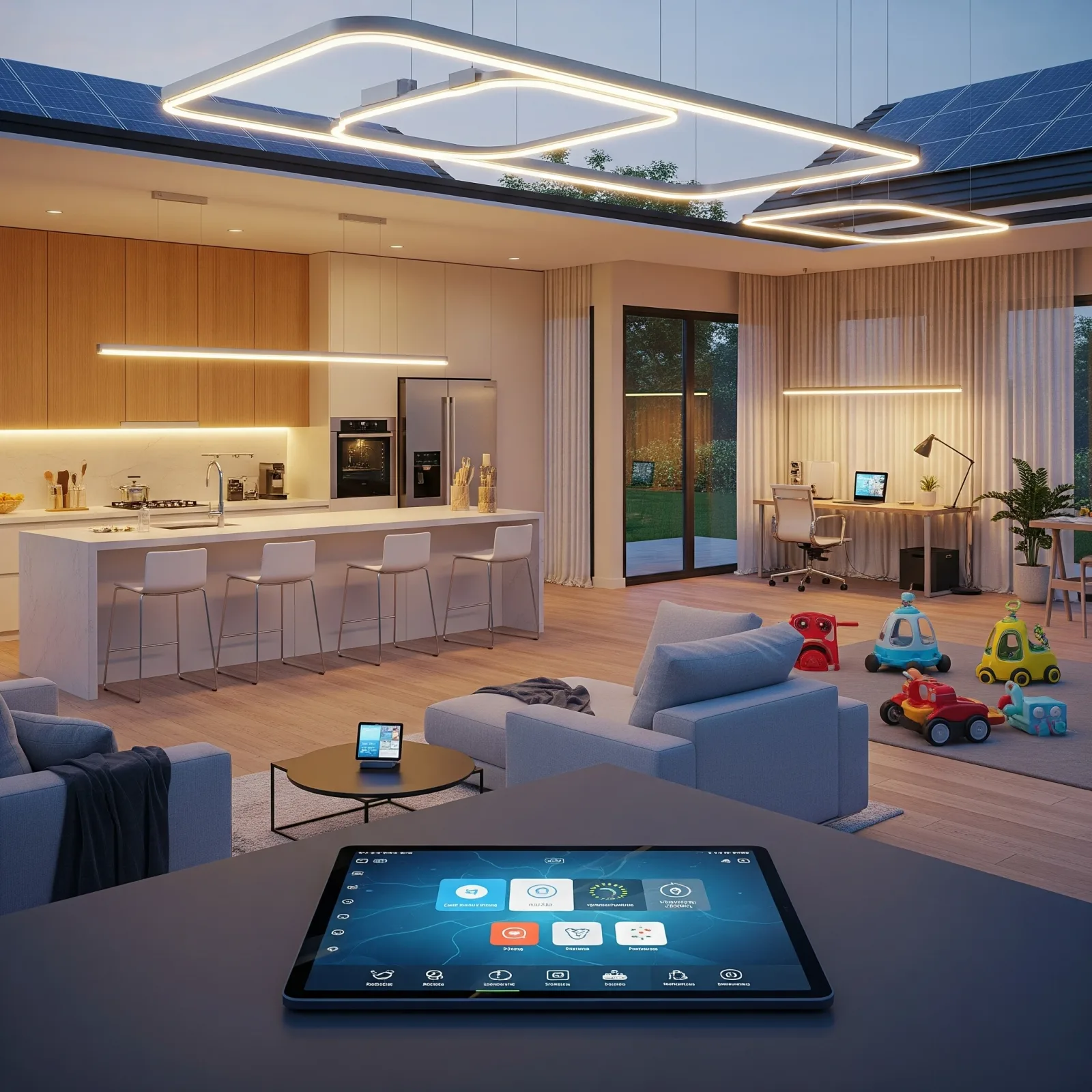
Why Most Smart Home Projects Underdeliver
The majority of Smart Home projects that disappoint share the same root cause: they begin with devices instead of needs. A household might buy smart bulbs and a smart speaker first, only to find these do not address the safety needs of an elderly parent living in the same home, or the energy savings that motivated the purchase in the first place.
Starting correctly requires a structured process.
Step 1: Map the Family Composition
Modern Thai families frequently span three generations living under one roof: elderly parents, young children, and working-age adults. Each group has distinct needs. Elderly residents need safety and health systems. Children need a healthy environment and device access controls. WFH adults need energy management and convenience. The list of requirements for each group is the correct starting point.
Step 2: Define the Core Use Cases
Decide clearly what this Smart Home needs to solve. Choose from four primary categories:
Safety: cameras, door sensors, fall detection, smart locks.
Energy saving: smart plugs with consumption monitoring, automatic switches, AC thermostat control.
Comfort: automatic lighting, smart blinds, voice control.
Health: air quality sensors, smart air purifiers, environmental monitoring.
Step 3: Choose the Right Ecosystem
Ecosystem selection is a long-term decision.
HomeKit (Apple) suits families primarily using iPhone. Easy to set up, strong privacy, but more limited in device choice and customisation.
Matter 1.4 is the open standard enabling cross-brand interoperability. This is the direction the industry is moving over the next five to ten years.
Mi Home (Xiaomi) offers the widest range of devices at accessible price points. Ideal for getting started quickly on a limited budget.
Tuya supports the broadest range of third-party hardware — suitable for households that want to mix multiple brands.
Step 4: Prioritise Devices
Start with the devices that deliver the highest return on investment.
For homes with elderly residents: fall detection sensors, SOS buttons, and automatic lighting.
For general households: security cameras, air quality sensors, smart plugs, and Philips Hue or Xiaomi smart lighting.
Step 5: Choose the Right Installer
A good Smart Home installation is not simply plugging in devices. It involves system design, automation rule configuration, testing, and user training. HappySmart handles every stage of this process and provides long-term after-sales support.
Budget guide: basic package from ฿15,000; full-home installation from ฿50,000, depending on device count and automation complexity.