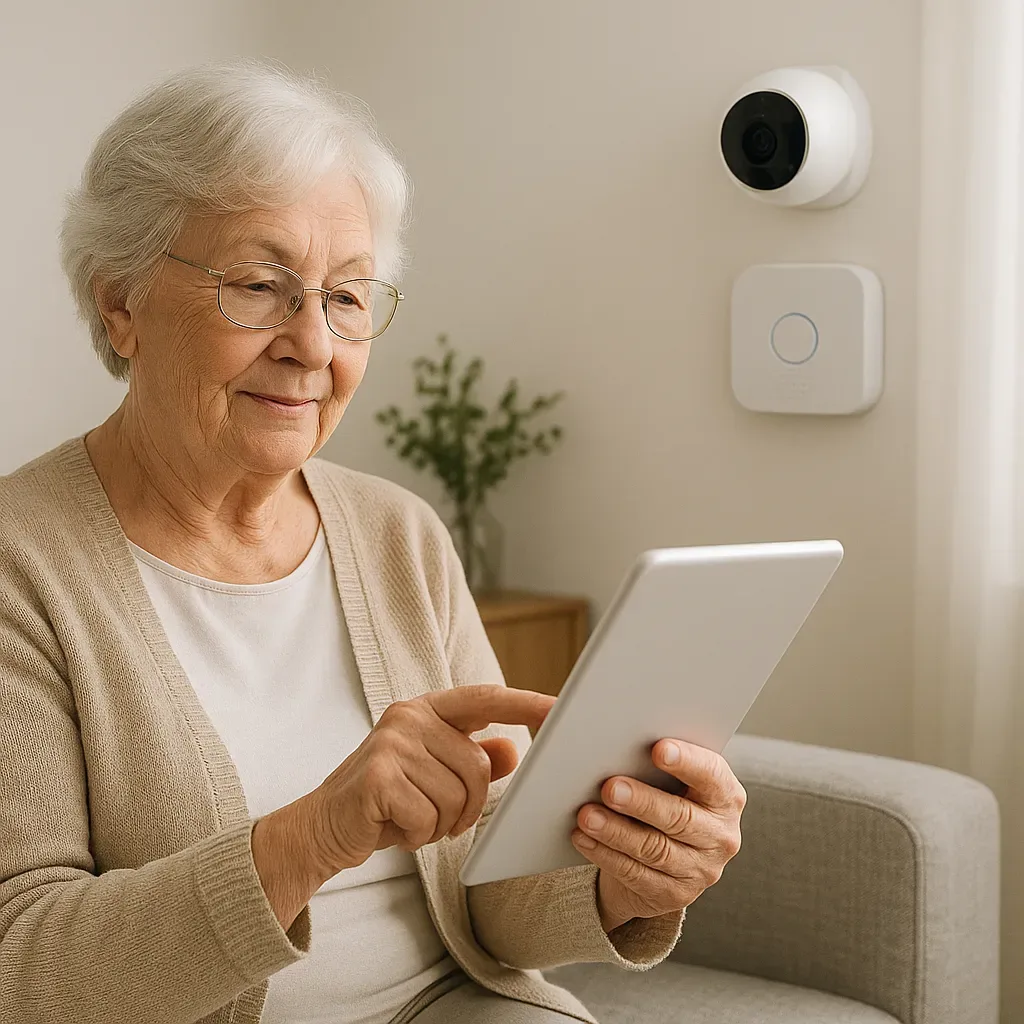
Why Smart Home Introductions for Elderly Often Fail
The most common mistake is installing a complete system all at once, then delivering a 2-3 hour training session. Result: the elderly person cannot remember it, feels overwhelmed, and stops using it within a week.
HCI (Human-Computer Interaction) research finds that elderly users need:
- Incremental Learning: learn one feature at a time, not the whole system
- Immediate Value: see benefit right now, not someday
- Error Recovery: mistakes are easy to fix and not frightening
- Social Support: someone available to help, not navigating alone
4-Phase Smart Home Introduction for Elderly
Phase 1 (Week 1-2): Visible, Immediate Value
Start with a device that delivers instant value:
- Smart LED Bulb in Bedroom: adjust color and brightness by voice command
- Teach one sentence: "Hey Google, turn on the light" / "Hey Google, turn off the light"
- Immediate result: no need to get up to turn off lights before sleep
Phase 2 (Week 3-4): Basic Safety
- Video Doorbell: see visitors on TV or phone without walking to the door
- Teach how to answer video call on TV with a single button press
- Immediate result: increased confidence, no fear of strangers
Phase 3 (Month 2): Invisible Automation
- Motion Night Light in Corridor: activates automatically during nighttime movement — the elderly person does not need to operate anything
- Temperature Alert: family notification if temperature is abnormally high (Heat Stroke prevention)
- Result: improved safety without adding any new burden to the user
Phase 4 (Month 3+): Expand by Readiness
- Medication Reminders
- Panic Button
- Family Check-in Automation
- Wearable Integration
Only add features the elderly person requests or expresses readiness for — never push.
UI Design for Elderly Users
GERIATRIC UI Design Principles:
- Large text: minimum 18pt on tablets
- High contrast: black on white or white on black — no pastels
- Large buttons: touch target ≥ 48x48 px
- Few features: show only frequent-use functions, hide the rest
- No swipe: single tap only, avoid complex gestures
Dedicated Tablet for Elderly: Recommend a dedicated tablet (iPad mini or Samsung Galaxy Tab A 8-inch). Use Kiosk Mode to display only the HA dashboard — no social media or other apps to cause confusion.
Training Method That Works for Elderly
Training principles:
- Teach one, do one, watch one: demonstrate → let them try → watch them do it independently
- Short sessions: maximum 20 minutes per session
- High repetition: repeat the same task 5-10 times until memorized
- Laminated Quick Guide: A5 card taped next to the TV listing 3-5 most-used commands
Emergency Card: Create a physical card with:
- "If the system freezes, call [child’s name] at [number]"
- "If internet is down, turn Router off and on at [location]"
Metrics for Measuring Adoption Success
- Daily Active Use: uses at least one device daily by Week 2
- Self-initiated Use: uses without prompting by Week 4
- Error Recovery: handles simple issues without calling for help by Month 2
- Feature Request: asks for additional features in Month 3 — the strongest signal of successful adoption
Summary: The Elderly Are Not the Problem — the Introduction Process Is
When smart home is introduced correctly — incrementally, with immediate value, and with ongoing support — most elderly users not only accept the technology but become enthusiastic advocates for it.