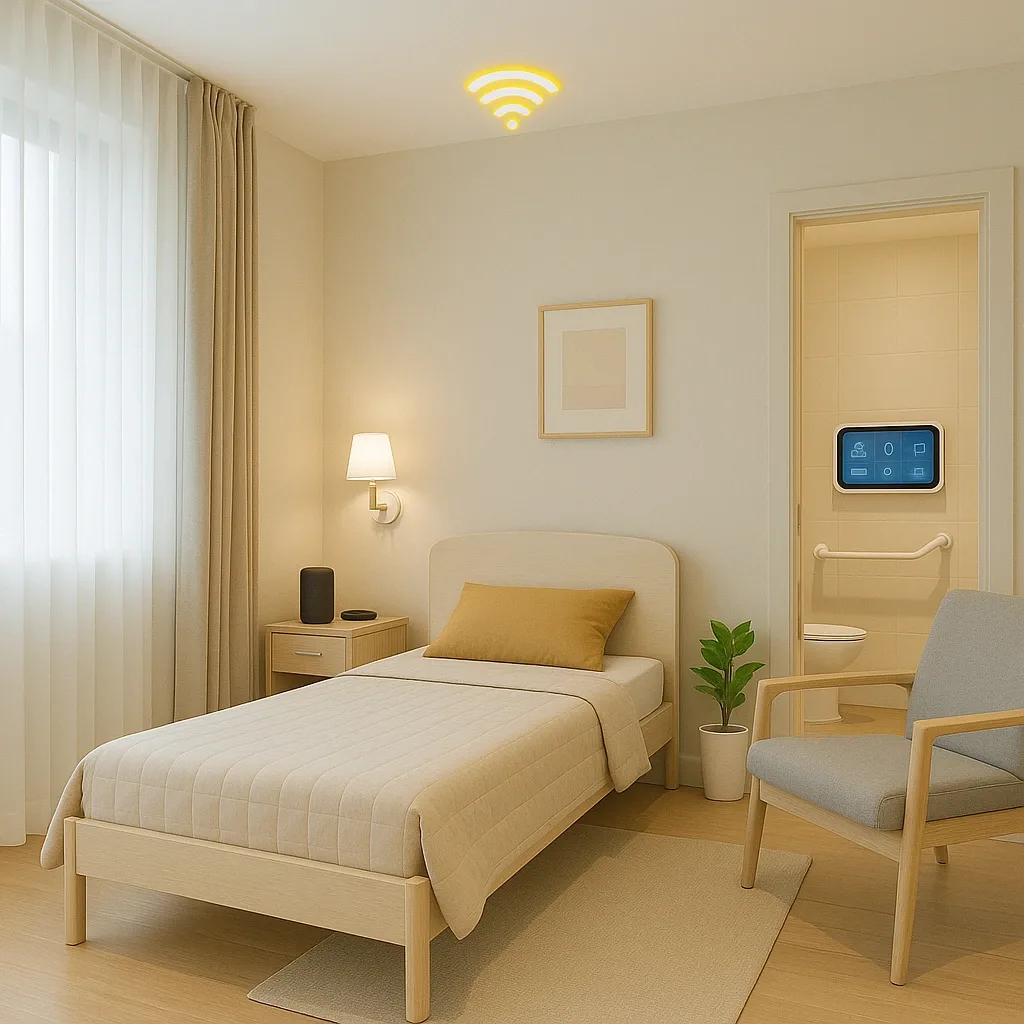
24-Hour Monitoring Schedule for Elderly Smart Home Rooms
One of the most common questions from adult children caring for elderly parents is: “How does the Smart Home system watch over them throughout the day?” The best answer is a clear time-based schedule that reveals both the system's strengths and the coverage gaps that emerge without complete devices.
Block 1: 22:00–06:00 — Night Surveillance Mode
During these 8 hours, the elderly person is asleep and faces the highest risk from unresponsive emergencies. mmWave above the bed performs three simultaneous functions: analysing respiration rate every 30 seconds (normal 12–20 breaths per minute; below 8 triggers an immediate alert); detecting abnormal rising (too fast indicates Orthostatic Hypotension); and detecting falls before or after getting out of bed. Under-bed LED lights activate automatically when mmWave detects movement and switch off automatically when the person returns to bed. The bathroom Panic Button runs in High-Sensitivity Mode all night.
Coverage gap without the system: cardiac arrhythmia or sleep apnoea may go undetected for hours. Night-time bathroom falls may not be discovered until morning. Touchpoints in this block: 6 (every 80 minutes).
Block 2: 06:00–09:00 — Early Morning: Highest Risk Period
The elderly person gets out of bed, uses the bathroom, bathes, and eats breakfast — three of the highest-risk activities. System actions: Smart Bed sends an “normal wake-up” signal to family when the Pressure Sensor detects the person has risen before 09:00 (if no signal by 09:30, the system alerts family). mmWave in the bathroom monitors throughout bathing. Smart Speaker delivers the morning medication reminder at 08:00 and records the response.
Touchpoints in this block:
Block 3: 09:00–12:00 — Mid-Morning Activity
The elderly person does household activities, light exercise, or phone calls. PIR Motion Sensor verifies activity in the home within the first 90 minutes after waking. If no movement is detected for 90 minutes during daytime hours, the system sends a “check-in” alert to family. Smart Speaker greets the person at 09:30 and reports Bangkok's current temperature and AQI (important because PM2.5 directly affects elderly health). The air purifier activates automatically if AQI exceeds 100.
Touchpoints in this block:
Block 4: 12:00–15:00 — Post-Lunch and Afternoon Rest
Midday medication reminder at 12:00 via Smart Speaker. mmWave monitors the afternoon nap: if sleep exceeds 2 hours, the system plays gentle audio to encourage waking (afternoon naps exceeding 2 hours are associated with increased dementia risk in the elderly). Smart Bed records Resting Heart Rate during the nap for Baseline comparison.
Touchpoints in this block:
Block 5: 15:00–18:00 — Late Afternoon: Activity and Health Check
Smart Mirror displays the daily health summary (pulse, blood pressure, SpO2) compared against the 7-day average. Smart Speaker reminds the person to drink water, particularly on days when Bangkok temperature exceeds 34°C (common from March to May). Panic Button battery level is checked daily through the app; if below 20%, the system alerts the user to charge.
Touchpoints in this block:
24-Hour Summary
22:00–06:00: 6 touchpoints (mmWave respiration, night lights, Panic Button). 06:00–09:00: 4 touchpoints (Smart Bed wake signal, bathroom mmWave, morning medication, breakfast). 09:00–12:00: 3 touchpoints (90-minute activity check, Smart Speaker greeting, AQI air purifier). 12:00–15:00: 3 touchpoints (midday medication, nap mmWave, Smart Bed baseline). 15:00–18:00: 2 touchpoints (Smart Mirror health summary, hydration reminder). Total: 18 touchpoints per day.
Without a Smart Home system, family members must make at least 3–5 phone check-ins per day — stressful for both parties — and still have no coverage for the 8 hours the elderly person is asleep. The Smart Home delivers 18 automated touchpoints without disrupting the daily life of either the elderly person or their family.