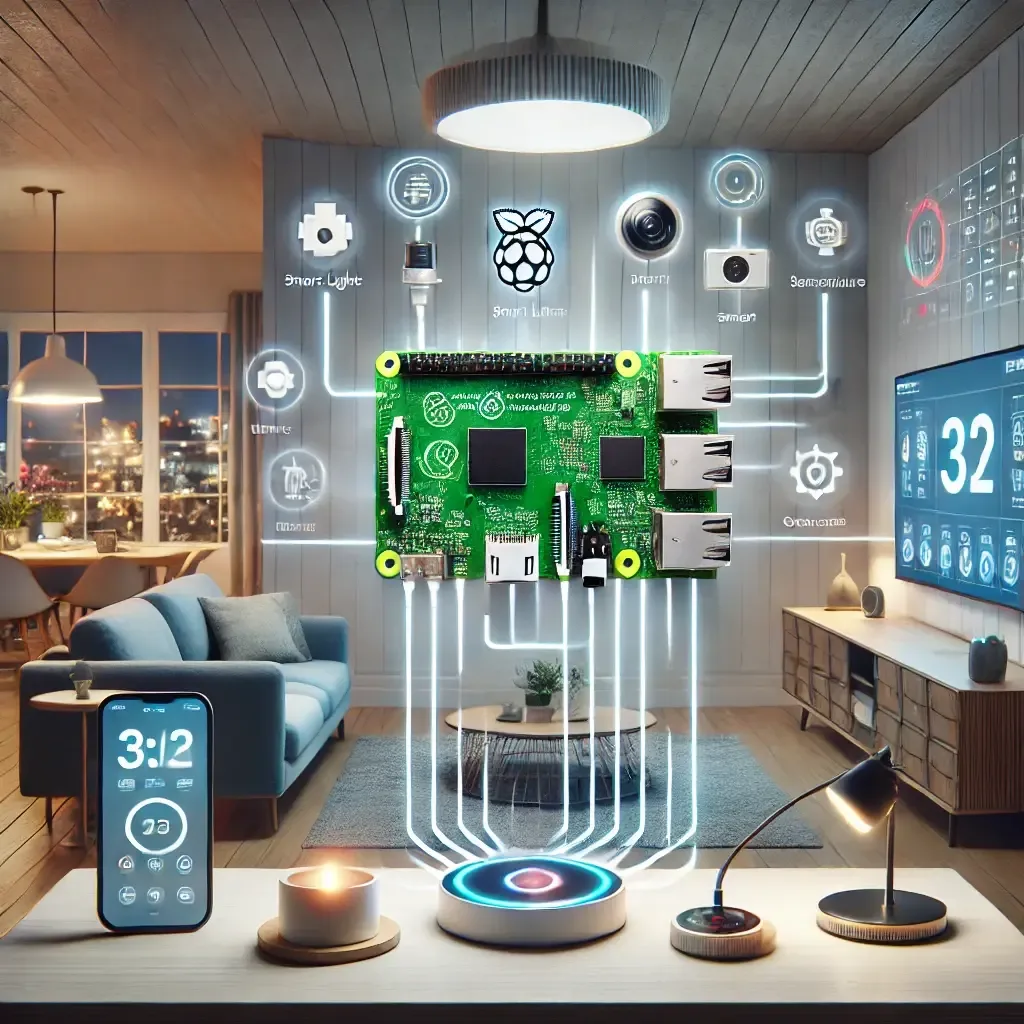
Why Raspberry Pi 5 Is the Right Smart Home Core in 2026
Raspberry Pi 5 has become the primary choice for homeowners who want a smart home system that operates independently of manufacturer clouds. The BCM2712 quad-core processor at 2.4 GHz, up to 8 GB of RAM, and PCIe 2.0 for NVMe storage deliver nearly three times the I/O performance of Raspberry Pi 4 for Home Assistant's time-series database workload.
Security comes from keeping data in the home. Nothing leaves the local network automatically, and a well-configured system can receive Home Assistant software updates without internet access if needed.
Practical Device Applications in the Home
For lighting, Home Assistant supports Xiaomi Mi Home, TP-Link Tapo, and Philips Hue through built-in integrations. Lighting automations that respond to time of day, household member location, and ambient light sensor readings are built entirely in the Home Assistant UI — no code required.
For HVAC, control is achievable either through an IR blaster like the Xiaomi Mi IR Remote or via direct integrations for Daikin, Mitsubishi, and Fujitsu air conditioners available in Home Assistant. Linking air conditioning to CO2 sensors creates automations that reduce energy consumption by running fresh air intake only when needed, rather than on a fixed schedule.
For cameras, EZVIZ H3c and TP-Link Tapo C500 provide RTSP streams that connect to Frigate — a Home Assistant NVR add-on that runs AI object detection directly on the Raspberry Pi 5. No footage leaves the local network, and recording activates only when a relevant object is detected, dramatically reducing storage requirements.
System Security Design
HappySmart designs all projects with network segmentation as a baseline: IoT devices sit on a separate VLAN from the household's primary network. If any IoT device is compromised, it cannot directly access personal computers or phones on the main network.
Remote access to Home Assistant is best handled through Nabu Casa's cloud subscription or a WireGuard VPN rather than direct port forwarding. Exposed ports on residential routers are the most commonly exploited vulnerability in home automation systems.
The Long-Term Case for Local-First Systems
Systems designed to operate without internet connectivity have longer useful lives because they are not affected when manufacturers discontinue APIs or change pricing models — events that happen regularly in the IoT industry.
HappySmart provides ongoing support and maintenance for every installation in Bangkok, Hua Hin, and Khao Yai, ensuring the system performs reliably over the long term without requiring homeowners to manage technical details themselves.