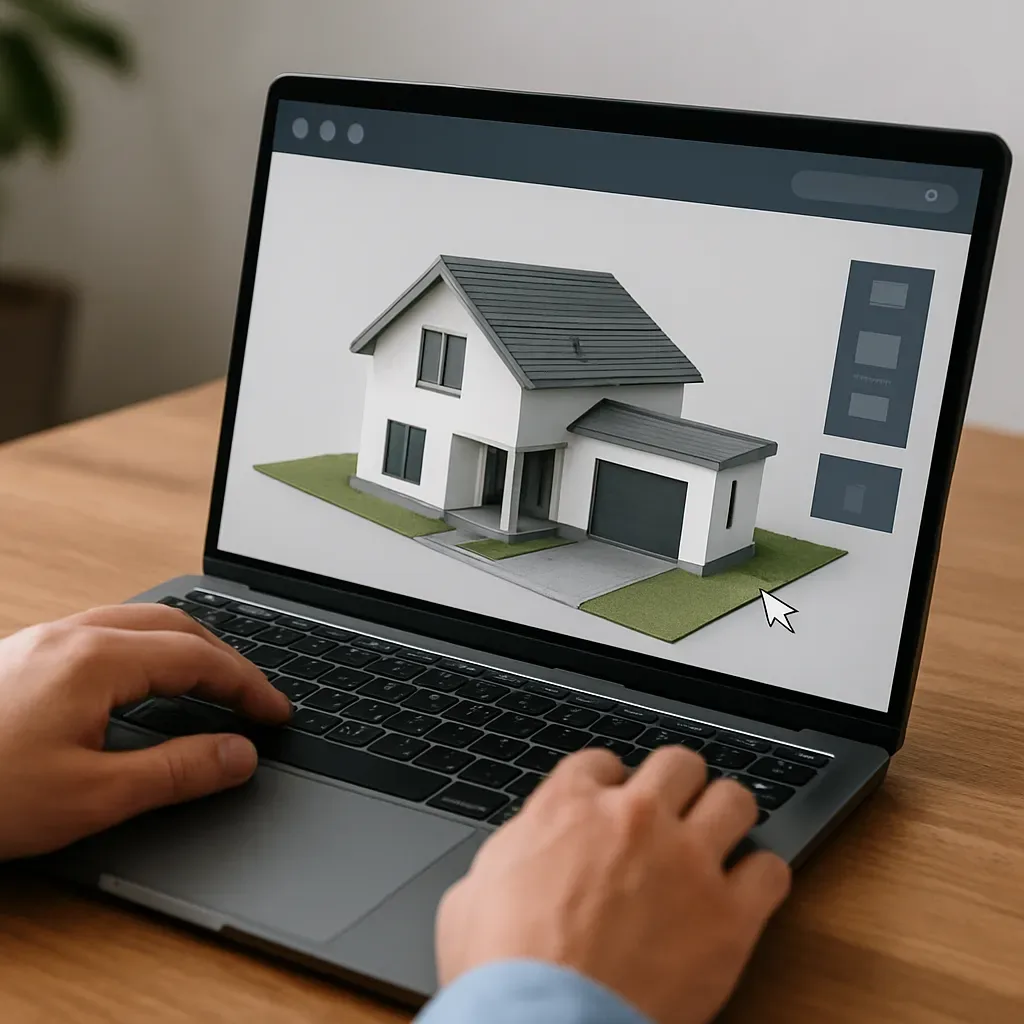
Why 3D Models on a Website Change Conversion Rates
Most smart home clients cannot visualize a system from a spec sheet alone. Letting clients walk through a digital home before deciding:
- Reduces revision requests after approval by 50-60%
- Increases average order value because clients understand and willingly pay for features they can see
- Builds trust in the integrator’s professionalism
- Differentiates from competitors who only provide PDF quotations
3D Visualization Tools for Smart Home Websites
Option 1: Matterport (Premium, ~$65-100/month)
- Highly realistic 360° virtual tour
- Capture with Matterport camera or iPhone 12 Pro+
- Embeds directly into any website
- Supports annotation: label each smart device location
- Ideal for showcasing completed projects for prospective clients to explore
Option 2: SketchUp Viewer + model-viewer Embed (Free)
- Export model as .glb and embed in website via model-viewer JavaScript library
- Clients rotate and zoom in browser without installing any software
- Add smart home device labels at each point
- Ideal for concept models before actual construction
Option 3: AR on iPhone (iOS 12+)
- Export model as USDZ format
- Client opens USDZ on iPhone and projects it as AR onto their actual floor
- Visualizes exactly how large the smart panel will be or what a camera will see
- Free if a model already exists — just a different export format
Option 4: Cupix or Immoviewer (Web-based)
- Virtual tour from 360° photos captured with Insta360 or Ricoh Theta
- Less expensive than Matterport: ~$30-50/month
- Supports hotspot tagging for smart device labels
Building an Interactive Smart Home Demo on Your Website
Step-by-step:
- Choose your best completed project, obtain client permission
- Shoot 360° with Ricoh Theta SC2 (~6,000 THB) or iPhone Panorama
- Upload to Matterport/Cupix to build the virtual tour
- Add annotations at every smart switch, camera, and smart lock
- Test on mobile to confirm iPhone/Android compatibility
- Embed in the website portfolio page
Effective CTA Design for 3D Virtual Tours
Add effective CTAs within the virtual tour:
- "Walk through this sample smart home — then tell us which room you want to start with"
- "Request a Quote for Your Home" button appearing while the client is actively exploring
- Simple form: house size, room count, budget → submit via LINE OA
ROI of 3D Web Service Investment
Investment:
- 360° camera: 6,000-15,000 THB
- Matterport subscription: 2,000-3,000 THB/month
- Setup time per virtual tour: 4-8 hours per project
Results:
- Conversion rate for leads who viewed virtual tour vs those who did not: +40-60%
- Average project value increase: +15-25% because clients better understand the value
- Fewer unnecessary sales meetings: clients pre-qualify themselves before calling
Summary: 3D Virtual Tour Is the Most Powerful Sales Tool for Smart Home
In a market where clients decide on mobile, allowing them to walk through their own smart home digitally before paying is a competitive advantage most rivals do not yet offer.