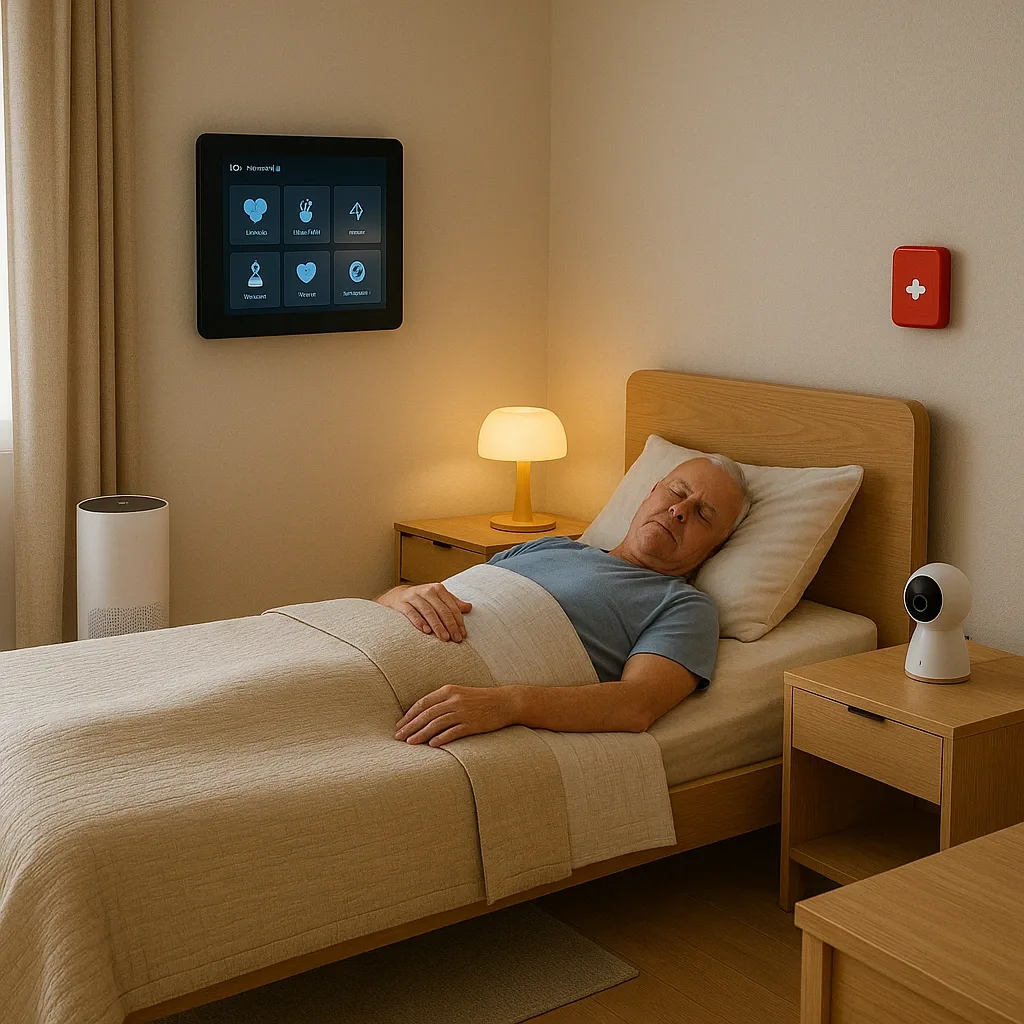
Elderly Smart Home Maintenance: The Schedules That Actually Matter
Many families invest in Smart Home only to discover: sensor batteries died unnoticed, or automations stopped working because Wi-Fi password changed. These events turn a safety system into a hidden risk.
Monthly Checklist (15–20 minutes)
1. Check Battery Level of All Sensors Open app and check battery level of every battery-powered device:
- PIR Motion Sensor: typical 6–12 months; replace when below 20%
- Door/Window Sensor: typical 12–18 months
- Panic Button: recharge or replace CR2032 battery
- Water Leak Sensor: typical 12–24 months
2. Test Panic Button for Real Press Panic Button and confirm LINE Alert reaches every family group member. If no alert received → check Wi-Fi connection, App permissions, LINE Bot status.
3. Verify Automation Rules Test 1–2 key rules — walk past PIR and confirm light activates. Verify time-based rules are still correct (Bangkok seasons mean earlier wake times in hot months).
4. Verify mmWave Sensitivity Lie on bed for 5 minutes and confirm app shows Occupied + Respiration Detected status. If not showing → check sensor angle and run firmware update.
Quarterly Checklist (30–45 minutes)
5. Update Firmware on All Devices Open app → update firmware one device at a time, never simultaneously (risk of system disconnection). Always do this when another adult is present.
6. Review Alert Contact List Verify every LINE contact in the emergency group is still active. Update if phone numbers changed, contacts relocated, or anyone moved.
7. Test Smoke + CO Sensor Press device Test button — alarm must sound within 5 seconds. If no sound → replace battery first; if still not working, replace unit.
8. Inspect Physical Hardware
- Grab rails: test for wobble — any movement means re-anchor immediately
- Night lights: function test
- Smart Plugs: unplug and replug every 3 months (reduces contact resistance)
Annual Checklist (Half Day)
9. Reassess Elderly Risk Level Each year evaluate whether risk profile has changed:
- New chronic conditions or medications added?
- Mobility reduced?
- Any events in the past year that the system missed?
10. Upgrade Plan Review
- Are there better devices at the same price point?
- Should mmWave be added (if not yet installed) or coverage extended to other rooms?
- Has Smart Lock been reliable or showing recurring issues?
11. Review Emergency Response Plan with All Family Who acknowledges the alert first? Who calls 1669? Who drives to the home? One annual drill ensures everyone can respond effectively when an event occurs.
Maintenance Log
Create a LINE Note or Google Sheet recording:
- Date of battery replacement for each device
- Date of most recent firmware update
- Alert events and outcomes
- Annual maintenance cost (average 500–2,000 THB/year for batteries and parts)
A consistently maintained system is 3–4× more reliable than an unmaintained one, according to IoT Device Reliability Study data.