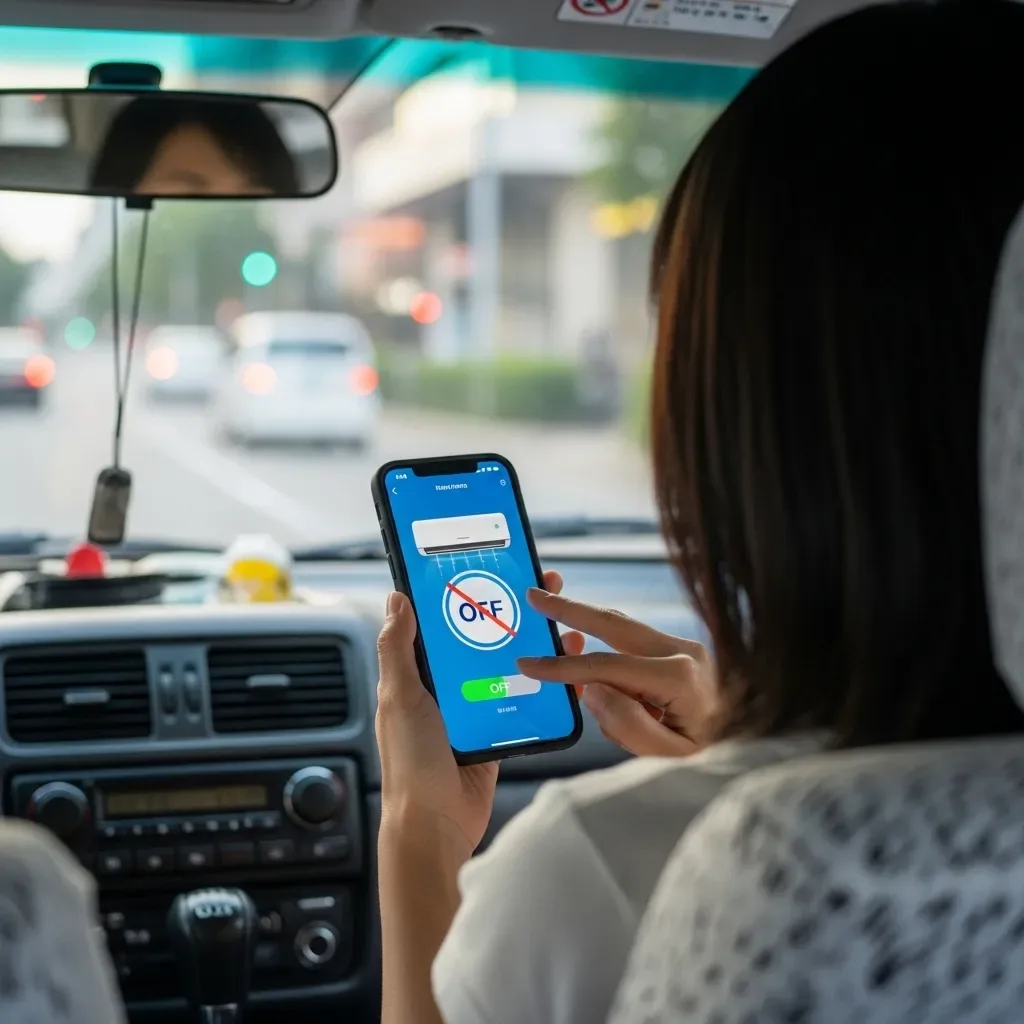
What Is Scene Automation?
A Scene (or Scene Automation) combines multiple Smart Home device commands to execute simultaneously from a single action — a button tap, voice command, or scheduled time.
Example: The "Leaving Home" scene turns off all lights, switches off all AC units, locks doors, activates cameras, and sends a LINE OA confirmation notification — all from a single command.
Popular Scenes for Bangkok Homes
Wake-Up Scene (06:00) - Bedroom lights gradually brighten over 10 minutes (sunrise simulation) - Bedroom AC turns off - Electric blinds open to natural light - Water heater activates - LINE sends today’s weather summary and Bangkok AQI
Leaving Home Scene (Morning) - All room lights off (except safety hallway lights) - All AC units off - Main door locked - All cameras enter active monitoring mode - All standby power cut
Work From Home Scene - Home office AC on at 25°C - Office lighting at full brightness (5,000K for productivity) - Blinds closed to reduce screen glare - Do Not Disturb mode for doorbell
Movie Night Scene - All lights dimmed to 20%, except ambient backlight behind TV - AC set to 24°C - All blinds closed - Hallway lights reduced to avoid disturbance
Sleep Scene - All lights off - Bedroom AC set to 26°C (8–10% more efficient per degree than 25°C) - All doors locked - Full security system active - AC scheduled to rise to 27°C at 2am
Energy Results from Scene Automation
Consistently using Scene Automation eliminates the human forgetfulness that causes most energy waste in Bangkok homes. HappySmart customers who use Scenes daily report 15–22% average electricity savings — because device shutoff no longer depends on human memory.
Creating Scenes via HappySmart LINE OA
Create Scenes without any programming — just select devices, choose actions, and choose a trigger (time, GPS location, or voice command). HappySmart also provides ready-made Scene templates that can be customized as needed.