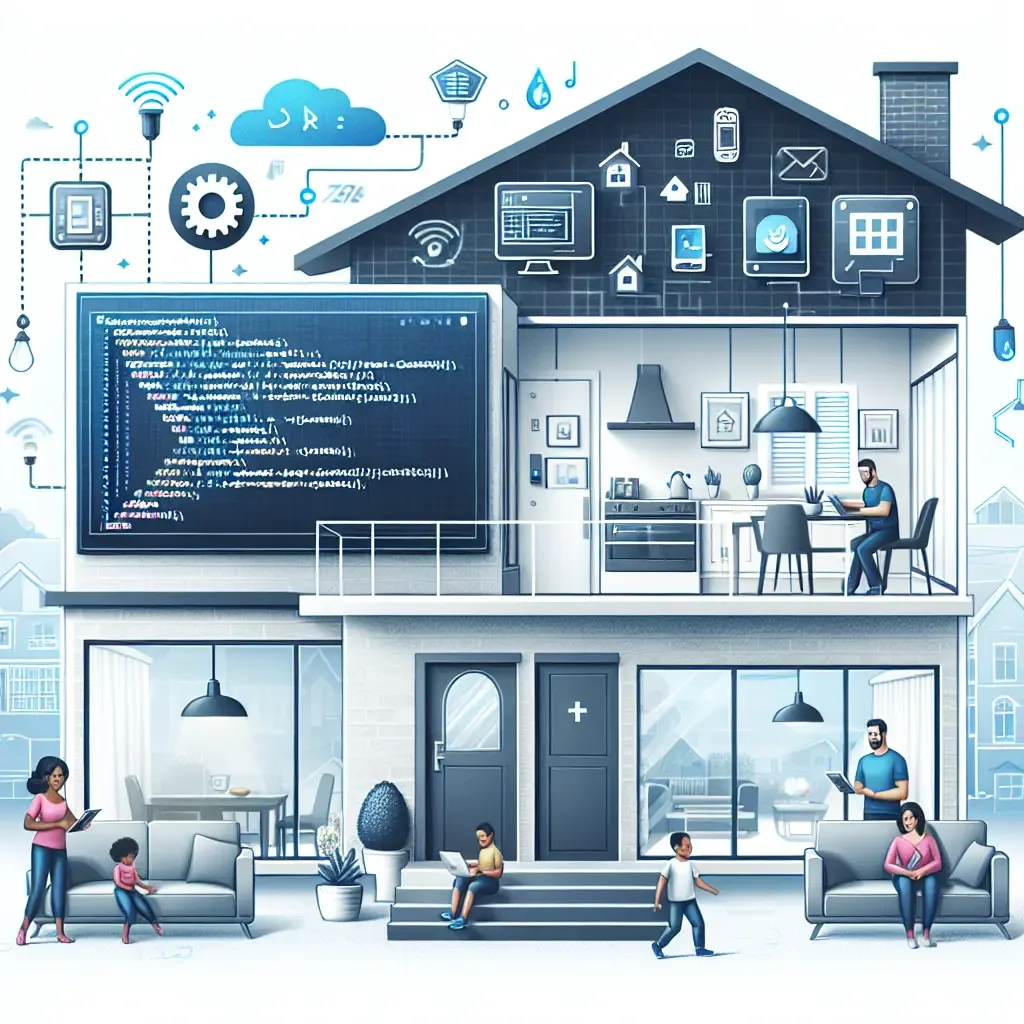
What Is a Smart Home Script?
In the context of a smart home, a script is a set of conditional instructions that makes devices respond to events or states — without waiting for a manual command each time. The simplest example: when the front door opens, the entry light switches on. When no motion is detected in a room for fifteen minutes, the air conditioning scales back.
In Home Assistant — the open-source platform HappySmart uses as its central control engine — scripts are built through a graphical interface. No coding is required. A user selects a trigger, defines an action, and saves. The automation runs immediately.
Common Script Types in Thai Smart Homes
Time-based scripts execute on a schedule: open blinds at 06:30 on weekdays, dim bedroom lights by 30% at 21:00, cut power to the home office at the end of the working day. These handle predictable routines without any daily interaction.
Condition-based scripts respond to real-world states. When mmWave presence sensors confirm a room is empty, air conditioning and lights turn off. When outdoor temperature measured by a weather station exceeds 35 degrees Celsius, the indoor AC automatically drops its target by two degrees.
Trigger chains coordinate multiple devices in sequence. A single tap of a "Good Night" button on a Tuya smart switch can dim all lights, verify the door lock is engaged, switch cameras to night detection mode, and cut power to non-essential smart plugs — in a few seconds and from any room.
Scripts and Energy Reduction
One of the most concrete benefits of scripting is eliminating standby power draw, which in an average Bangkok home accounts for 10 to 15 percent of the total electricity bill. Tuya-compatible smart plugs that HappySmart installs include per-socket energy monitoring and respond to script conditions.
A script that cuts power to a television and set-top box after 30 minutes of inactivity delivers measurable standby savings with no impact on everyday convenience. The device simply powers back on when needed.
Scripts With HomeBridge and Home Assistant
Homes with older devices that predate Matter 1.4 can still participate in scripted automations through HomeBridge, which acts as a protocol bridge and makes legacy hardware visible inside HomeKit and Home Assistant.
HappySmart deploys Home Assistant as the primary automation engine across all installations. It supports arbitrarily complex scripts, runs entirely on local hardware inside the client's home, and carries no monthly subscription cost — a practical advantage for long-term ownership.